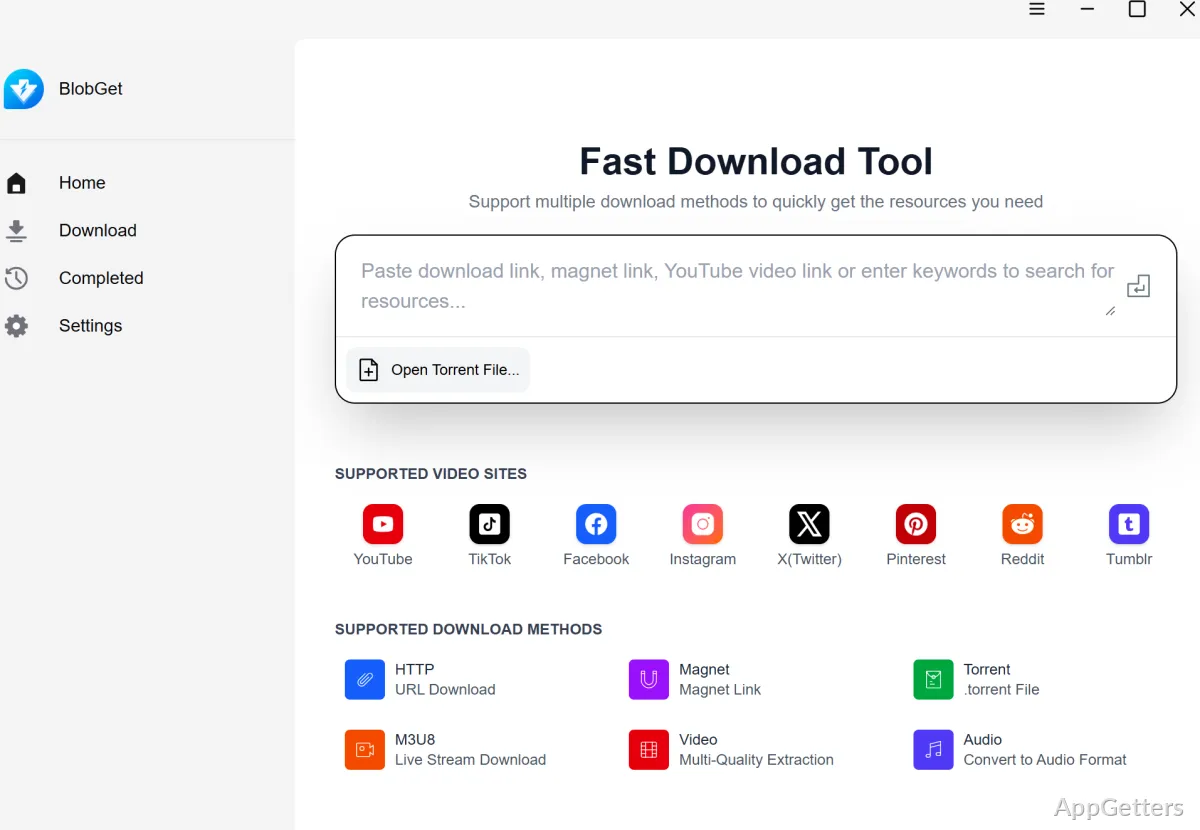
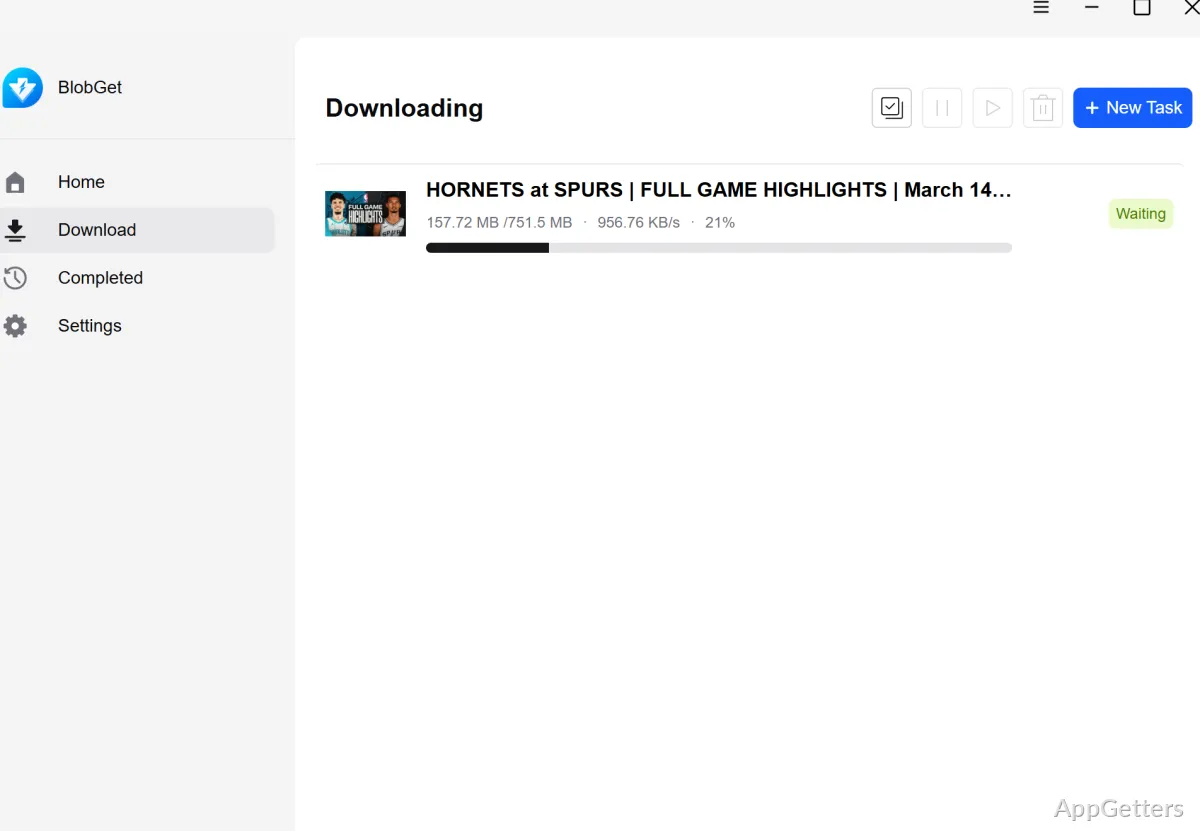
Need to keep file links, torrents, and media downloads together? BlobGet combines HTTP/HTTPS transfers, magnet links, BT torrent tasks, and detected web media in one Windows download queue.
One queue for different download types
BlobGet supports HTTP and HTTPS links as well as magnet links and .torrent files. Its unified task queue keeps these transfers together, with speed controls and notifications for monitoring activity.
For magnet tasks, BlobGet fetches metadata and selects peers. Torrent tasks can contain multiple files, and file-level priorities let you choose which items in a task should take precedence.
How does BlobGet handle interrupted transfers?
HTTP and HTTPS downloads can resume after a dropped connection, and failed tasks are retried automatically. Resume behavior depends on the server supporting it; an interrupted transfer may not continue if the server does not allow resuming.
Browser media and link dispatch
BlobGet can detect common video and audio resources on a web page. Its Chrome and Edge extensions can send detected media or file links to the desktop client from the toolbar or a right-click menu, where the task joins the queue.
Batch tasks and media downloads
Batch tasks let you manage multiple download jobs together. Online video and audio found on a page can be saved too, but only download media you have the right to keep.
Pros
- Resumes HTTP/HTTPS downloads and retries failed tasks automatically
- Handles magnet links and .torrent tasks in the same client
- Sets priorities for individual files in a torrent
- Sends detected browser-page media and file links to the desktop queue
Cons
- Browser extensions only for Chrome and Edge
- Downloading copyrighted media may be illegal
System requirements: Windows 10, Windows 11
Can BlobGet resume an interrupted HTTP or HTTPS download?
Yes. HTTP/HTTPS tasks support resuming, provided the server supports it. Automatic retries are also available.
Can I choose which files download first in a torrent task?
Yes. BlobGet supports file-level priorities for multi-file torrent tasks.
How do browser downloads reach BlobGet?
The Chrome or Edge extension can detect page resources and send them to the desktop queue from the toolbar or right-click menu.