When a long document is easier to follow by listening, Balabolka Portable can read its text aloud or turn it into an audio file. It runs without installation and uses speech voices available on the Windows computer.
Choose a voice and tune the reading
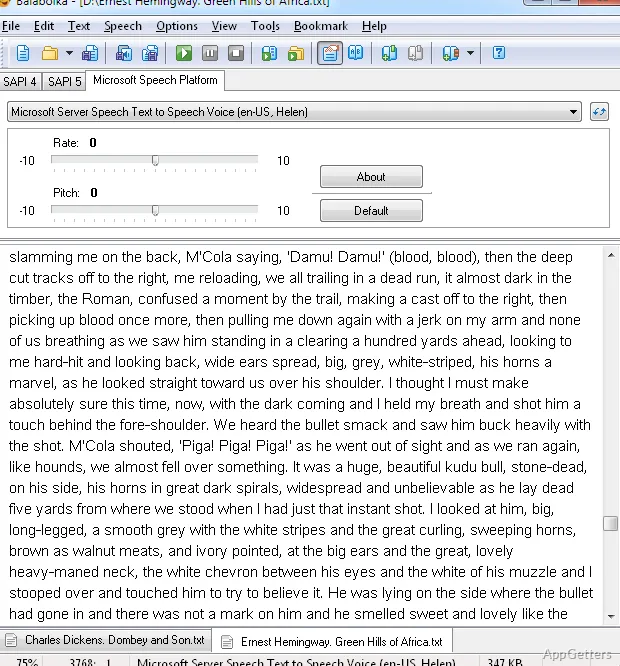
Open text from a document or paste it into Balabolka’s text area, then start speech playback. The program uses compatible speech voices installed on the computer; select a voice from those available. Adjust its reading speed and pitch to suit the material or listening preference.
Save spoken text as an audio file
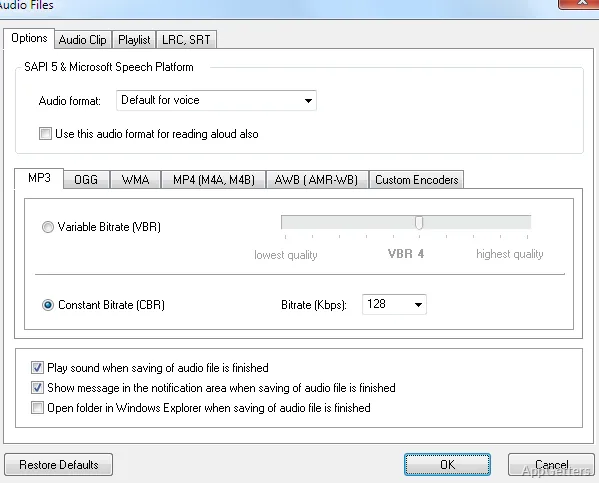
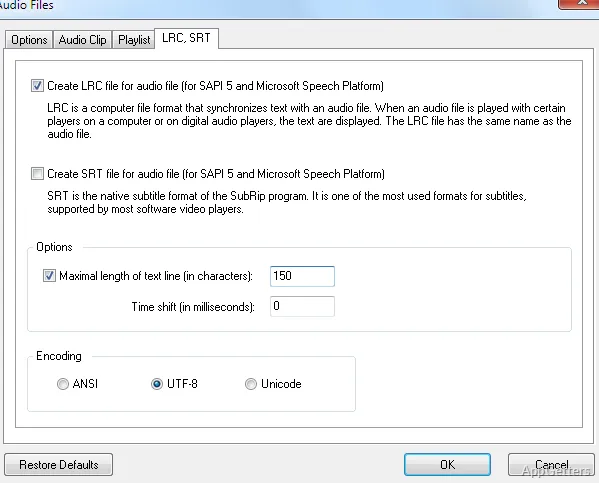
Balabolka can convert text to speech and save the result for listening later. Choose an audio format such as WAV, MP3, OGG, or WMA when creating the file.
- Use playback to listen while following the text on screen.
- Export speech when you want an audio copy.
Run the portable copy where you need it
The portable edition does not require installation, so it can be kept with other working files or on removable storage. Its speech output still relies on voices available in the Windows environment where it runs.
Pros
- Reads document text aloud and accepts pasted text
- Adjustable voice speed and pitch
- Saves speech as WAV, MP3, OGG, or WMA
- Portable version runs without installation
Cons
- Voice choices depend on speech engines installed on the computer
System requirements: Windows 7, Windows 8, Windows 10, Windows 11
Can Balabolka Portable read text aloud?
Yes. Open document text or paste text into the program, choose an available voice, and start playback.
Can it save speech for offline listening?
Yes. Balabolka can save converted speech as an audio file, including WAV, MP3, OGG, and WMA.
Can voice speed and pitch be changed?
Yes. The reading speed and pitch can be adjusted for the selected voice.