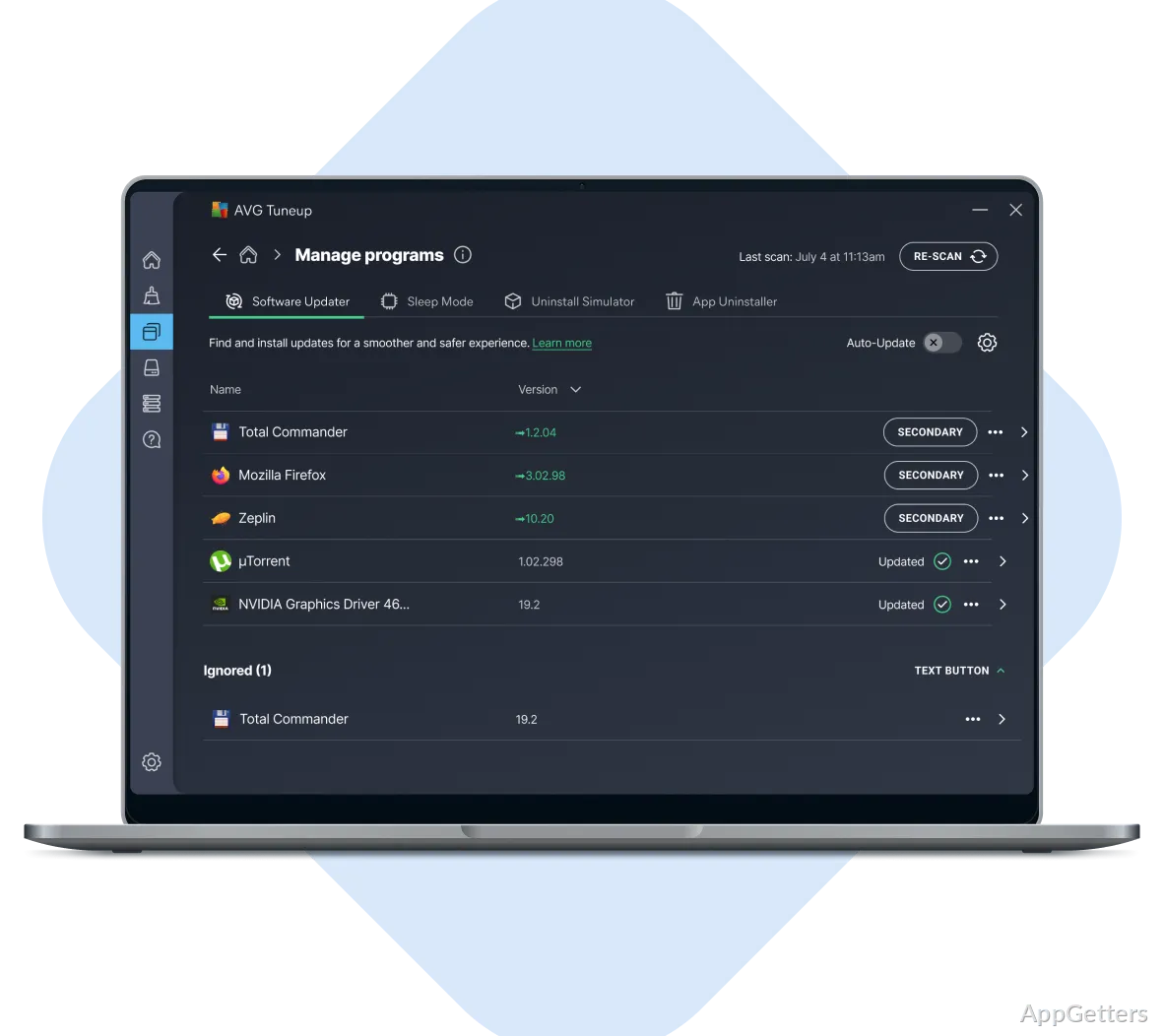
PC slowed down by apps running in the background and junk piling up? AVG PC TuneUp combines a Sleep Mode that pauses idle apps with maintenance, junk-file cleanup, and tools for removing unwanted software.
Run automatic maintenance
AVG PC TuneUp’s Automatic Maintenance can optimize the PC on a weekly schedule. The maintenance tools include junk-file cleanup and registry cleaning; the latter targets entries in the Windows registry.
For hands-on cleanup, use the storage tools to remove unnecessary files and reclaim disk space. Browser-cleaning tools are also included, alongside the storage cleanup options.
Pause applications with Sleep Mode
Sleep Mode temporarily stops applications to free system resources.
Remove unwanted software and update programs
Software Uninstaller helps find programs that are no longer wanted, including preinstalled applications and other software that takes up storage. Select unwanted items for removal to clear space.
TuneUp also includes automatic program updates. That feature keeps installed programs current without requiring users to look for updates one by one.
Pros
- Sleep Mode temporarily stops applications
- Automatic maintenance can run weekly
- Software Uninstaller identifies unwanted preinstalled programs
- Includes tools for junk-file and registry cleanup
System requirements: Windows 7, Windows 8, Windows 8.1, Windows 10, Windows 11 · 32-bit and 64-bit
What does Sleep Mode do in AVG PC TuneUp?
It temporarily stops applications to free system resources.
Can AVG PC TuneUp remove preinstalled software?
Yes. Software Uninstaller can identify unwanted preinstalled programs and remove them.
Does AVG PC TuneUp include automatic maintenance?
Yes. Automatic Maintenance can optimize the PC weekly.