Want to hear your PC's sound on your phone and headphones, or use the phone as a PC microphone? AudioRelay streams audio between devices over Wi-Fi and also supports a USB connection.
AudioRelay streams PC sound to phones and other devices
The Windows server sends the computer’s audio to a phone in real time. A phone can play it as a wireless speaker or headset; AudioRelay also supports listening on multiple devices, such as sending music to more than one room. Quality is adjustable, and the program is designed for low delay compared with Bluetooth.
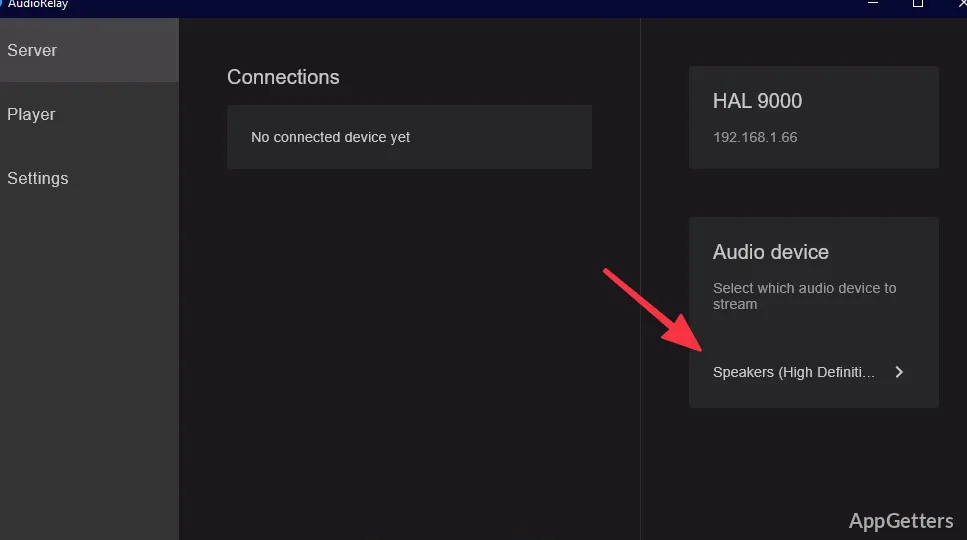
For a wireless setup, install the server on the PC and the AudioRelay app on an Android phone. Select the PC in the app, then start streaming. A USB connection is another supported way to connect devices.
A phone can send microphone audio to the PC
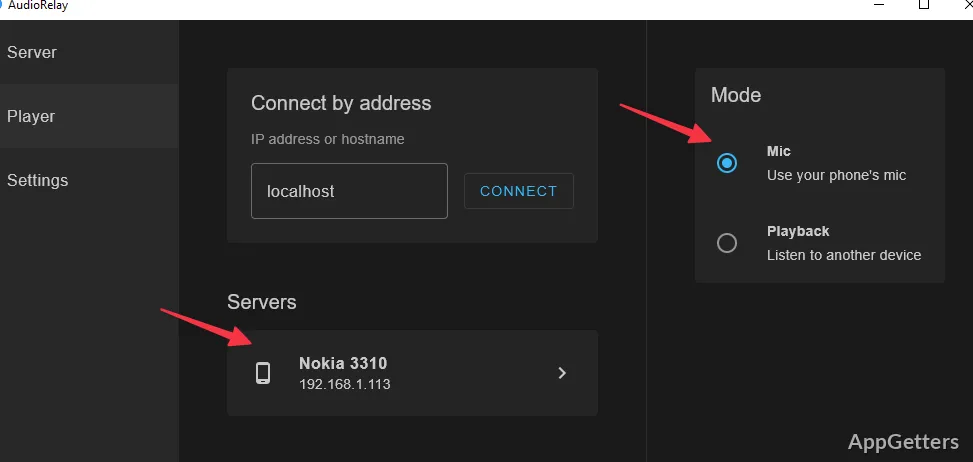
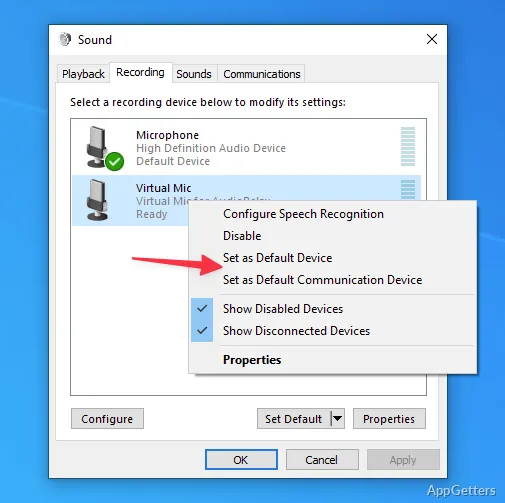
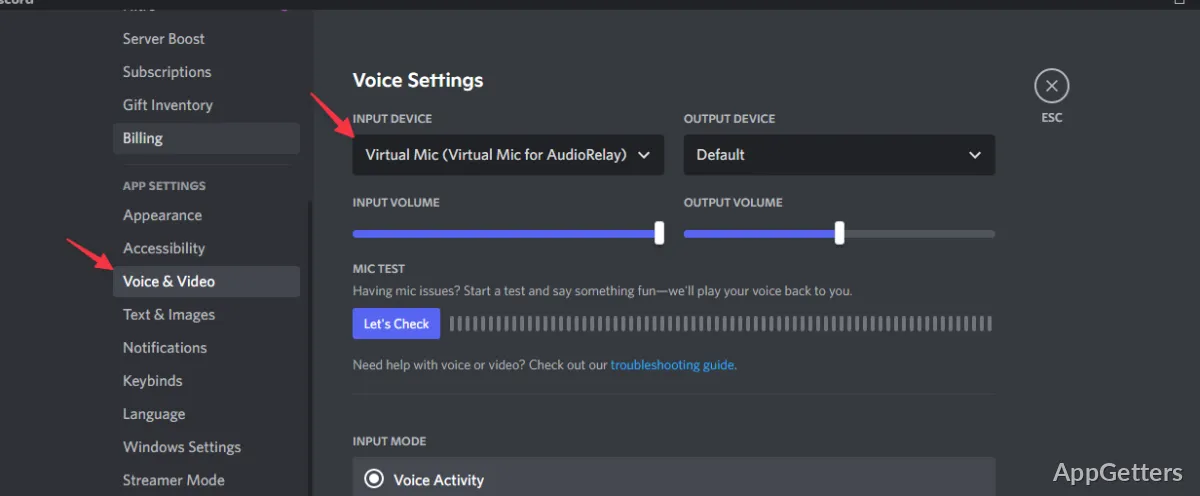
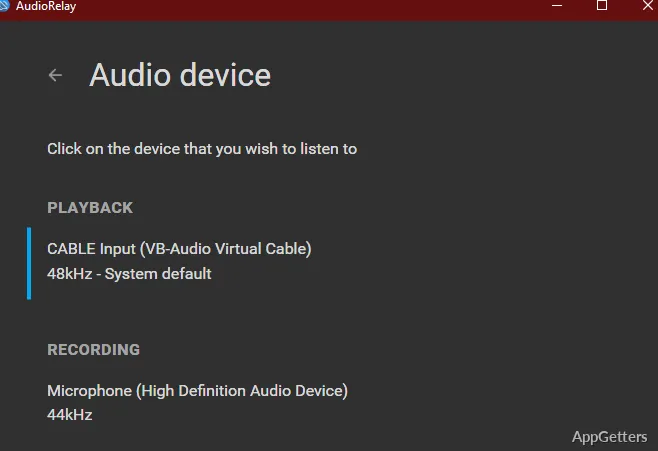
AudioRelay can stream a phone’s microphone to a PC over Wi-Fi. This provides a way to use the phone as a microphone input for computer audio workflows. The documentation also notes that a virtual audio device is needed for some routing setups.
AudioRelay supports listening across several devices
For personal listening, a phone can receive PC audio and pass it to connected headphones; for shared listening, several devices can receive the stream. USB is available as an alternative connection to wireless streaming.
Pros
- Streams PC audio to phones, tablets, and other computers
- Routes a phone’s microphone to a PC over Wi-Fi
- Can send audio to multiple devices
- Offers adjustable streaming quality
System requirements: Windows 10, Windows 11
Can AudioRelay send PC audio to a phone?
Yes. Install the server on the PC and the Android app on the phone, select the PC in the app, and start streaming.
Can a phone act as a microphone for a PC?
Yes. AudioRelay streams the phone’s microphone to the PC over Wi-Fi.
Can more than one device listen to the stream?
Yes. AudioRelay supports sending audio to multiple devices, including listeners in different rooms.