Still using iTunes on Windows just to reach Apple Music? Apple's dedicated Apple Music app, released for Windows in 2024, is faster and more modern, streams over 100 million songs including lossless audio, and syncs your library and playlists with your iPhone.
Browse music and find curated playlists
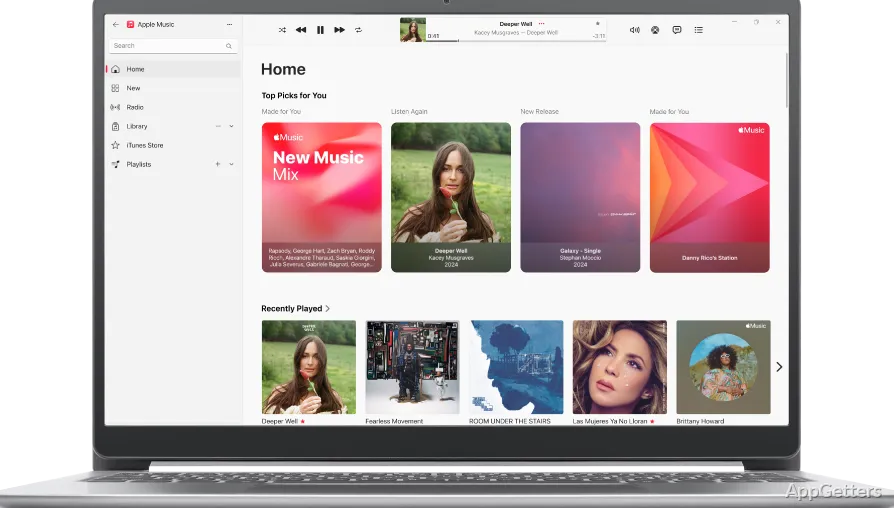
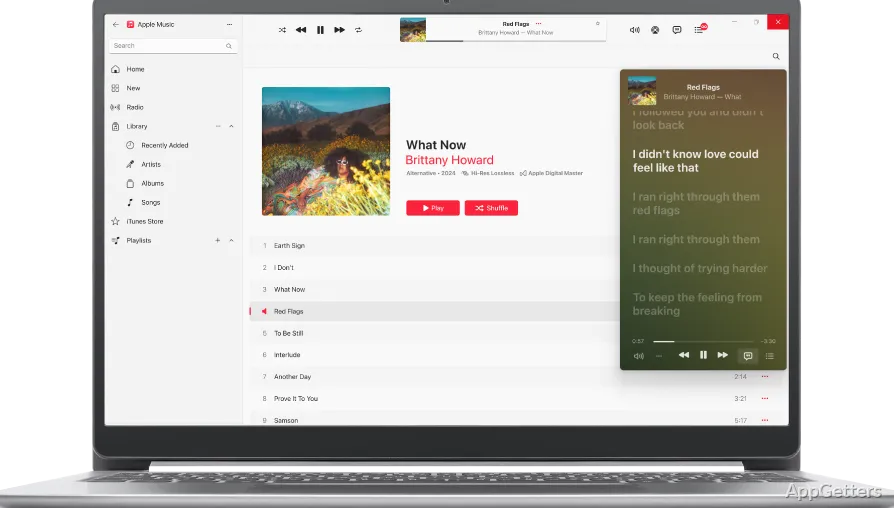
Apple Music’s Browse section surfaces music discoveries and current trends alongside songs and albums from its catalog. Search can take you directly to an artist, album, or track. Curated playlists grouped by genre or mood offer another way to find music, while personal playlists keep selected tracks together for repeat listening.
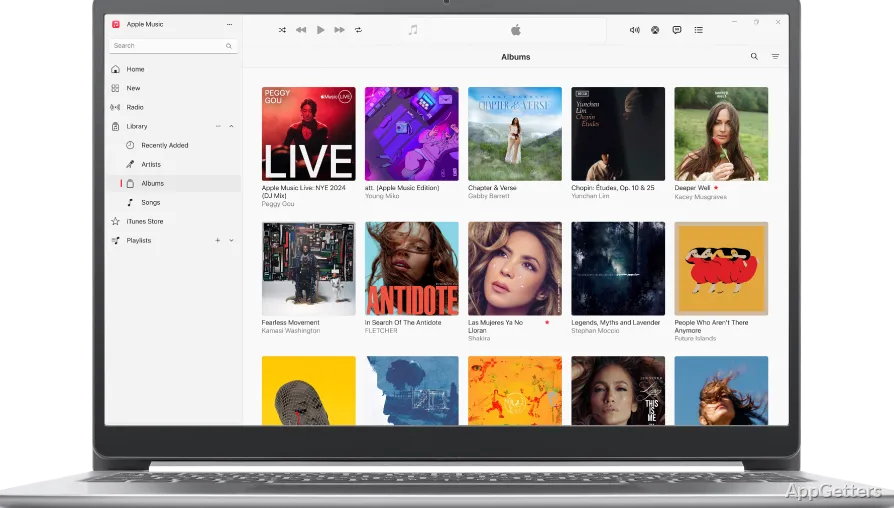
After signing in with an Apple Music account, the app can sync your personal library with Apple Music on other devices. Playlists created on a Windows PC can then remain part of that account’s library across supported devices.
Switch between the library, Browse, and Radio
The app centers music listening in sections for your Library, Browse, and Radio. Use the Library to return to saved music and playlists, Browse to explore the catalog, or Radio to tune in to available stations. Playback controls stay available while moving between these areas.
Save music for offline listening
Download music from Apple Music to listen when an internet connection is unavailable. Lossless audio can be switched on in the settings. Once Apple Music is installed, iTunes stops handling music on that PC; iTunes remains only for podcasts and audiobooks, while device backups move to the Apple Devices app.
Pros
- Streams a catalog of millions of songs and albums
- Creates playlists and syncs them across devices
- Downloads music for offline listening
- Includes Browse and Radio sections
Cons
- Installing it disables music in iTunes
- Fewer features than the Mac version
System requirements: Windows 10, Windows 11
Does Apple Music for Windows replace iTunes?
For music, yes. After installing it, iTunes no longer plays your music library; podcasts and audiobooks stay in iTunes.
Can Apple Music for Windows play lossless audio?
Yes. Turn on Lossless in the playback settings.
Can Apple Music for Windows play music offline?
Yes. Download songs, albums or playlists to listen without a connection.
Do I need a subscription?
Streaming the catalog requires an Apple Music subscription; your own imported music plays without one.