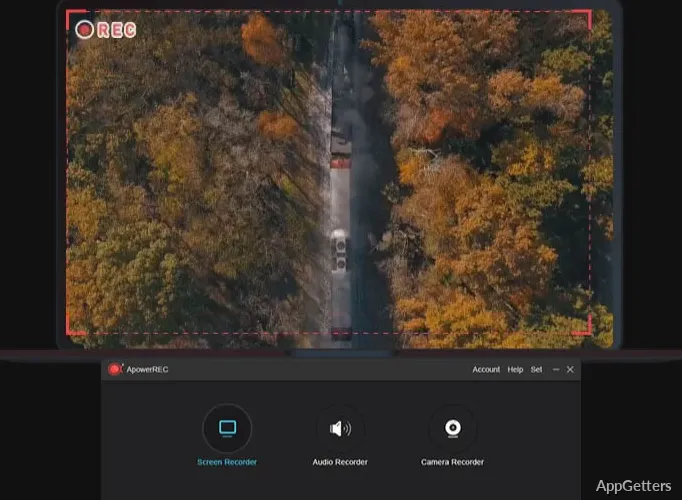
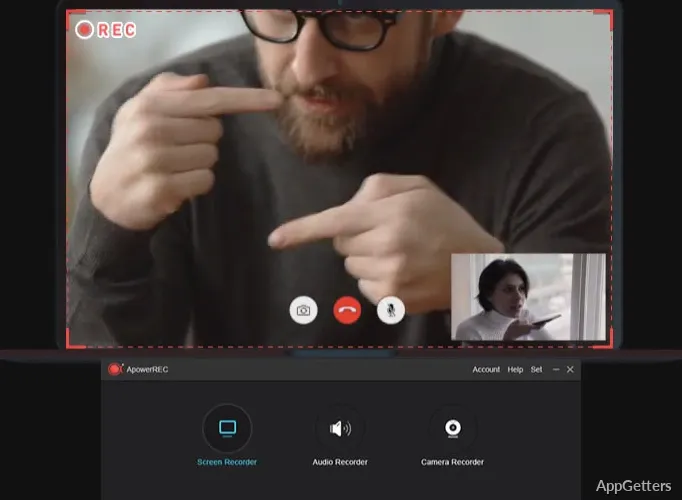
Many Windows users want to record their screen, and with ApowerREC, it is possible. Your reasons can be many, like learning online, doing remote work, software demos, or creating content. What’s usually difficult is not just finding a recorder but the one that will give you enough freedom to work flexibly without becoming too difficult to use. Most simple recorders are very limited. If you go for top-notch production tools, they can be quite complicated and overfull with features that you don’t need. ApowerREC picks up the challenge and combines a recording space friendly for beginners with a set of controllable features for the more experienced users.
Everyday Recording Made Simple
First of all, ApowerREC lets you start recording very fast and presents this feature most prominently. The layout promotes a fast understanding of the functionality. It especially gives a hand to newbies struggling with screen capture for a long time.
If used regularly, this program is a good companion when you want to record courses, webinars, presentations, tutorials, or simply a series of steps done on the computer. Furthermore, users have the freedom of going for the mode of recording that suits their needs best, be that capturing a particular part of the screen or the entire desktop. In the case of live events or meetings reminding one of earlier times, that is usually when one really appreciates it. The whole setup and recording can be done very fast without any waste of time.
This program could be mainly attractive to those people who really do not want to waste their time figuring out technical things and just want their recording to start very quickly.
Features That Help Get Things Done
ApowerREC gets closer to the kind of users for whom screen recording is far from a once-a-year thing but a regular part of the job or study. If a student records a lecture, the hook is to have the recording at hand for future viewing. If an employee works from home, recording a demonstration or a TG session for colleagues and clients who need him/her is a frequent practice. It results in a recorded video.
In addition to that, the tool provides the feature of recording voice or any other audio input via a microphone. This is a very good feature for e-learning and internal communication. Actually, the software has been very reliable with recording performance during typical desktop use. So even when users were distracted, the recordings they made would still be of quality.
What is even more remarkable is the fact that with ApowerREC, you can record without having to change the settings over and over again. This totally saves time for those folks who always want to get it right the first time. It also helps to have a trustworthy tool as a partner.
Performance, Reliability, and Weaknesses
On most Windows desktop machines, ApowerREC runs well. Only a small part of resources is used during a normal recording session. Usually, the quality of videos is such that the software can be used amongst other options for the creation of instructional materials and presentations. It can also be used for general screen records. However, the program should not be considered a substitute for professional video post-production software. If you are a user who is geared towards an advanced video editing workflow, who supports multi-source recording, or who requires broadcast-level control. You probably will feel the need to go for specialized products.
Nevertheless, for the majority of personal and professional recording needs, the combination of features and ease of use stands out. It is one of the best qualities of ApowerREC. The program simply focuses on the trustworthiness of the recording process. It does not try to cover the whole media production spectrum.
Students, Professionals, and Trainers Will Find the Product Here
ApowerREC fits well with the profile of a user who looks for a reliable recording tool. At the same time, it is representative, that is, simple to use without losing any of the main features. For example, students, educators, distant workers, trainers, and home users are the ones who will benefit the most from the program’s ease and transparency. The program will not strive to provide every single advanced feature you have heard of. On the contrary, its main function is to make recording workflows easier. It helps users get things done with as little annoyance as possible. From a practical point of view, the software strikes a nice balance between making operation very easy. At the same time, it lets users do their recordings in a flexible manner.