Remember what a document says but not what it's called or where you saved it? Agent Ransack, Mythicsoft's free search tool, finds files by the text inside them, including Word, PDF and ZIP files, and shows the matching lines right in the results.
Search names and file contents
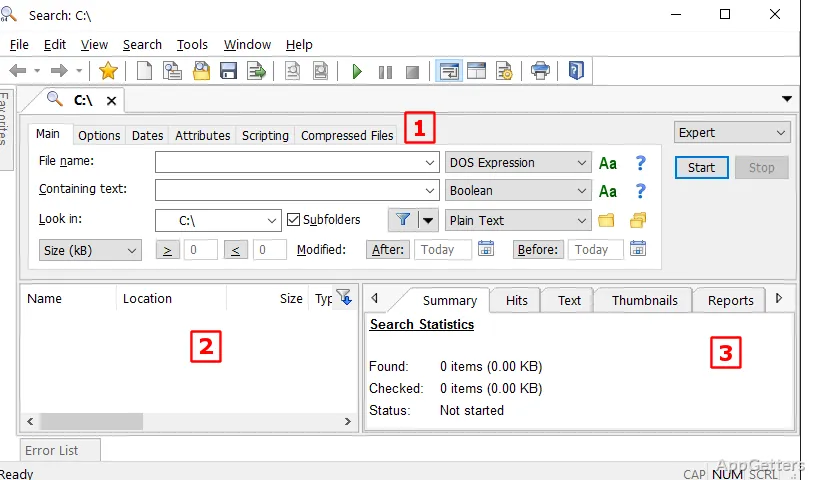
Enter a full filename, part of a name, or a word or phrase that appears in a document. Searching contents is handy when you remember what a file says but not its name or where you saved it. Regular expressions are supported for patterns such as phone numbers or error codes.
Use AND, OR, and NOT to shape a text search: require multiple terms, allow alternatives, or exclude a term. You can also specify words to leave out of the results, which helps narrow a broad search to files containing the information you need.
Choose a folder and narrow the results
Set the location to search, then apply filters to reduce the number of matches. Along with the folder path, filters can include file size, modification date, and file attributes. These criteria can be combined with a name or content search to focus on a particular set of files.
- Search a selected folder and its contents for matching files.
- Add file-detail criteria when a name or text query returns too many results.
Read matching text in the results
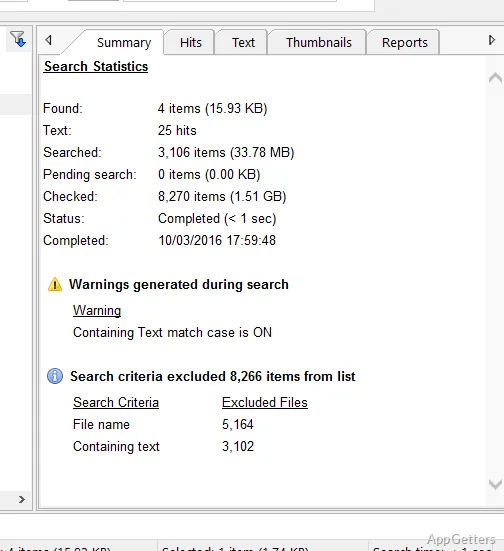
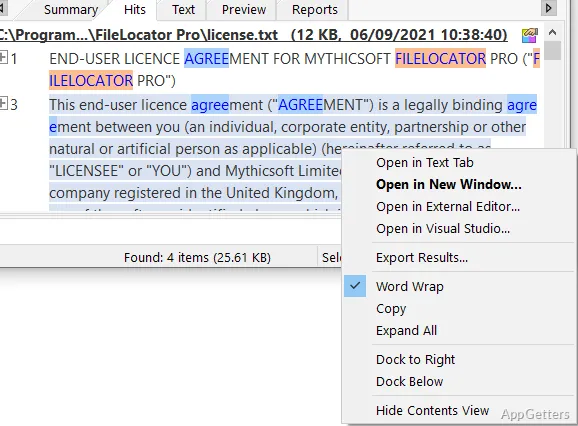
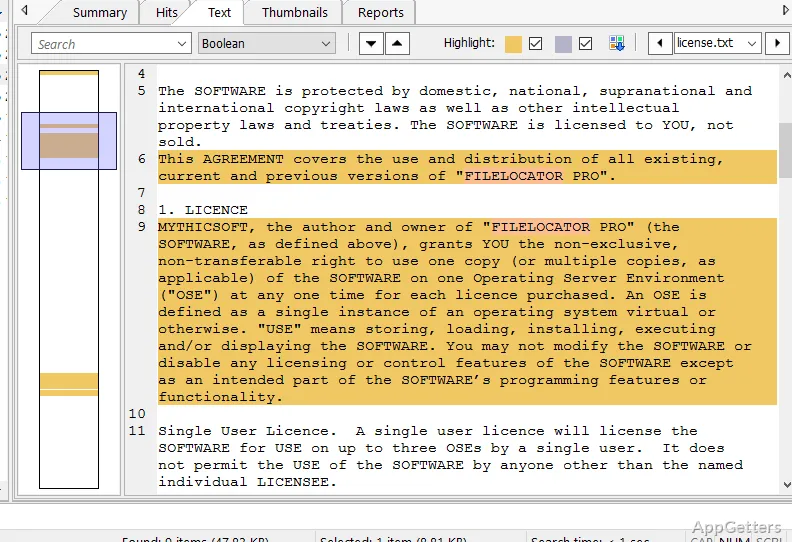
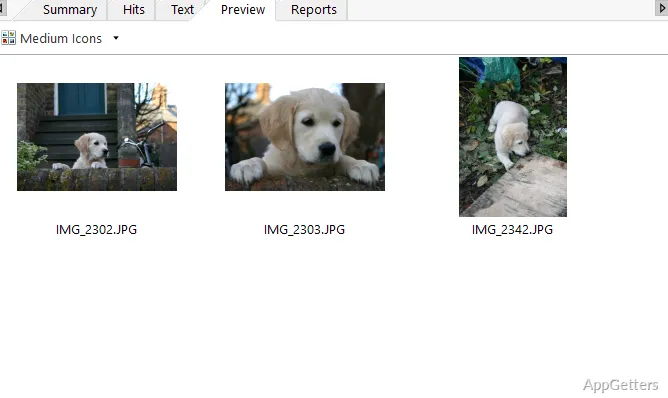
Results include lines of text that match the search, making it easier to spot the relevant document, note, or log entry. Select a result to preview its contents and confirm that it is the file you meant to find before opening it separately.
Agent Ransack scans the chosen locations directly, so searches can include folders that change frequently or drives that are not covered by an index. A search across a large location may take longer because its files are examined during the search. This workflow suits tasks such as finding a sentence in project documents or locating a phrase in a log.
Pros
- Finds words inside files and displays matching text lines
- Combines search terms with AND, OR, and NOT
- Previews result contents without opening each file
- Filters searches by folder and file details
Cons
- Large drives search slowly without an index
- Some advanced options reserved for FileLocator Pro
System requirements: Windows 10, Windows 11 · 32-bit and 64-bit · 140 MB of available hard-disk space · Mouse or compatible pointing device · VGA (800×600) or higher resolution monitor with 256 colors
Can Agent Ransack search inside PDF and Word files?
Yes. It reads text inside Office documents, PDFs and ZIP archives, as well as plain text files.
Does it need to build an index first?
No. It scans folders directly, so results are always current, though large drives take longer to search.
Is Agent Ransack free?
Yes, for personal and commercial use. Mythicsoft's paid FileLocator Pro adds more advanced features.
Can I exclude a word from a search?
Yes. Use NOT, or combine terms with AND and OR.
Does it support regular expressions?
Yes. Both file names and file contents can be searched with regex patterns.