Stuck at the Activation Lock screen on an old iPhone or iPad you own? 4MeKey from Tenorshare is a paid Windows tool that tries to bypass iCloud Activation Lock and remove an Apple ID on older devices running iOS 12 to 16.3.
Which Apple-device locks can 4MeKey address?
The main function targets the iCloud Activation Lock screen, including cases where the Apple ID or its password is forgotten. The tool also provides separate functions for removing an Apple ID and turning off Find My iPhone without entering the password.
Its supported device families include iPhone, iPad, iPad mini, iPad Air, iPad Pro, and iPod touch. A camera-sound option is available for supported iPhone models.
What happens during Activation Lock removal?
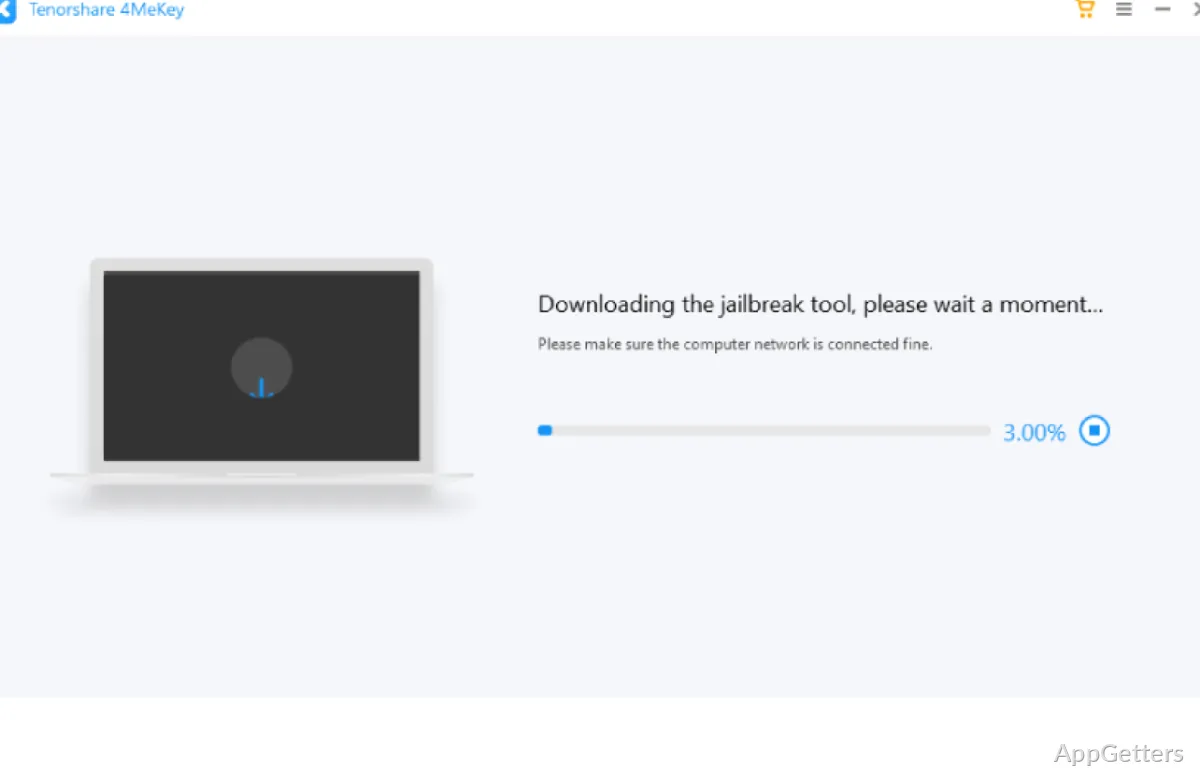
4MeKey runs on the Windows computer while the Apple device is connected. The removal workflow includes a jailbreak step before it attempts to clear Activation Lock. Afterward the device can use a different Apple ID for the App Store, but calls, mobile data and iCloud sign-in in Settings stay unavailable, and restoring or updating iOS brings the lock back.
Apple’s Activation Lock is an anti-theft feature tied to Find My. Use a removal tool only for a device you own or are authorized to manage.
What other tasks does 4MeKey include?
The Apple ID function is intended for devices where the account password is unavailable. A separate Find My iPhone control addresses disabling that feature without a password. The camera option targets the shutter sound on supported devices, including some iPhones sold in Japan or South Korea.
Apple can remove Activation Lock officially for the owner who shows proof of purchase, which restores full functions and should be tried first.
Pros
- Targets iCloud Activation Lock on iPhone, iPad, and iPod touch
- Includes Apple ID removal and Find My iPhone controls
- Offers an option to silence the iPhone camera shutter sound
- Supports App Store and iTunes access after Activation Lock removal
Cons
- Calls, mobile data and iCloud stay unavailable after bypass
- Only iOS 12 to 16.3; lock returns after restore or update
- Use only on devices you own
System requirements: Windows 7, Windows 8, Windows 8.1, Windows 10, Windows 11 · Windows 7 support applies to iOS 12–15.6; Windows 8 and later support iOS 12–16.3.
Can 4MeKey remove an iCloud Activation Lock without the Apple ID password?
Yes. Its main function is designed to remove Activation Lock without the Apple ID or password, using a connected iOS device and a Windows computer.
Can I use a new Apple ID after removing Activation Lock?
Yes. After removal, 4MeKey supports signing in with a different Apple ID and using the App Store and iTunes.
Does 4MeKey include a camera-sound setting?
Yes. It includes an option to silence the camera shutter sound on supported iPhone models.