When you want to save a video or playlist for a trip or a spot with unreliable internet, 4kFinder Video Downloader can download online videos and music to your computer. Paste a content link into the app, choose an available quality or format, and save the result for offline viewing or listening.
How do you add videos to a download?
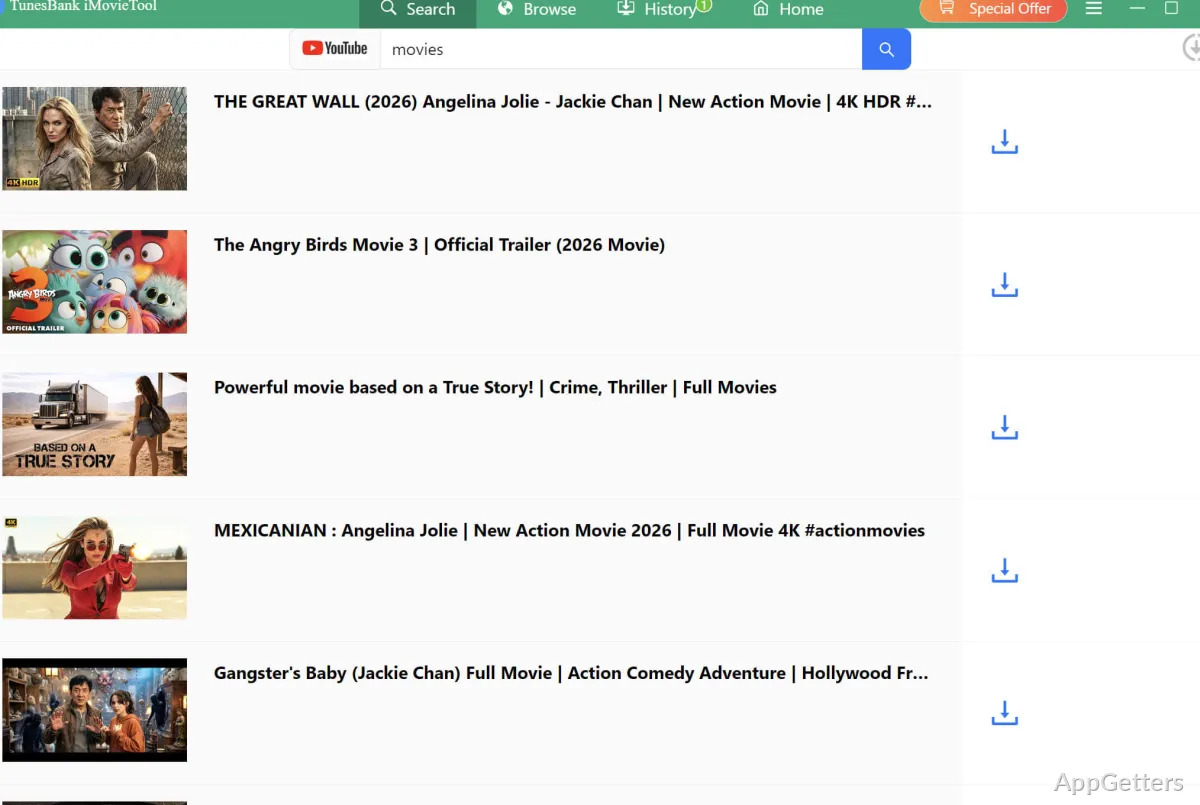
Copy the URL of a video and paste it into 4kFinder Video Downloader to start the download flow. The app can also handle music and playlists, so a playlist link can bring in a set of tracks or videos without adding each item individually.
Which quality and file options are available?
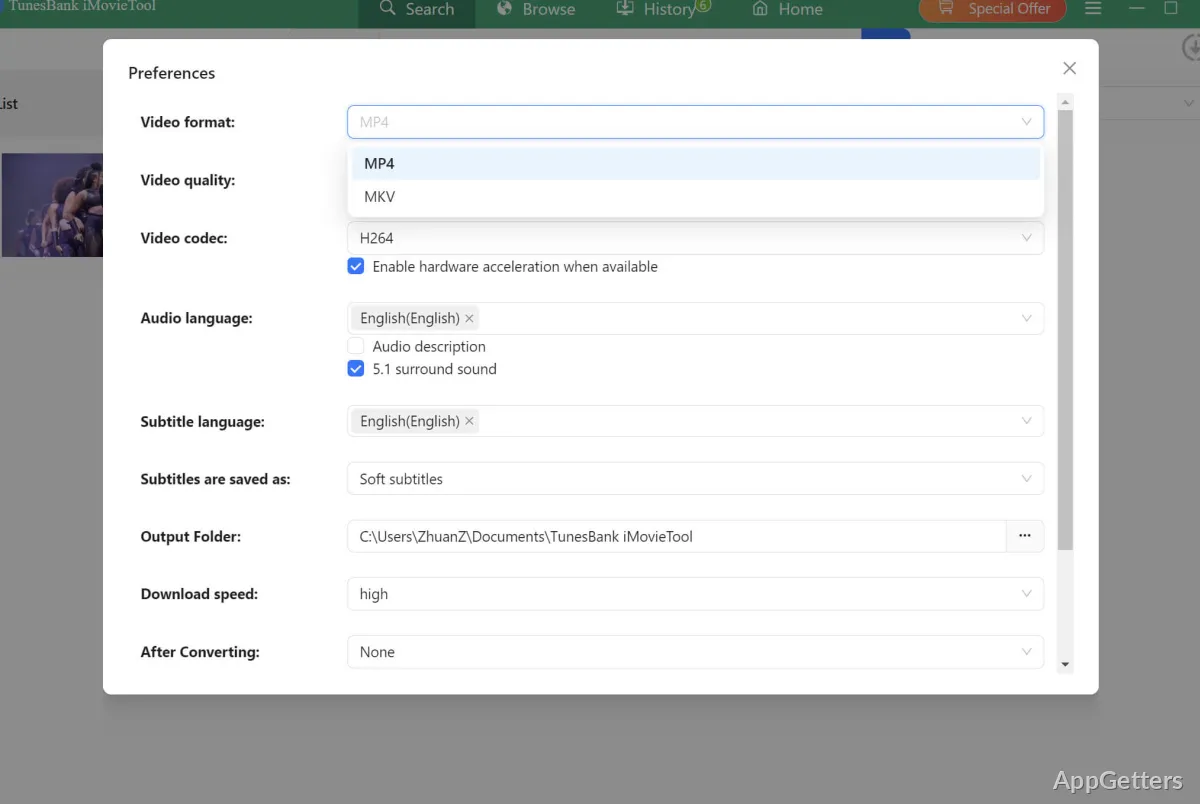
Available video resolutions include 720p, 1080p, and 4K, depending on the source. For YouTube videos, the downloader can save MP4 video or extract audio as an MP3 file.
- Choose a resolution supported by the online video.
- Use MP4 for video or MP3 for audio.
Can it download several items at once?
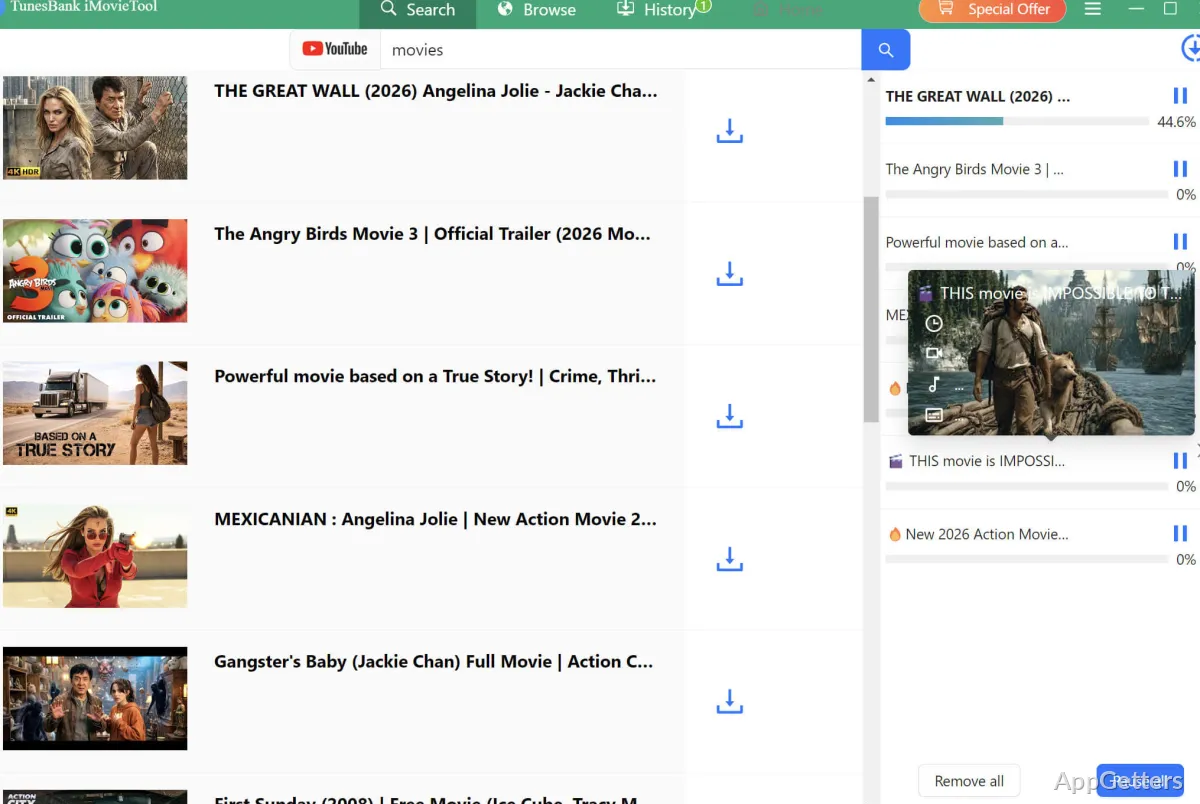
Batch downloading supports adding multiple videos to the download queue. This suits playlist downloads and collections of links, with each saved item available for offline playback.
Pros
- Downloads video playlists as well as individual videos
- Offers video quality choices up to 4K for supported sources
- Saves YouTube video as MP4 or MP3
System requirements: Windows 7, Windows 8, Windows 8.1, Windows 10, Windows 11 · 32-bit and 64-bit
Can 4kFinder Video Downloader save playlists?
Yes. It supports downloading playlists as well as individual videos and music.
What formats can it save?
For YouTube videos, it supports MP4 video and MP3 audio.
Does it support high-resolution video?
Yes. Available choices include 720p, 1080p, and 4K when the source offers them.