Most Windows users don’t even realize that the traces of their daily activities keep building up silently in the background. Web browsers save cache. Different programs keep logs, and the system also hides temporary files in several places. Normally, this kind of stockpile leads not only to sluggishness but also to concerns about one’s privacy. So, if one just deletes files manually, only a fraction of the problem is solved. Even the most popular cleanup programs might fail to find those hidden leftover bits. And that is the reason why products like Wipe get attention: they try to remove traces in a more thorough manner. At the same time, they do so without getting you deep into technical stuff.
Cleaning with Privacy in Mind
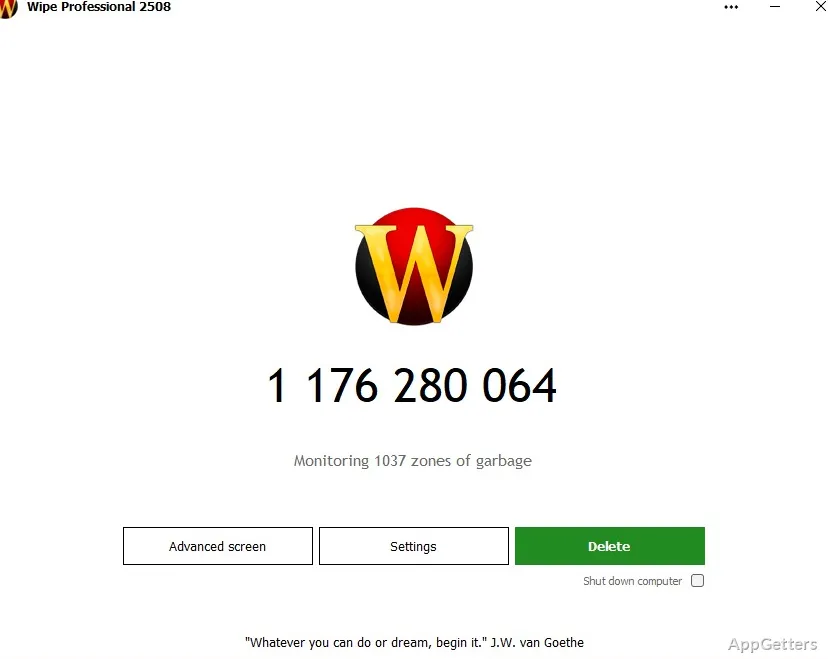
To Wipe, it’s all about protecting users’ privacy when cleaning up a system, not increasing its speed. Basically, the program performs a thorough examination of areas such as browser histories, index files, temporary storage, and residual application data. Interface-wise, these results are visually organized. Even beginners can have a sneak peek into what goes to the trash.
Scanning doesn’t proceed as fast as other programs, but is done methodically. Other programs hardly match Wipe’s speed. The extra minute or two goes into giving users a more detailed picture of the data being stored. Those who desire to gain insight into data on their PC will find such a method helpful. At the same time, it discards the “one-click and forget” type of solutions. It actually pushes for a more knowledgeable clean-up operation.
Advanced Features vs. Usability
To a certain extent, the presence of advanced features does not necessarily mean complicated interfaces. On the contrary, such programs usually go for simplicity. This makes things easier even for novices. Besides, advanced features do not force you to do things you weren’t doing earlier without them. You may still continue launching virtually the same set of commands. What’s more, the program helps to find more things in the background than you would be able to see on your own. This gives you the opportunity to really clean and authorize which items should remain.
Remember, Wipe is not considered a system booster that will make your PC perform dramatically better. So, if that is what you are looking for, then you may get disappointed. Rather, the product contributes to protecting your privacy, which it does in a rather quiet and dignified manner.
Things to Consider Beforehand
Wipe is an excellent privacy cleaning product with great potential. It exposes your system’s hidden confidential information that you should get rid of. Being so thorough, the program may point to a whole forest of files and folders stored on your disk. These have something to do with previous sessions of your life and work. Novices who will get such lists will probably be overwhelmed. You need to remember that even the counterparts with more experience in the field need some time and somebody’s helping hand to browse and learn this topic. Note also that, relative to lean applications, Wipe works much more slowly. This is because of scanning and analyzing all the files and data that most users will never see.
This wouldn’t be included if we were talking about the positive abilities only. But the fact that Wipe is a privacy helper rather than a machine-speed booster is something you have to know. You also have to accept it before making up your mind about Wipe.
Industry Perspective on Tool and Environment
Wipe will be a good fit for those who care most about privacy. They want to know exactly what data is kept on their computers. Students who use shared computers, ordinary computer users who worry about leaving traces of their web surfing, and anyone carrying out personal or sensitive work can consider it for their regular cleanup.
Used alone, it will hardly meet the needs of a comprehensive maintenance setup. It is more of a niche tool. Combining it with customary system cleanup products or the cleaning features in Windows makes it a definite complement. It does so by concentrating on those leftover traces that are mostly forgotten or ignored.
As far as its on-paper features are concerned, it scores well in aspects of control and visibility rather than speed or automation. Those who do not mind a little more involvement will find that it is a more considered way of handling one’s digital footprint on a Windows machine.