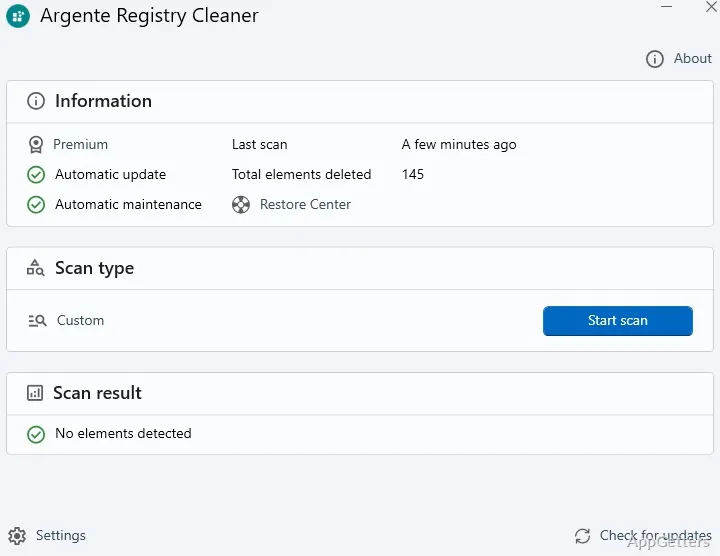
Want to clear registry entries that still point to programs and files you deleted long ago? Argente Registry Cleaner, part of the free Argente Utilities suite, scans for broken references with its ZeroError engine and removes them, with a backup so changes can be undone.
Scan for invalid registry references
Argente Registry Cleaner checks the Windows registry for errors and can remove the entries it identifies. One named target is a reference to a file that is no longer present. ZeroError technology is designed to identify these broken references, a common type of registry issue after files or applications have been removed.
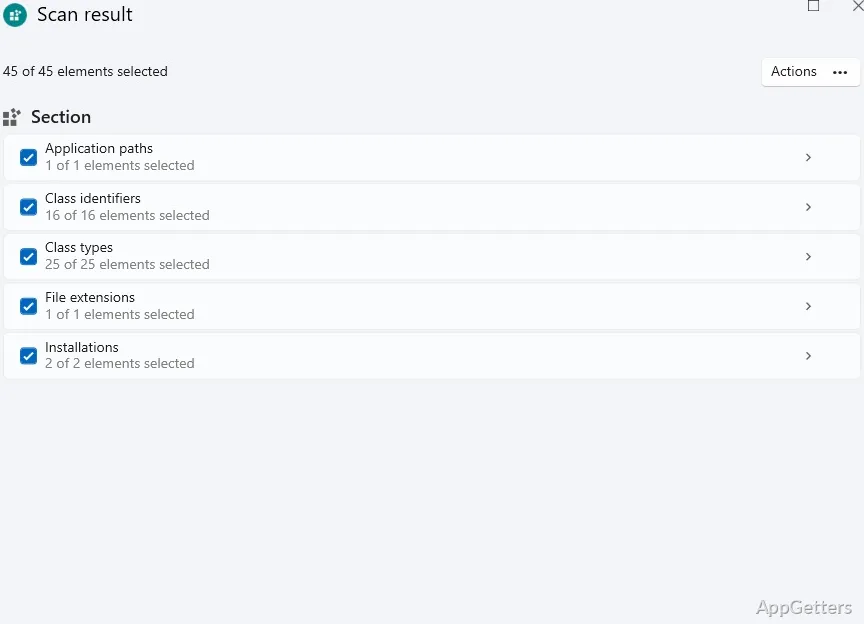
The scan-and-clean workflow centers on finding registry errors and applying fixes. Results appear as a list you can review first, covering leftovers from incomplete uninstalls, invalid application entries and startup entries for programs that are gone. Repairs are backed up before they are applied.
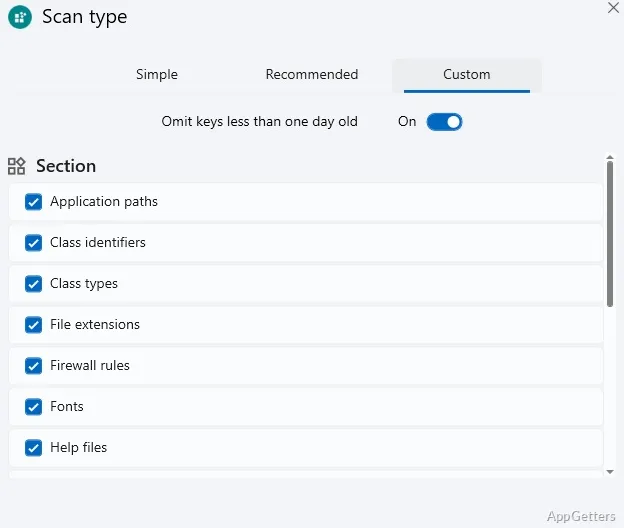
Exclude keys by creation date
A date-based exclusion lets users skip registry keys according to when they were created. This provides a way to leave selected keys out of the cleaner’s work based on their creation date, instead of treating every key as eligible for cleanup.
Use automatic maintenance
Automatic maintenance can run the cleanup without you starting it. Version 4.1 supports 32-bit and 64-bit Windows 8, 10 and 11, and a professional license is offered in return for a donation.
Pros
- ZeroError targets references to non-existent files
- Registry keys can be skipped by creation date
- Includes an Automatic maintenance function
Cons
- Registry cleaning rarely makes Windows noticeably faster
- Now bundled inside the larger Argente Utilities suite
System requirements: Windows 8, Windows 10, Windows 11 · 32-bit and 64-bit
Can I undo a registry repair?
Yes. Repairs are backed up, so the changed entries can be restored.
Can specific registry keys be excluded from cleanup?
Yes. Keys can be skipped based on their creation date, for example to leave recent entries alone.