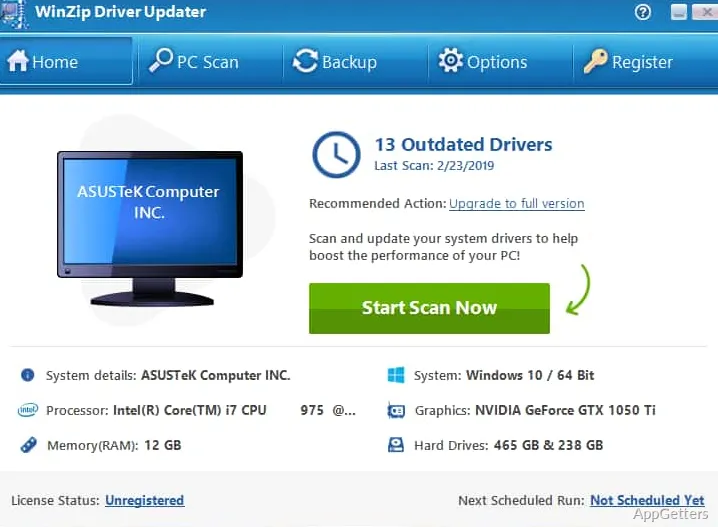
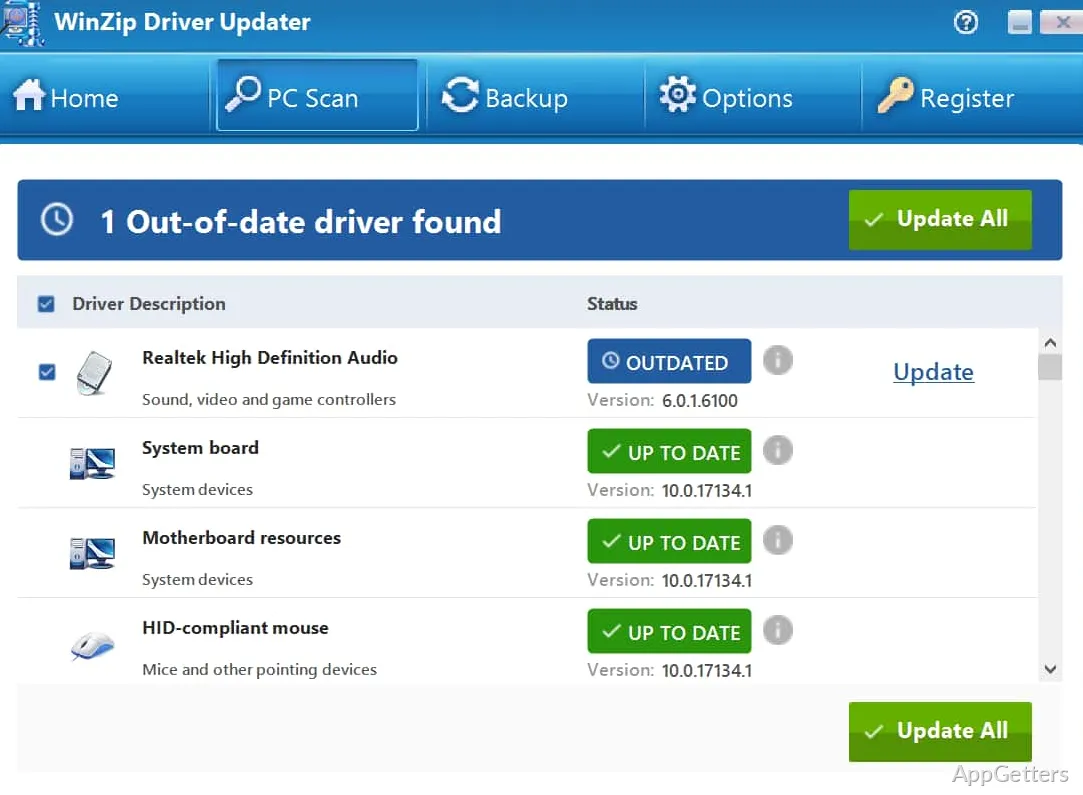
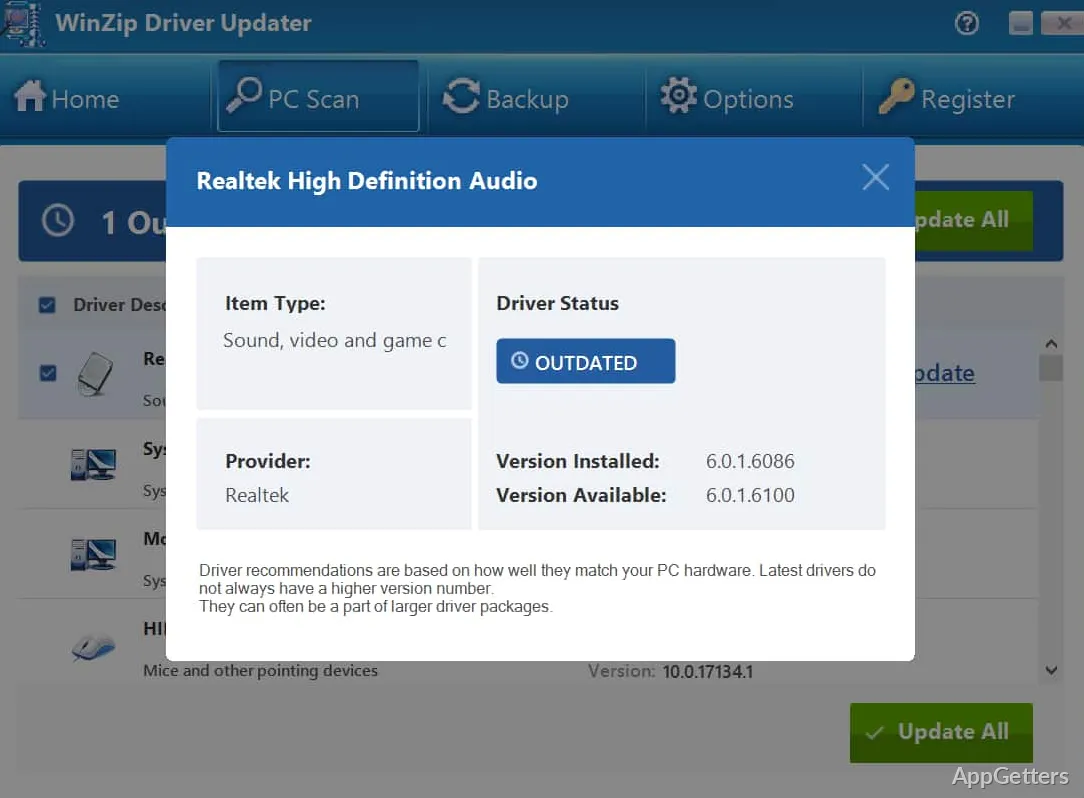
It is vital to keep Windows drivers updated, as it is one of the main ways to preserve system operation, but it usually gets neglected until something really breaks. In fact, issues like the sound not working, the screen not showing properly, the printer not responding, or the hardware performing in a very unstable way can be caused by having old or incompatible drivers. If you want to do it the hard way, you will have to open quite a few different manufacturers’ websites and figure out which versions of the drivers work for your devices. This is exactly the way WinZip Driver Updater wants to help by scanning the entire system and pointing out which drivers might need the user’s attention. It therefore provides a way for updating in a more centralized manner, even when the technical knowledge of the users is quite limited.
Simplifying routine driver maintenance
To a great extent, it could be said that most home users don’t even think about checking their drivers regularly as part of their computer maintenance. WinZip Driver Updater aims to bring the updates to users digitally in a very clear and simple interface to help them keep their systems updated. The software running in the background will take care of the users by cutting down the search time for hardware information. It also compares those version numbers between various vendor sites. The tool provides even more value to beginners who are not acquainted with the device management side of Windows. WinZip Driver Updater is also useful for those who are simply looking for shorter system review times. It doesn’t intend to replace any of the existing maintenance methods. It is rather a supplementary means through which the efficiency of these routine operations can be greatly improved.
Useful advantages for everyday users
It is pretty common for students, people working from home, and occasional home users not to pay much attention. They often do not notice what is going on behind the scenes in the form of drivers working the hardware. If any of the situations come up where the peripherals stop working properly or the performance becomes inconsistent, the identification of outdated drivers can be a major time-saving factor when troubleshooting. That’s exactly what WinZip Driver Updater tries to do. It minimizes the time and effort required by scanning supported devices and listing available updates in one location. However, it goes without saying that users should not forget to exercise a certain degree of caution. They should still be careful when installing drivers. This is especially true where the hardware is highly specialized. The manufacturer-provided drivers carry features and optimizations that generic updates don’t have at all.
Ease meets thoughtful actions
The primary benefit that driver update programs offer over manually visiting each hardware manufacturer’s site to find drivers is convenience. They are much more convenient to use. In this respect, employing WinZip Driver Updater most of the time can simplify one’s maintenance schedule. It can also remove the risk of missing very important updates for various components. However, if the existing system is performant and fully stable without any glitches, the necessity of updating drivers is negligible. For this reason, most expert users would rather check the recommended updates first. After that, they install only those that are strictly necessary instead of updating all the drivers without any discretion.
Best matched to users looking for easier system maintenance
WinZip Driver Updater is most suitable for Windows users looking for a more organized way of monitoring and updating drivers. It eliminates the need to visit several manufacturer sites. It can easily fit into the overall maintenance routine of PCs, especially for users who prefer convenience and centralized management.
Advanced users who understand driver installations may want manual management of critical driver installations. However, beginners and regular users will probably prefer the software’s easily comprehensible workflow.