When Windows’ built-in appearance settings leave parts of the desktop untouched, WinPaletter gives you controls for a broader set of interface details. It can save and apply coordinated themes, with options for colors, fonts, cursors, visual styles, and more.
Appearance controls
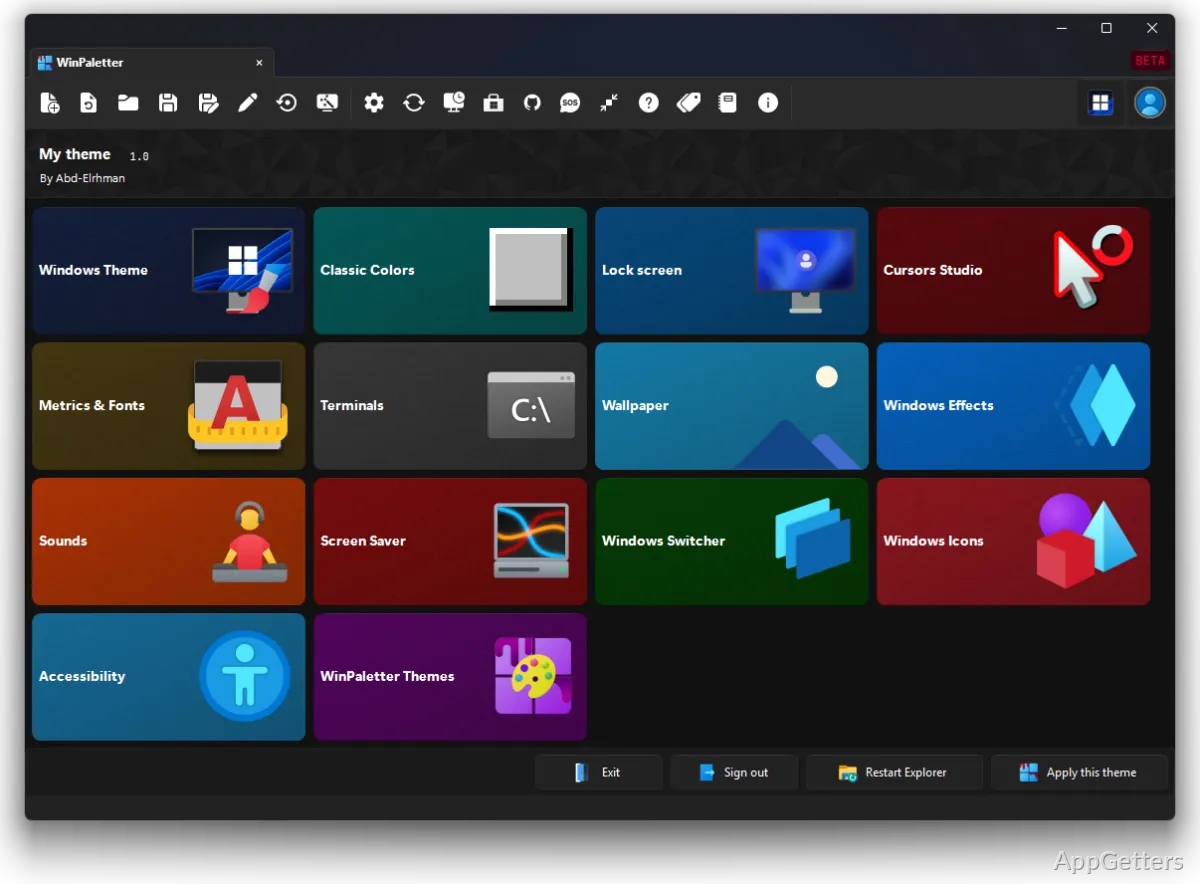
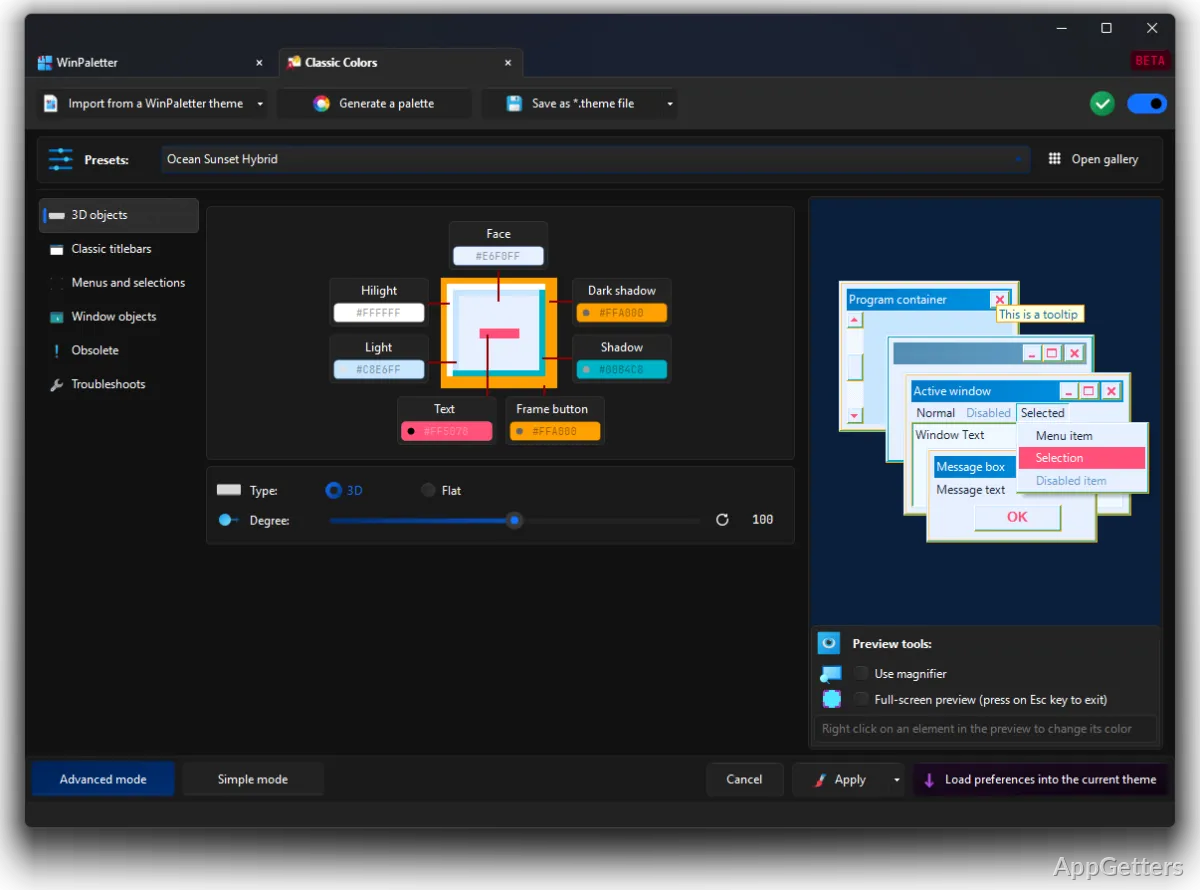
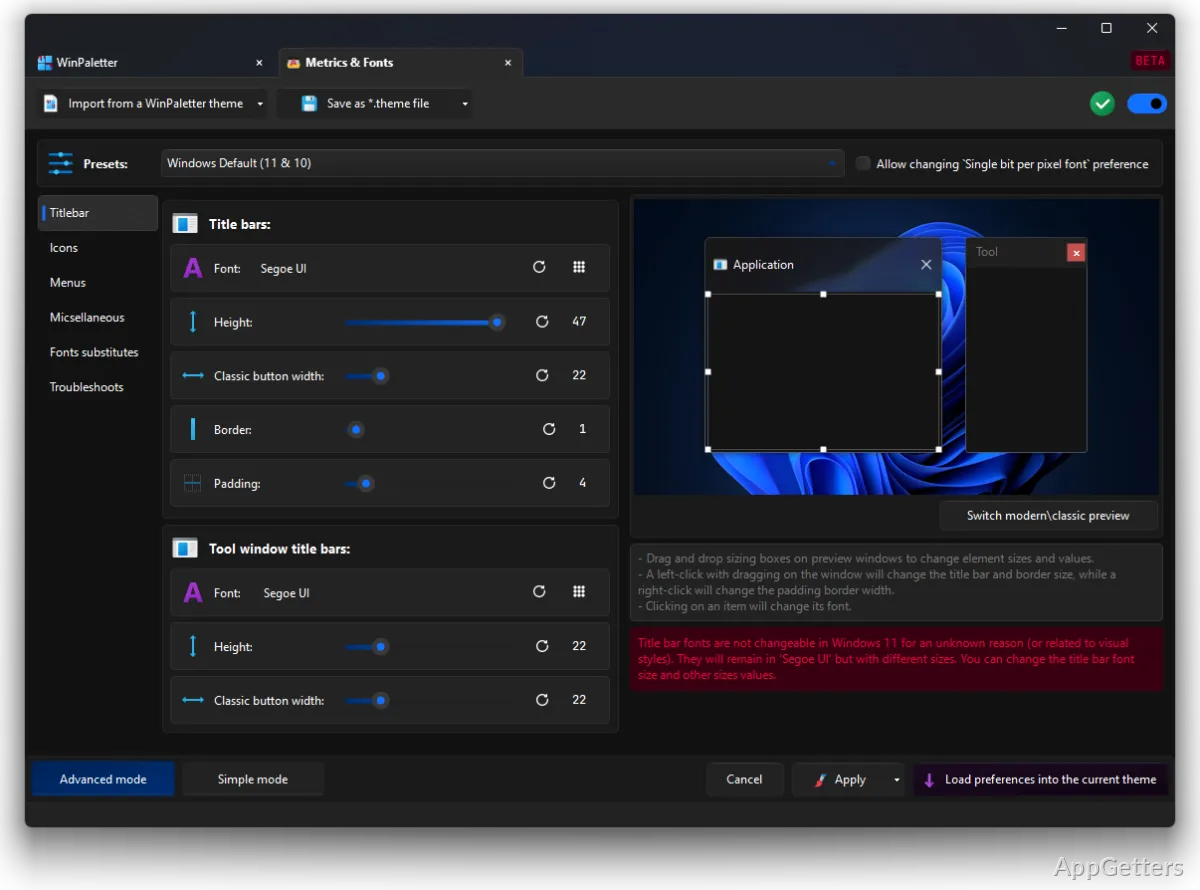
WinPaletter groups customization options for many parts of the Windows interface. Adjust Windows colors and classic colors, change visual styles, and set metrics and fonts. Other controls cover the lock screen (LogonUI), cursors, Windows icons, wallpaper, sounds, screen savers, and visual effects.
Terminal and console settings are also included, with previews for Command Prompt and PowerShell raster fonts. The range of controls lets a theme extend beyond the desktop accent color to elements such as cursor appearance, window measurements, and system sounds.
How do themes fit into the workflow?
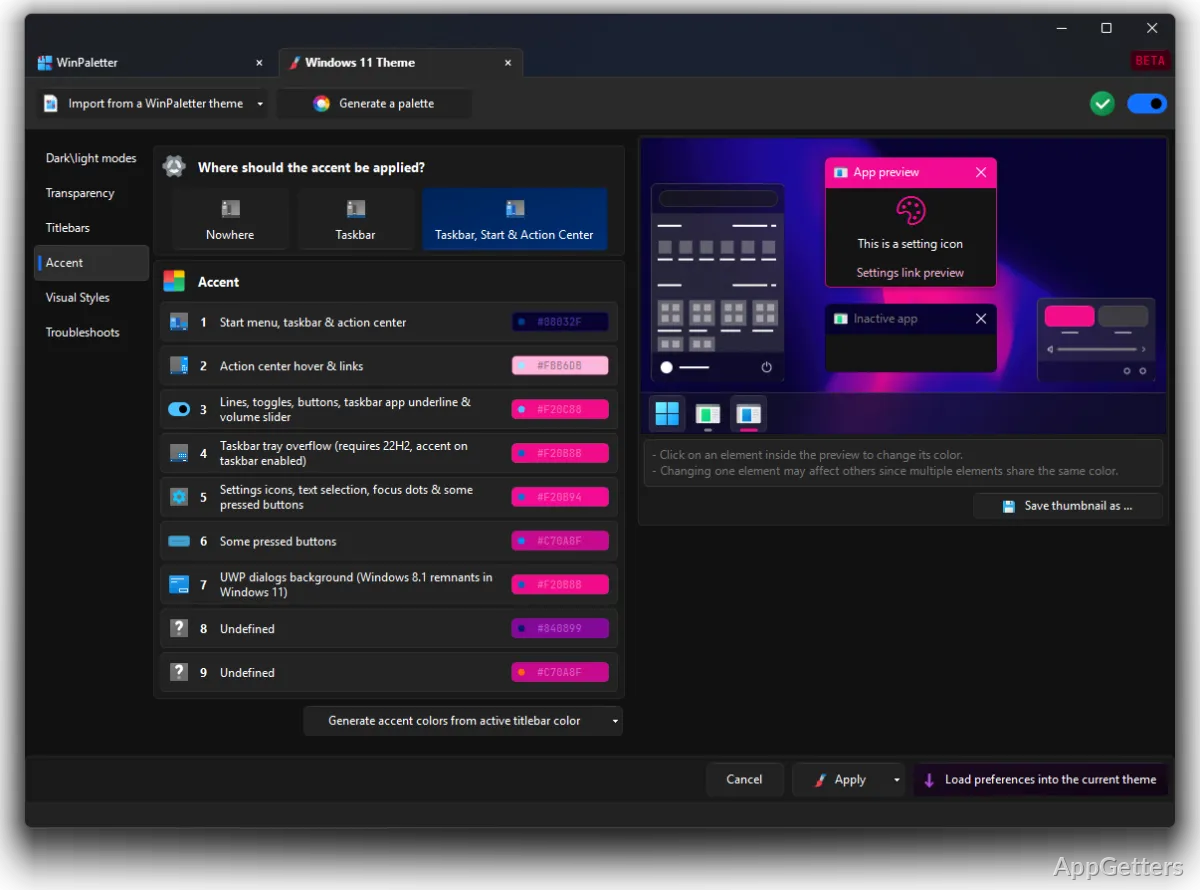
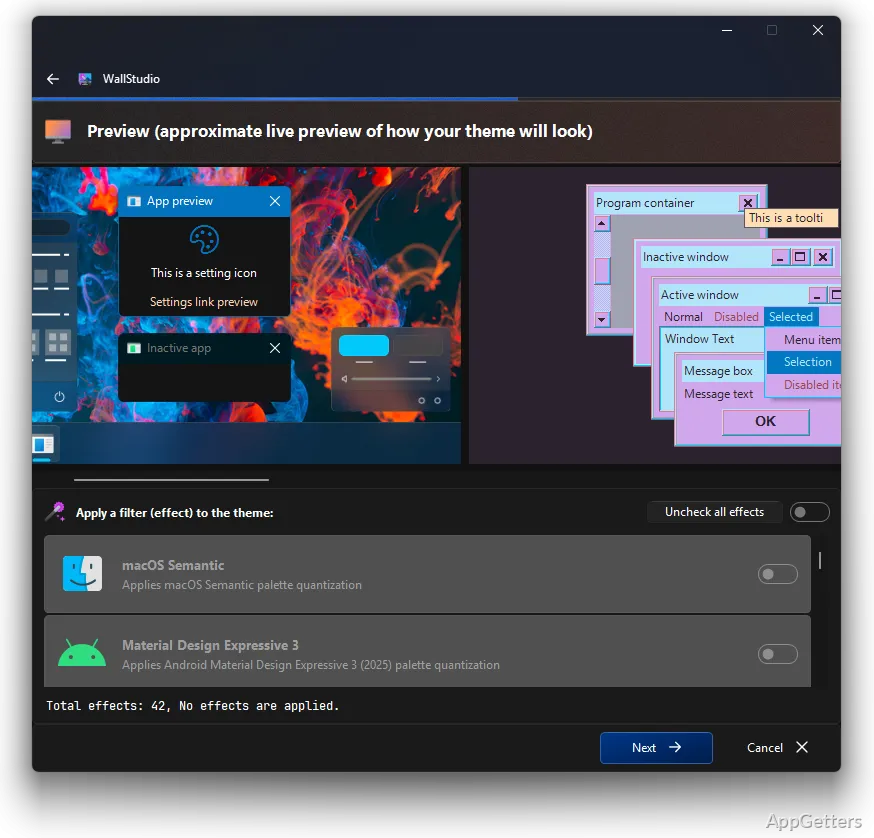
Choose colors and other appearance settings, then use the real-time preview to see how color selections look before applying them. Save a finished arrangement as a theme so it can be brought back later, or export it to share. Existing themes can be imported as a starting point.
- Use the WinPaletter Store to browse community-shared themes.
- GitHub integration supports uploading and managing themes from within the app.
Beyond color palettes
WinPaletter is a portable appearance editor, and its theme options reach into several Windows components that are usually configured separately. Visual-style support includes classic schemes and previews of styles such as Luna; the app also includes controls for terminals, wallpaper, and screen savers.
The breadth of these settings suits people who want a consistent desktop look across multiple interface elements. Saving themes keeps different arrangements available without having to reconstruct each set of choices.
Pros
- Edits modern Windows colors and classic interface colors
- Imports and exports themes for reuse or sharing
- Previews color choices in real time
- Includes controls for cursors, fonts, icons, and LogonUI
System requirements: Windows 7, Windows 8, Windows 8.1, Windows 10, Windows 11 · .NET Framework 4.8
What parts of Windows can WinPaletter customize?
It covers colors, visual styles, classic colors, LogonUI, cursors, metrics and fonts, terminals, wallpaper, sounds, screen savers, effects, and icons.
Can I save and share a theme?
Yes. WinPaletter can import and export themes, and its GitHub integration supports uploading and managing them in the app.
Can I preview color choices?
Yes. Real-time preview lets you see color selections as you adjust them.