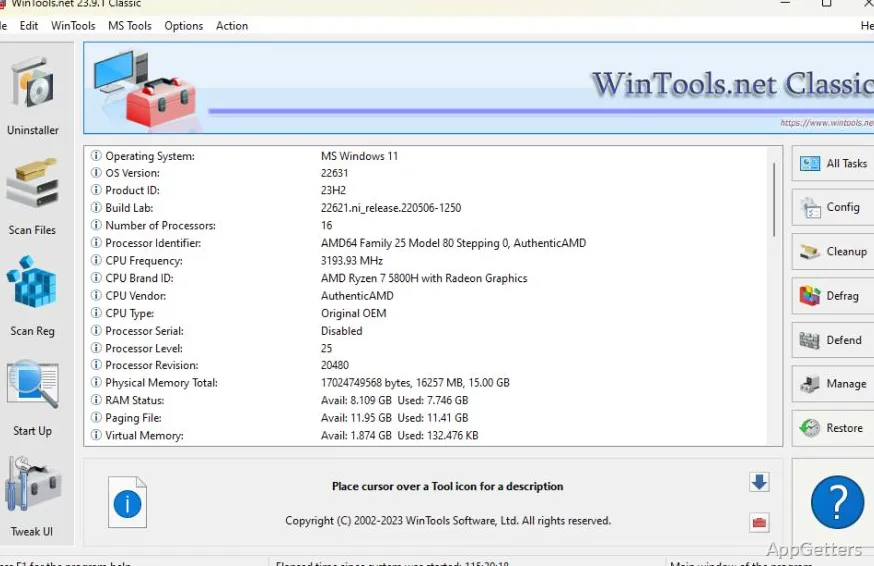
Broken shortcuts, leftover files from old programs and too many apps launching at boot? WinTools handles routine Windows cleanup and startup settings from one suite. Its separate tools cover registry and file scans, startup management, privacy traces, and system tweaks.
Cleanup scans and uninstall tracking
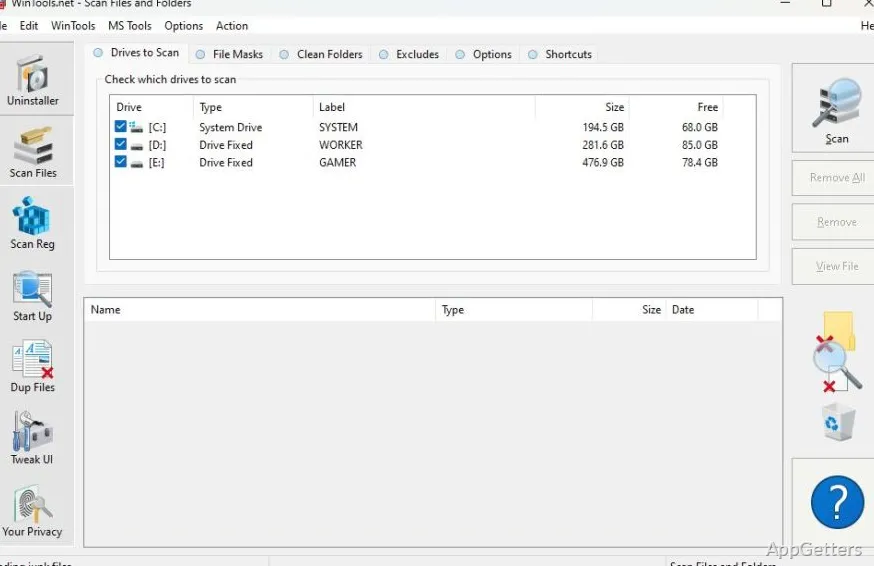
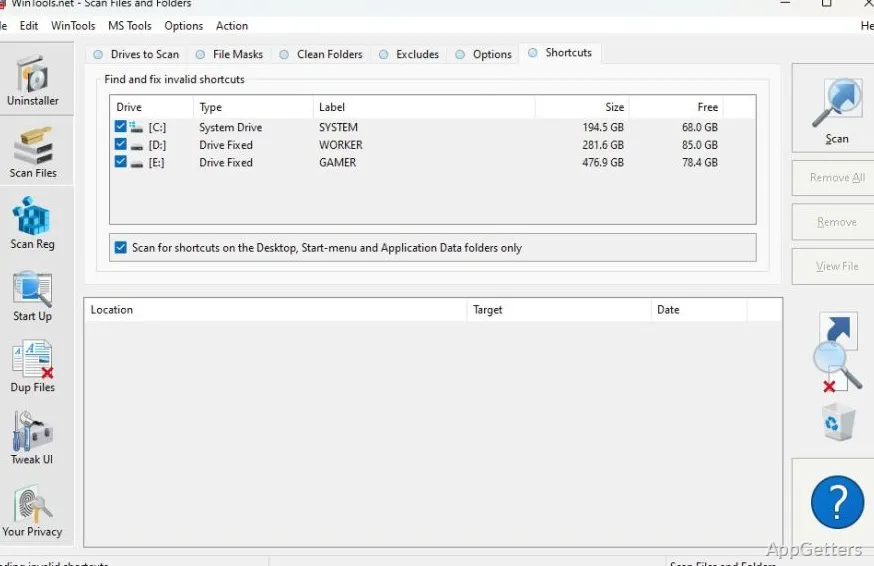
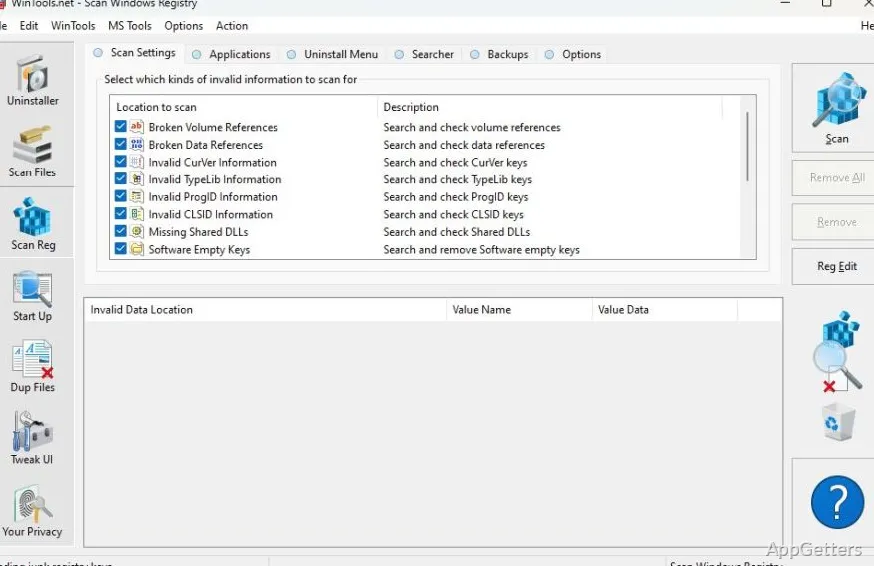
WinTools groups maintenance tasks into focused modules. Scan Files searches for obsolete files and references left behind by software. Scan Shortcuts finds broken links in Windows shortcuts, while Scan Registry looks for unused application entries and invalid references.
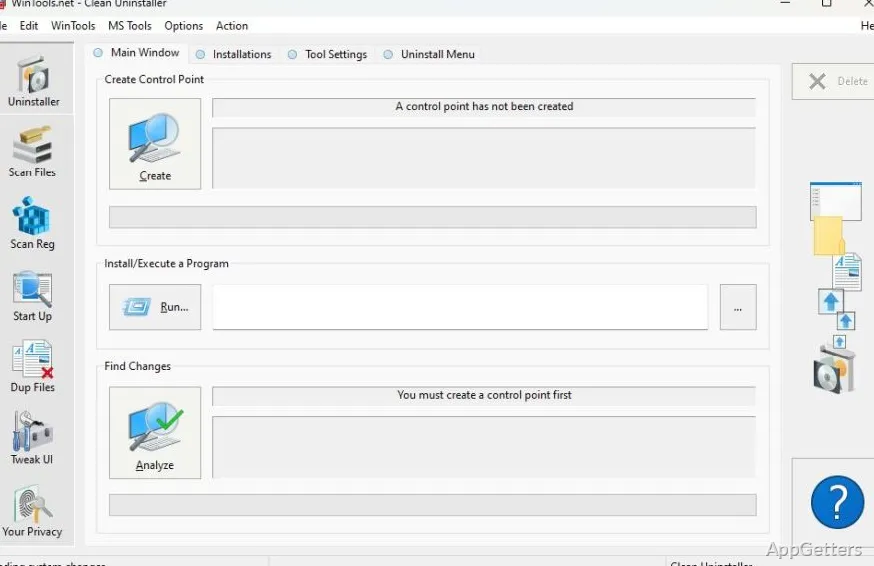
Clean Uninstaller records changes to the hard drive, registry, and system files during a program installation. That record supports a more complete removal later. Scan Duplicate Files also finds files with identical content, even when their names differ.
Startup Manager and system tweaks
Startup Manager lets you inspect individual items that launch as Windows loads, then add, remove, enable, or disable them. System Tweaker collects additional adjustments for Windows settings, including options related to security and user preferences.
Net Tweaker provides access to network-related settings. Its tools address TCP/IP connection errors and refresh caches, alongside adjustments intended to affect connection speed and stability.
Privacy and file tools
Objects Eraser clears activity records such as program-launch history, searches, recently opened documents, and browser history. Invisibility stores private information for later restoration. File Shredder deletes selected files or folder contents in a way designed to prevent recovery.
- Scan Files and Scan Shortcuts handle different kinds of leftover items.
- Startup Manager works on individual startup entries.
- Duplicate Files compares file content, not just filenames.
Pros
- Startup Manager can add, remove, enable, and disable startup items
- Separate scans target files, shortcuts, and registry references
- Clean Uninstaller tracks system changes made during software installation
- Includes duplicate-file, privacy, and file-shredding tools
System requirements: Windows 7, Windows 8, Windows 8.1, Windows 10, Windows 11 · 32-bit and 64-bit
What does WinTools do?
It combines Windows cleanup scans, startup controls, system and network tweaks, and privacy and file-management tools.
How can WinTools find broken shortcuts?
Run Scan Shortcuts; it lists shortcuts whose target no longer exists, so you can fix or delete them.
Can WinTools track changes made by an installation?
Yes. Clean Uninstaller tracks changes to the drive, registry, and system files during program installation.