Need an editor that can explain code, suggest edits, and help track down bugs? Windsurf combines a code editor with AI assistance, including Cascade for working through coding tasks and Tab for in-editor suggestions.
How does Cascade work with a project?
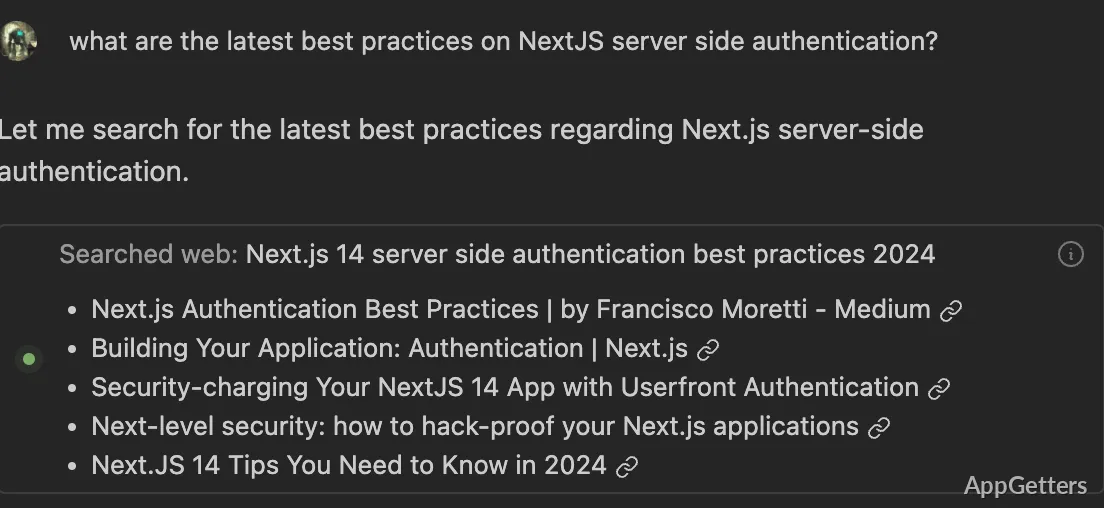
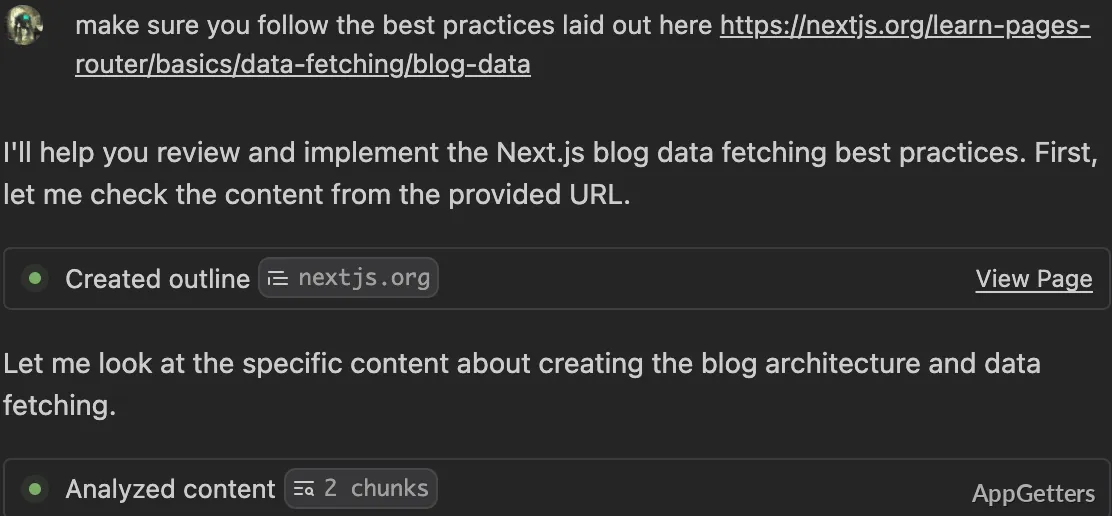
Cascade is Windsurf’s AI agent for coding work. Describe a change or ask a question, and it can draw on project context to suggest edits and explain code. Fast Context narrows that context by finding files and lines relevant to a query, such as where a function is called or a behavior is implemented.
That context is intended to keep a coding conversation grounded in the open codebase. For example, a developer investigating a bug can ask about the implementation, then use the editor to inspect the referenced code and make changes. Generated edits still need to be checked against the project’s requirements and tests.
What do Tab and Supercomplete suggest?
Tab offers code completions as you work. Supercomplete goes beyond filling in the immediate next characters by suggesting a likely next edit, giving you a proposed continuation to accept or ignore. These suggestions appear in the editing workflow, so you can compare them with the surrounding code as you type.
The suggestions are intended to reduce repetitive typing and keep edits moving. They do not replace the editor’s normal code review: the developer decides which suggestions belong in the file.
Which editor tools are included?
Windsurf includes syntax highlighting, autocomplete, and debugging tools alongside its AI features. The editor provides the place to read and change files, while Cascade can assist with questions and code tasks tied to the project.
A typical workflow is to open code, use autocomplete or Tab while editing, and turn to Cascade for a broader question or change. Fast Context can help connect that question to the relevant locations in the codebase.
Pros
- Cascade can use codebase context when responding to coding tasks
- Fast Context locates relevant files and code lines
- Tab and Supercomplete offer in-editor code suggestions
- The editor includes syntax highlighting and debugging tools
System requirements: Windows 10, Windows 11 · ARM64 and x64
What is Cascade in Windsurf?
Cascade is Windsurf’s AI agent for coding tasks. It can use project context to respond to questions and suggest code changes.
What is the difference between Tab and Supercomplete?
Tab provides code completions while editing. Supercomplete suggests a likely next edit, extending beyond the immediate completion.
Can Windsurf help locate code related to a question?
Yes. Fast Context finds relevant files and code lines in the project for a query.