Laragon builds a local development environment for PHP, Node.js, Python, and database projects on Windows. Add services through Quick-add, create projects with Quick app, and manage the environment from Laragon’s system-tray menu.
Add services with Quick-add
Quick-add brings development services into Laragon’s folder, where they remain portable and separate from global system installations. The available service options include Apache, Nginx, PHP, MySQL, PostgreSQL, Node.js, Python, and Golang. Laragon can keep multiple versions of these services available, so a project can use a matching runtime or database without replacing the tools used by another project.
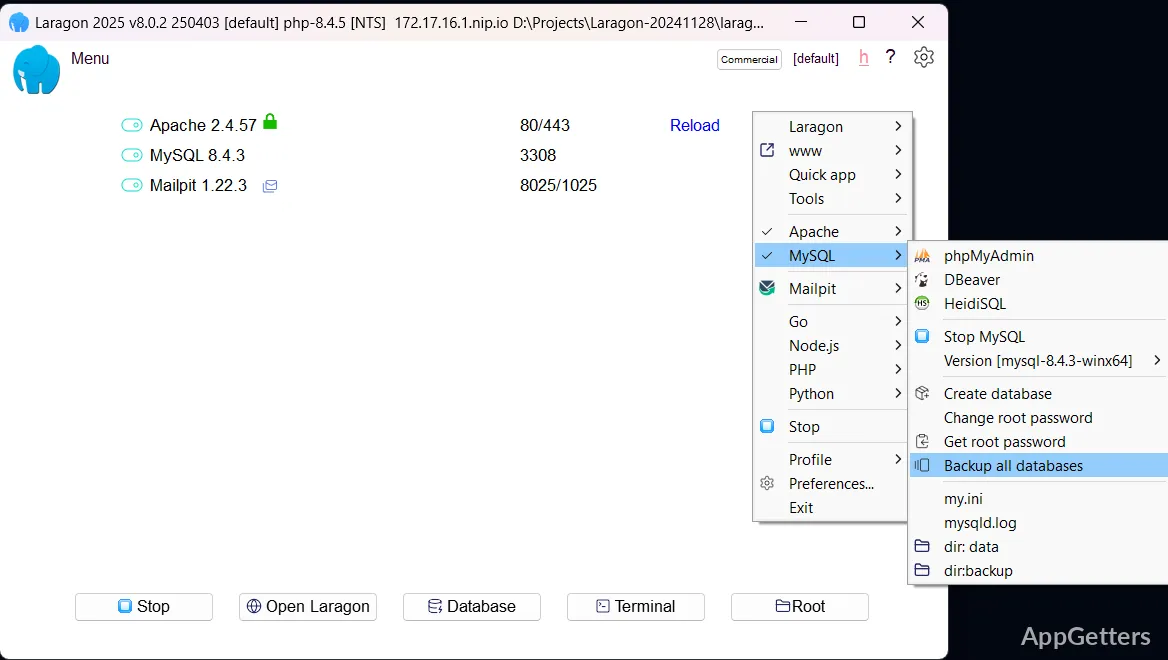
Composer, npm, pip, and other development tools run within Laragon’s environment. That setup keeps their command-line paths available in Laragon’s terminal without requiring global PATH changes. The tray menu provides controls to start or stop services, open logs, launch a terminal, and add more components.
Create projects with Quick app
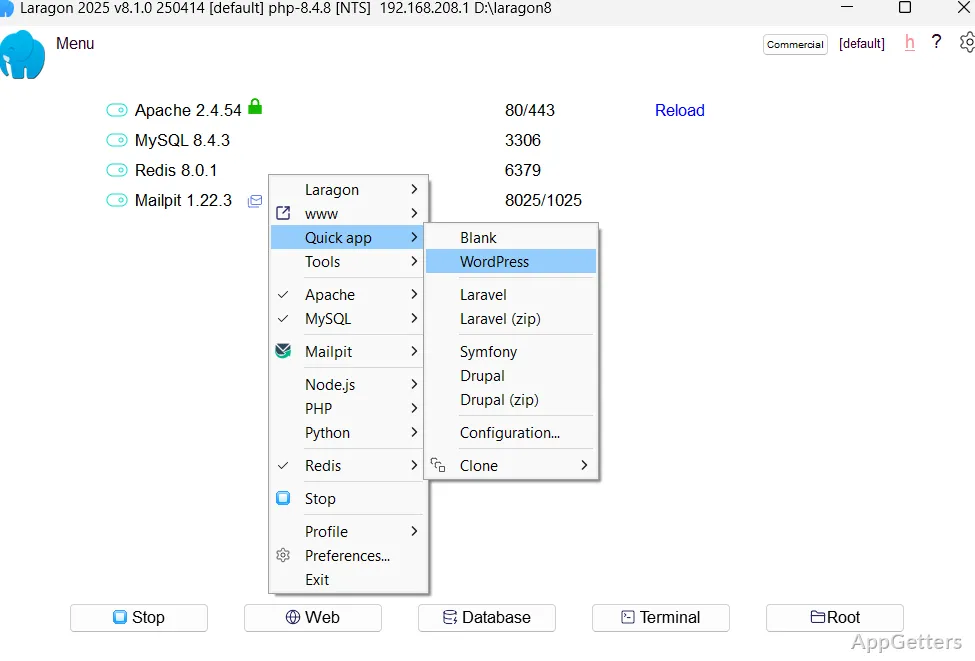
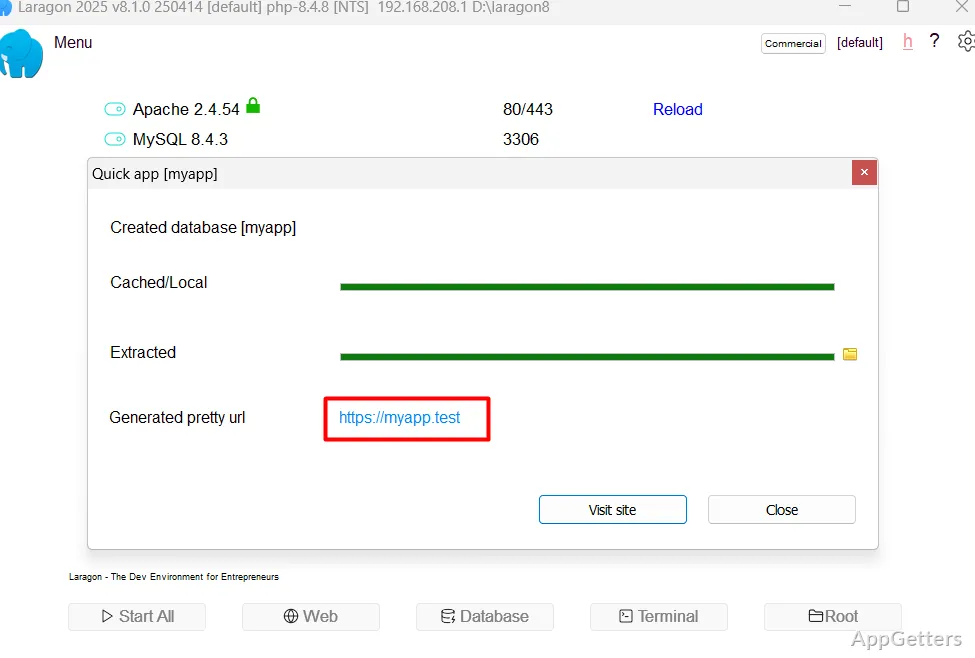
Quick app can generate a WordPress, Laravel, or Symfony project, as well as a custom stack. Project creation also supports a ZIP file or URL; existing projects can be cloned along with their code and database. Each local project receives a readable address such as app.test through Laragon’s automatic virtual hosts, so manual hosts-file edits are not part of that workflow.
For local HTTPS testing, Laragon can create a self-signed certificate for a project address. Its ngrok integration can expose a local app to the internet for remote previews, webhook testing, or other access outside the development machine.
Switch stacks with Profiles and Procfiles
Profiles let developers keep separate combinations of services for different projects, including newer tools and legacy configurations. Switching profiles changes the active stack without requiring a project to share the same runtime setup as every other project.
A Procfile can define custom services, including tools such as MeiliSearch, and have them start with the Laragon environment. Laragon integrates Cmder for terminal work and opens Procfile services in Windows Terminal. This gives projects a place to run supporting services alongside their web server and application runtime.
Pros
- Quick-add brings web servers, runtimes, and databases into the environment
- Quick app can create WordPress, Laravel, and Symfony projects
- Auto virtual hosts create readable .test addresses without hosts-file edits
- Profiles switch between configured technology stacks
Cons
- Its one-click SSL certificates are self-signed
System requirements: Windows 10, Windows 11
Does Laragon create local project URLs automatically?
Yes. Auto virtual hosts assign readable addresses such as app.test without requiring a hosts-file edit.
Can Laragon run different stacks for different projects?
Yes. Profiles switch between service combinations, and Laragon supports multiple versions of services such as PHP, databases, and Node.js.
Can a local Laragon project be shared for remote testing?
Yes. Laragon integrates ngrok to expose a local app for remote previews or webhook testing.