Need Command Prompt, PowerShell, and Linux shell sessions in one place? Windows Terminal brings command-line tools into a tabbed window, so separate sessions are easier to manage without opening a different terminal window for each one.
Shell profiles and tabs
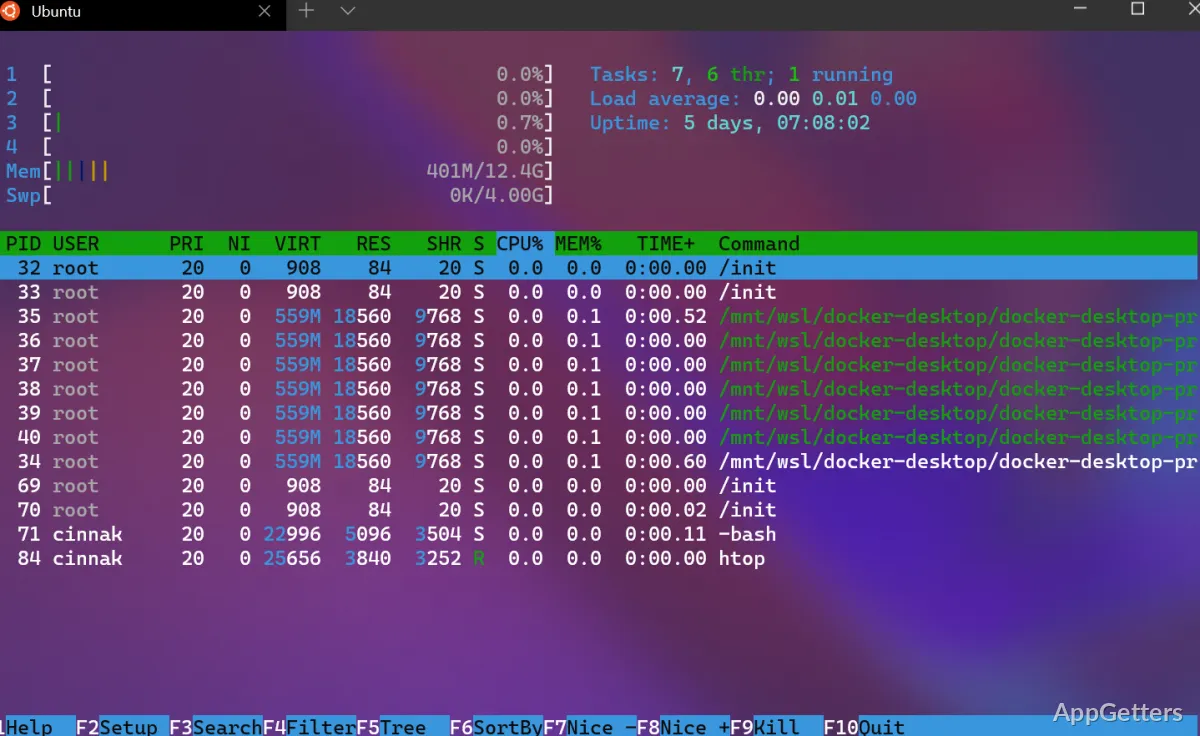
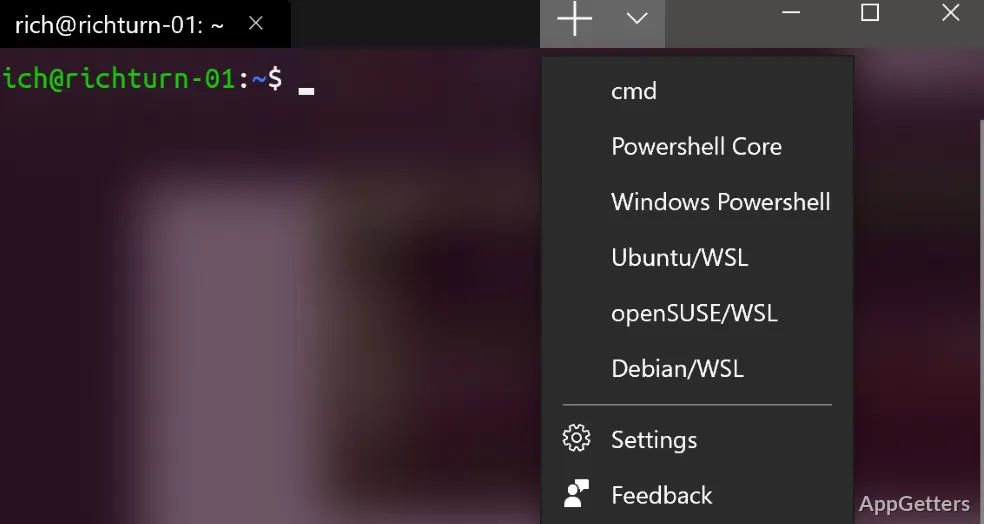
Windows Terminal organizes command-line environments as profiles. A profile can launch Command Prompt, PowerShell, a Windows Subsystem for Linux distribution, or another configured tool. Choose a profile to open it in a tab, then keep sessions for different tasks in the same window.
Tabs suit workflows that involve switching among shells or environments. For example, a user can keep a PowerShell session alongside a WSL session and an SSH connection, without mixing their command histories or outputs.
Split-pane sessions
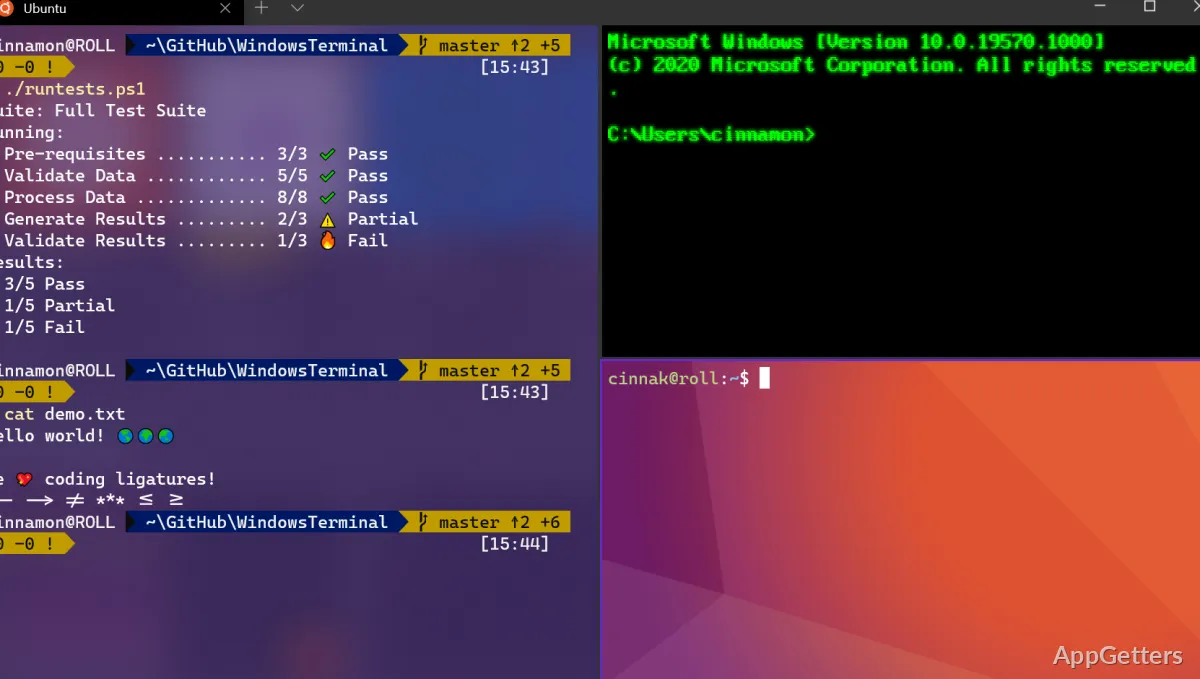
Split panes display more than one command-line session in a single tab. This layout lets you watch output in one pane while entering commands in another, or keep separate environments visible during a task.
Appearance and text
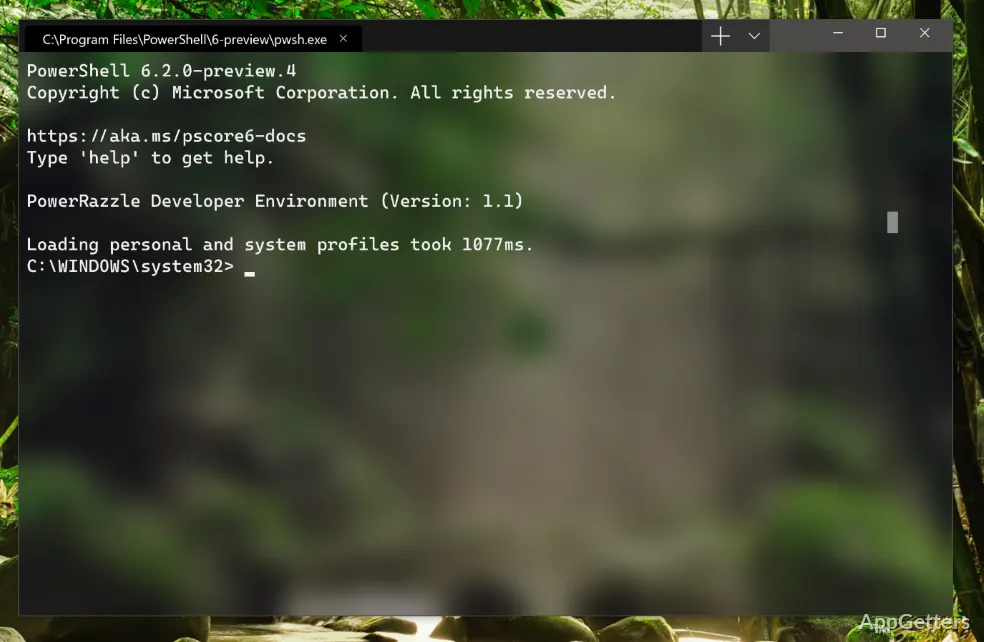
Settings let you adjust profile-specific fonts, colors, and background effects, including transparency and acrylic. Windows Terminal also renders text with GPU acceleration and supports Unicode characters, which is useful when command output includes symbols or writing systems beyond basic Latin text.
The settings interface covers common appearance choices; more involved profile changes can be made in the JSON settings file.
Pros
- Runs Command Prompt, PowerShell, WSL, SSH, and Azure Cloud Shell Connector
- Keeps separate shell sessions in tabs
- Shows multiple command-line sessions in split panes
- Supports Unicode text and customizable color schemes
Cons
- Some profile customization requires editing a JSON settings file
System requirements: Windows 10, Windows 11
Can Windows Terminal run Linux command-line tools?
Yes. It can open a profile for a Linux distribution running through Windows Subsystem for Linux.
Can multiple shells stay open at once?
Yes. Open shells in separate tabs, or use split panes to display multiple command-line sessions together.
Does Windows Terminal include SSH and Azure Cloud Shell?
It can run SSH sessions and Azure Cloud Shell Connector as terminal profiles.