At some stage, most Windows users will want more straightforward control over the devices around them. It might be that they want to change a movie from a completely different location in the room. They may also want to give a presentation in class or play music while working away from the desk. While wireless keyboards or remote controls solve part of the problem, they also add to the clutter. They are, at times, to some extent, limited. Unified Remote shines by turning a smartphone into a Windows PC remote control system. It can be extended via apps.
The difference between this software and others is that it is not about the level of difficulty or complexity at all. It is all about ease and the chance of everyday use that counts. If a user is a regular in front of a media presentation or even a home PC outside of personal space, then the experience is so integrated. It is almost baffling from a mobile companion app point of view.
A More Flexible Alternative to Traditional Remotes
Unified Remote is a server-client type remote control system. It gives users remote access to any PC running Windows. Both the PC and mobile phone must communicate over Wi-Fi or Bluetooth. The phone replaces the traditional remote and can be customized extensively. More often than not, this remote substitutes several small devices. Users typically have these near their desk or in their living room.
Among other functions, it is used to play back media, change the volume level, control the navigation of slides in presentations, and do simple mouse movements. A large portion of the users lean on it during discussions or when streaming from their PC to their TV. There is very little awkwardness in the switch. The controls are put together with typical desktop user interface operations. They are not just boring, technical breakdowns.
One element of great utility is how quickly users get in shape for the use of the program. Those with no or little technical knowledge can get the hang of the basic functionalities even in a matter of minutes.
Designed Around Everyday Windows Workflows
Unified Remote works best when it merges effortlessly into one’s work or personal life. Students use it to control their presentation slides without getting up near the laptop. Besides, a homeowner controls streaming apps from bed or any spot in the room. People play music with this device while they are working or studying. The Windows server application itself is minimalistic. It barely interferes with the user after it has been installed. What’s more, day-to-day use will be free of hiccups. This is true as long as the home or office network connection is up and running. This is important because remote-control software very quickly becomes a source of irritation. Delays or disconnects disrupt basic human-machine interactions.
A thing of note is also the availability of numerous pre-made remote controls. The software provides users with preconfigured layouts for media players, browsers, and system controls. It is much easier and quicker for casual users to get started. They do not need to manually set up shortcuts themselves.
Feasible Restrictions Users Should Know
As a matter of fact, despite being handy and well thought out, Unified Remote is still not a viable alternative to fully-fledged remote desktop software. For instance, when there are technical difficulties, the software should be used for elementary tasks only. It is not ideal for advanced troubleshooting or productivity sessions. The extent of its provision may be narrower than users would expect. This applies if they are looking for a full-fledged remote access software.
Moreover, applying the free version brings some limitations. Advanced remotes and customization features are locked behind the paywall. It is only after a payment that a user can get their hands on all the features. This will rarely be a problem for simple media control. But the limits will be met more and more often by users looking for automation.
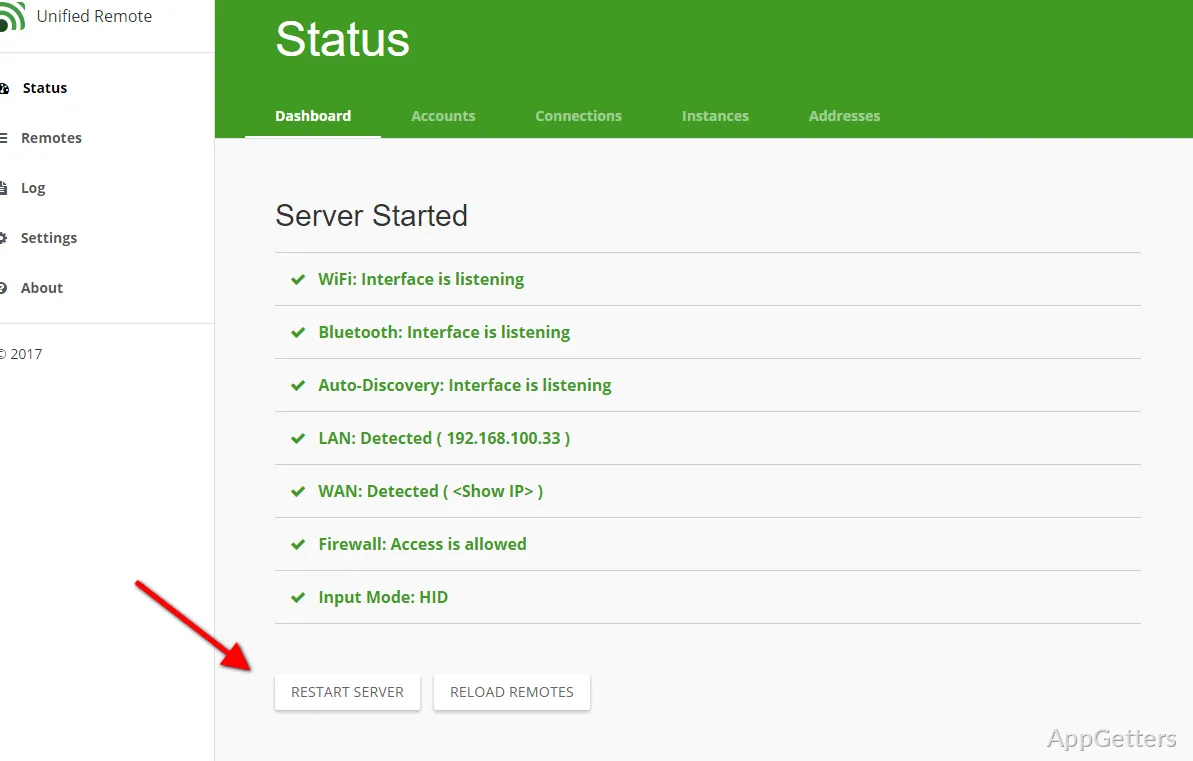
Generally, setting it up is not a problem whatsoever. But on a couple of occasions, firewall permissions and network discovery can be a reason for confusion for a novice. Generally speaking, these issues are not very complicated at all. But sometimes trying the connection process again while using a Windows system is a good idea.
Where Unified Remote Fits Best
Unified Remote is really great for those wanting to control their Windows computers in a simple way and at close range. They can do this without having to buy any extra hardware. It can be used very naturally in home theater setups, class settings, computers shared by the family, and casual workstations in an office.
The majority of the software users are people who need ease and convenience instead of complex and challenging administration. It is not at all supposed to be an enterprise tool with loads of features that overwhelm the user. What it manages to do, however, is simplify interactions with your computer from a distance.
For quite a number of different reasons, this is the very thing that makes the software worthwhile in the long run for many Windows users.