EXE
Home » Software » Windows » Remote Desktop » Remote Desktop Manager for Windows
Remote Desktop Manager for Windows

Remote Desktop Manager for Windows

  • By Devolutions
  • Free
  • Version: 2026.1.22.0
  • 315.69 MB
  • Security Report:

Remote access software usually gets noticed when the first method of doing things breaks down. For example, a student may desire access to their campus files. A person working from home might be totally reliant on a few office systems.

In fact, many times the toughest part is not simply establishing a remote connection. Rather, it is handling multiple connections without getting lost or interrupting the work. That is the main aspect in which Remote Desktop Manager differentiates itself from the basic remote desktop tools.

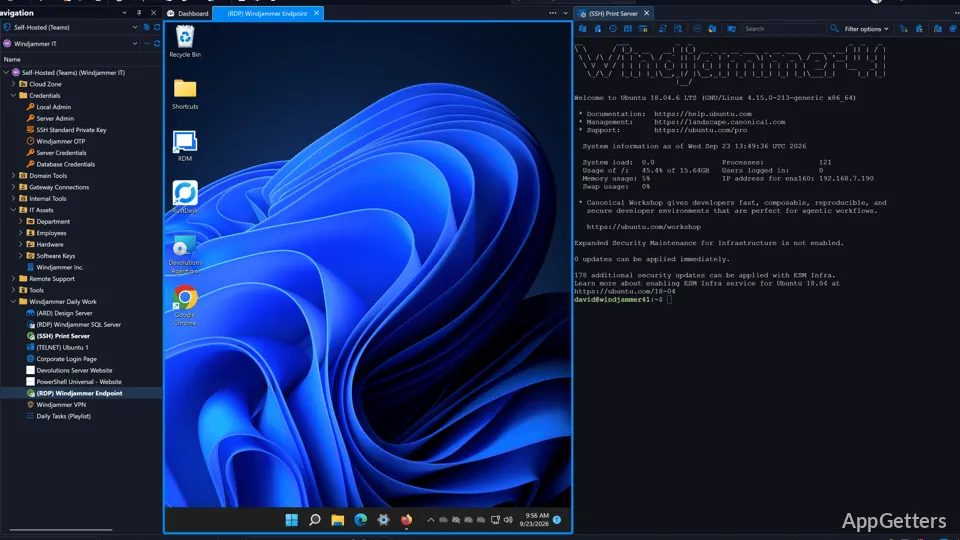
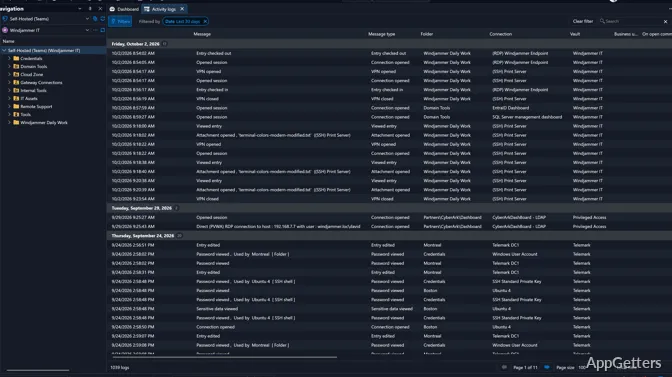
It’s not just for remote control. In fact, it has been designed as a tool for managing and coordinating different resource types, such as servers, workstations, credentials, and remote connections. Using this system, Windows users who need to communicate with multiple computers at different times can really benefit from using the software.

Less Is More?

For most remote desktop programs, the main idea is to get one device remotely controlled as soon as possible. That is perfectly fine for casual or one-time users. But as for the users who have to deal with multiple systems simultaneously, things start getting out of control. Remote Desktop Manager even considers this problem from a different angle. It is a workspace instead of a mere remote utility tool.

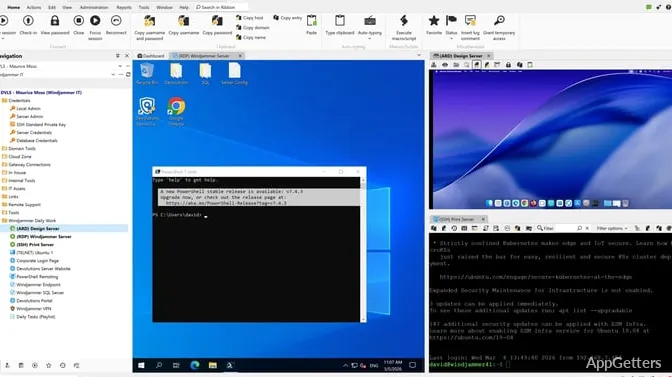
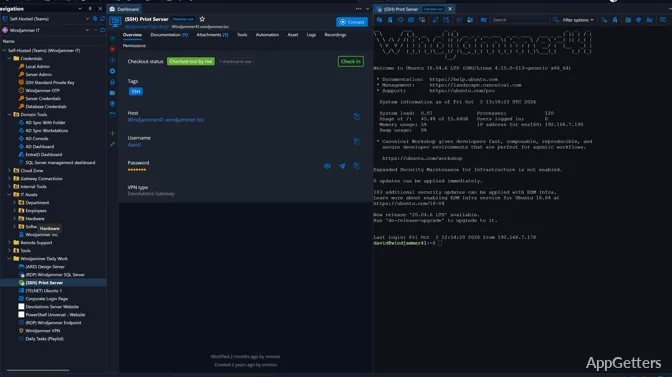
Different types of connections are stored next to each other in the same interface, such as RDP sessions, SSH access, VPN information, and cloud-related tools. This way, the IT guys, MSPs, or EMM/MDM users do not have to keep going back and forth among their different apps. Home users, at first, may find the interface more technical. It also offers more features than simple remote access tools. But once several devices are involved, the logic of the layout becomes clear.

Remote Desktop Manager is generally regarded as stable software for Windows during long sessions. Connecting to saved connections is fast. Organizing sessions is undoubtedly the biggest practical advantage of using this software as opposed to smaller remote access programs.

Remote Desktop Manager: The Ideal Solution for the Hybrid Work Model

One of the reasons why Remote Desktop Manager is still being recommended by professionals is that it supports a variety of systems and workflows. An office environment can hardly rely on a single remote protocol these days. While some employees are working on Windows servers, others may be using an SSH terminal or a web-based infrastructure tool.

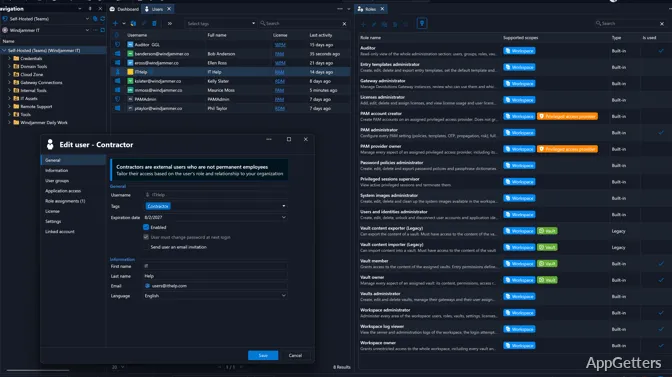
By consolidating all kinds of access in a single interface, the software copes well with such a diverse environment. Therefore, those who manage large inventories of devices benefit most. They are threatened by repeated logins and scattered credentials the most. Confusion is also decreased in collaborative contexts owing to shared databases and permission management.

On the other hand, if the user is accessing a single personal computer remotely only once or twice, then the software may feel overdone and even complex. This is because it is focused on management rather than a simple and lightweight feature set.

More Often than Not, a Stable Product is What Keeps Users Coming Back

Usually, remote software is not that closely inspected for its outer beauty. Rather, its regularity is appreciated more behind the scenes. If connections happen to be failing at last or saved sessions get inopportunely arranged, this causes a direct drop in the productivity level. In regular Windows usage, Remote Desktop Manager performs reliably in that regard.

The software manages to store even long lists of saved sessions without turning into chaos. Switching from one connection to another is also not interruptive, even when this is done for hours. The storing of credentials and security control features has also been given a very high priority. This is something that is especially invaluable when it comes to businesses that operate sensitive systems and/or shared administrative access.

Depending on how many sessions are simultaneously opened, the consumption of resources may increase slightly when compared to that of smaller remote desktop applications. Yet this is a tradeoff that is considered acceptable. It is acceptable by the users who are first and foremost interested in centralized management and not minimal system impact. Besides, stability and organization tend to dominate the more intense interface.

Remote Desktop Manager: The Good, the Bad, and the Pretty?

Most of Remote Desktop Manager’s strongest features will only be taken advantage of by those who have already reached a level at which their remote access requirements have exceeded mere occasional personal use. An automated IT administrator group, a technical support team, a developer, or remote workers who manage multiple systems are the most likely personas to profit from the company’s formal approach.

The student or home user can still make good use of the product if, in certain situations, they have to manage a number of machines or virtual environments. On the other hand, those individuals may not immediately see a need to tap into the software’s extensive management capabilities. After all, simpler remote desktop tools are often more convenient for casual access scenarios.

Whenever a user switches between several distant sessions throughout the day, the software presents a solution to an extremely functional problem. It not only reduces the level of clutter and centralizes access, but also forms a controlled workflow around remote connections. It is that position which, rather than fancy features, gives Remote Desktop Manager its long-standing value on Windows systems.

Software Details of Remote Desktop Manager 2026.1.22.0

License
Free
Version
2026.1.22.0
File Size
315.69 MB
Downloads
0
Language
English
Category
Op. System
Windows
Developer
Last Updated
May 12, 2026

Version History

3 versions
2026.1.22.0
Latest
315.69 MB
May 12, 2026
2026.1.20.0
315.95 MB
May 1, 2026
2026.1.19.0
316.72 MB
April 23, 2026

Leave a Comment

Your email address will not be published. Required fields are marked *

Software Icon
Security Report

Loading scan data...

Scroll to Top