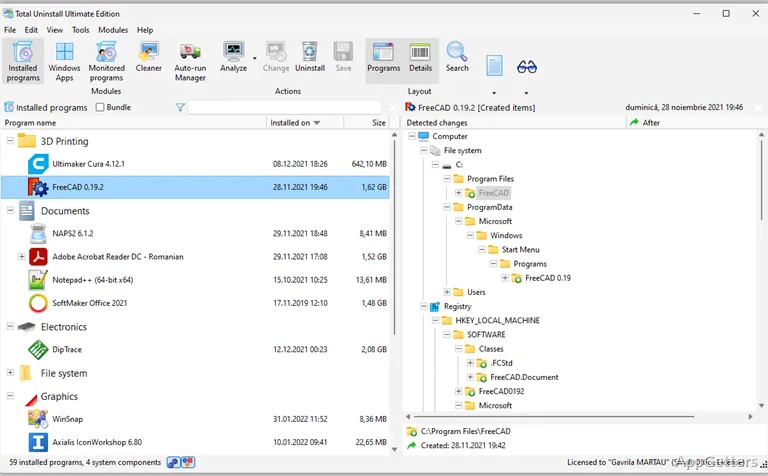
Removing a program cleanly is easier when its setup changes were recorded: Total Uninstall logs those changes during installation and can also analyze programs installed earlier. The program also includes tools for managing Windows startup items and transferring programs to another PC.
How does Total Uninstall track a new installation?
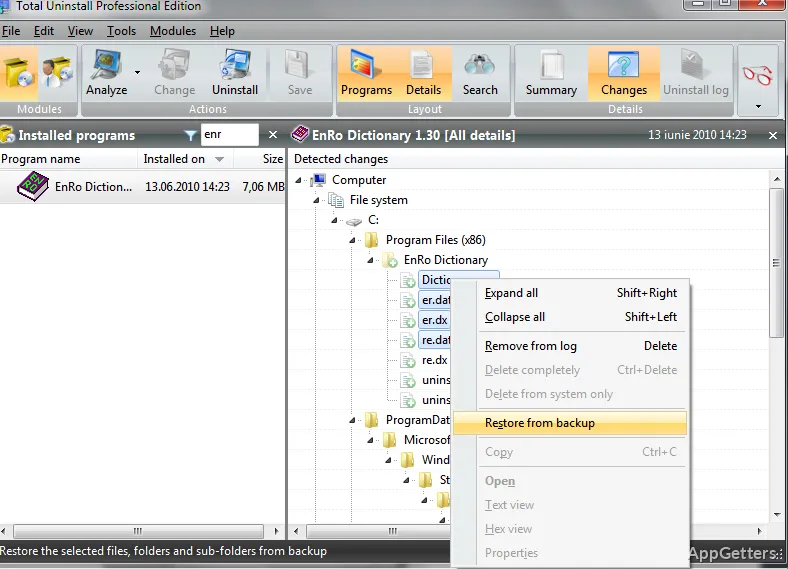
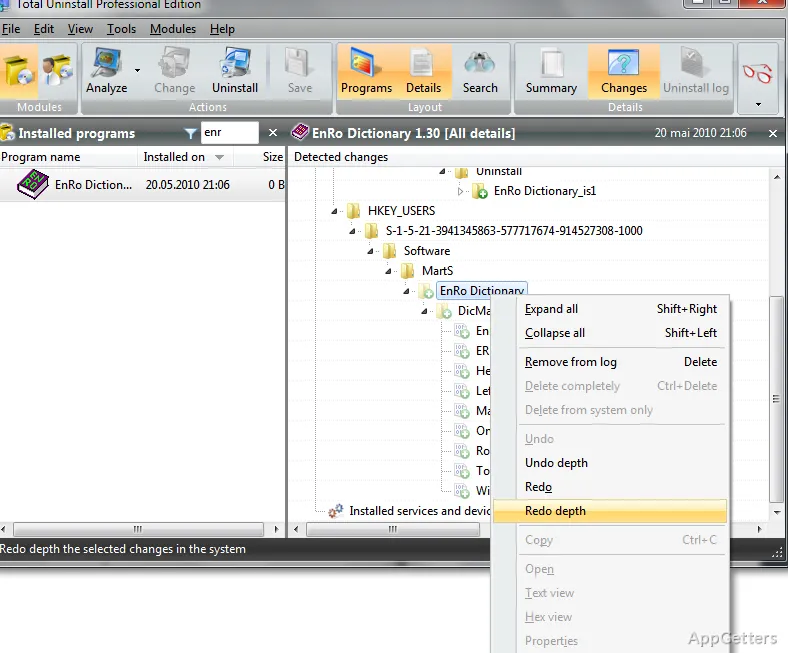
The Monitored Programs module records system changes while a new program is installed. Its log can include added files and registry changes, giving Total Uninstall information to use when removing the program later.
Start monitoring before beginning the software setup. A program already installed can still be examined through the Installed Programs module, but that analysis is separate from a log captured during installation.
What happens when you analyze an installed program?
Installed Programs examines software already on the PC and creates an installation log for its removal. Total Uninstall uses that analysis to remove associated files and registry items without relying on the program's own uninstaller.
- Choose this module for an application that was not monitored during setup.
- Use Monitored Programs when a recorded installation log is available.
Which startup items can Autorun Manager control?
Autorun Manager shows items that start automatically with Windows, including programs, services, and scheduled tasks. It lets you manage which of these entries run at startup.
Can Total Uninstall move programs to another PC?
The program includes a feature for transferring installed programs to a new computer.
Pros
- Monitors setup changes to files and the Windows registry
- Analyzes installed programs and creates uninstall logs
- Autorun Manager covers programs, services, and scheduled tasks
- Includes a tool for transferring programs to another PC
Cons
- Installation monitoring must be active while a program is being installed
System requirements: Windows 7, Windows 8, Windows 8.1, Windows 10, Windows 11
Can Total Uninstall remove a program that it did not monitor?
Yes. The Installed Programs module analyzes software already installed and creates a log for its removal.
What does Monitored Programs record?
It tracks system changes made during a new program's installation, including file and registry changes.
What can Autorun Manager manage?
It manages startup programs, services, and scheduled tasks.