Want to make your own AR filters, games or virtual characters for TikTok? Effect House is TikTok’s desktop tool for building, testing, and publishing those effects.
How do you build an interactive effect?
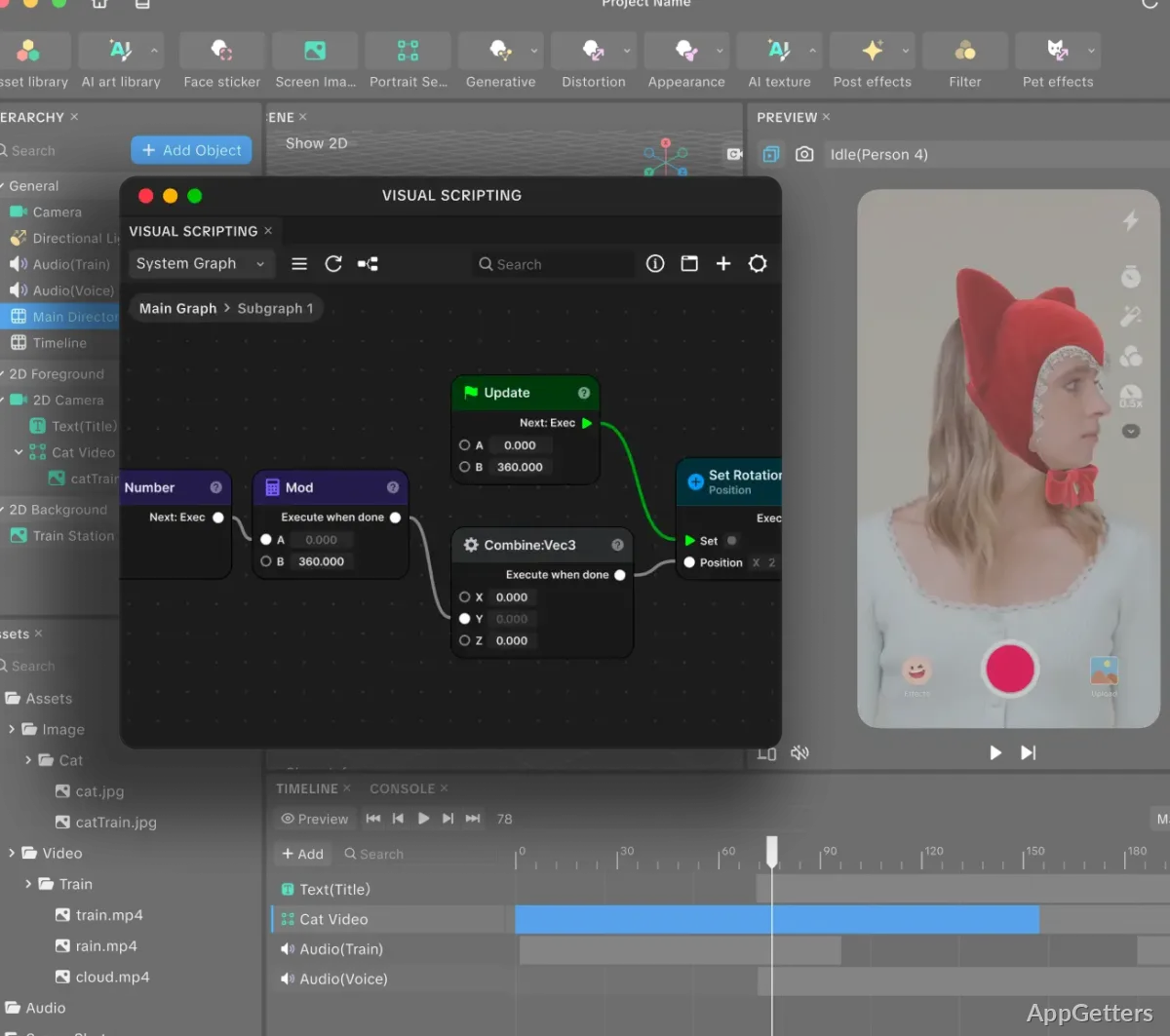
Effect House combines a visual scripting editor with tools for creating effect assets. In the Visual Scripting Editor, creators assemble interactive behavior without needing to write code.
The AI Editor creates styles and assets for an effect, while Create With AI can generate a complete interactive effect.
What kinds of effects can you make?
The tool supports a range of TikTok effect concepts, from fantasy scenes and animated characters to mini-games, filters and sound effects. Creators can build an effect around a visual style or interactive idea, then test it before publishing.
- Use an effect as a TikTok sticker that other creators can share.
- Make effects available for use in TikTok LIVE videos.
- Let creators discover and use effects in the For You feed.
How do effects reach TikTok viewers?
After testing and publishing an effect, creators can share it on TikTok. When other creators use it in videos or LIVE broadcasts, viewers encounter the effect as part of that content. Sticker effects offer another sharing route, letting creators pass them along to friends.
Pros
- Visual Scripting Editor builds interactive effects without coding experience
- AI Editor creates styles and assets for effects
- Create With AI generates full interactive effects
- Effects can reach viewers through TikTok videos, LIVE, and stickers
Do you need coding experience to create an effect?
The Visual Scripting Editor is designed for creating interactive effects without coding experience.
What does Create With AI do?
It generates full interactive effects. The AI Editor can also create styles and assets for an effect.
Where can people find a published effect?
Creators can use effects in TikTok videos, LIVE broadcasts, and stickers; effects may also be discovered in the For You feed.