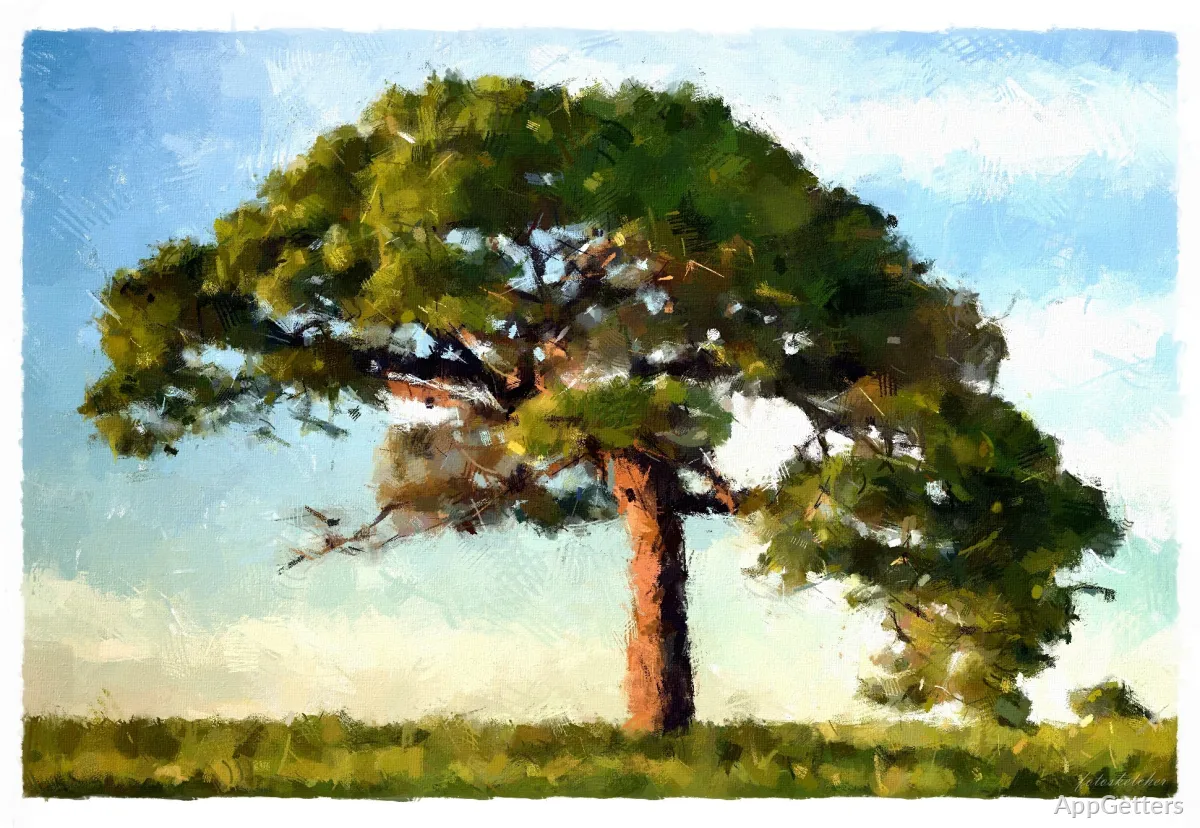
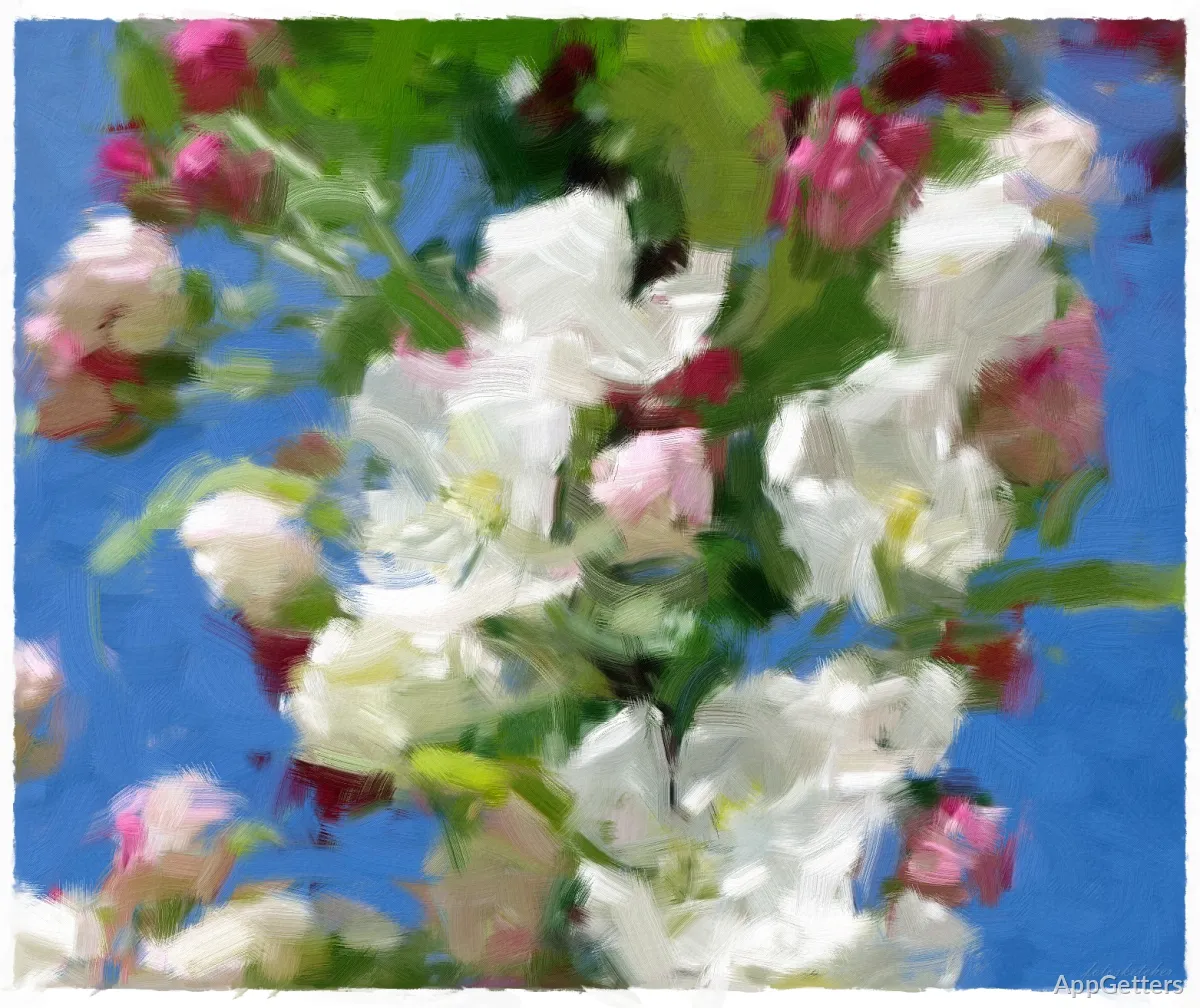
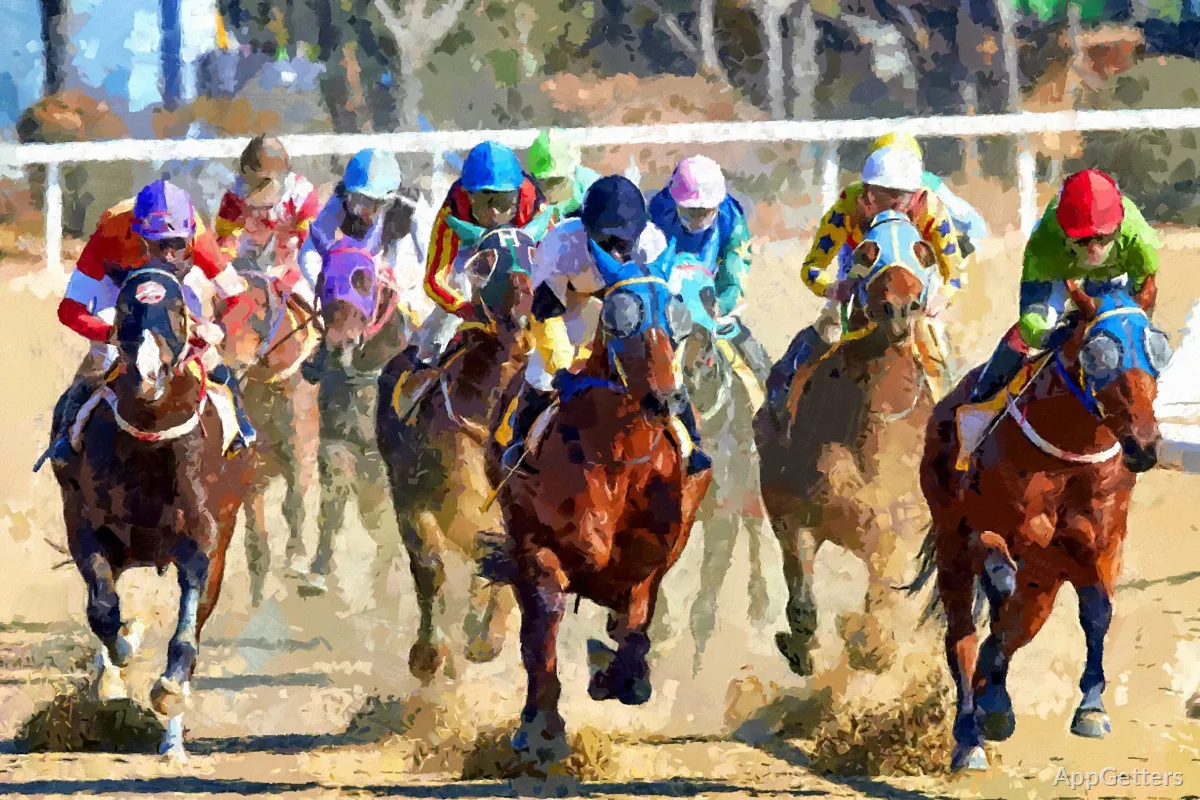
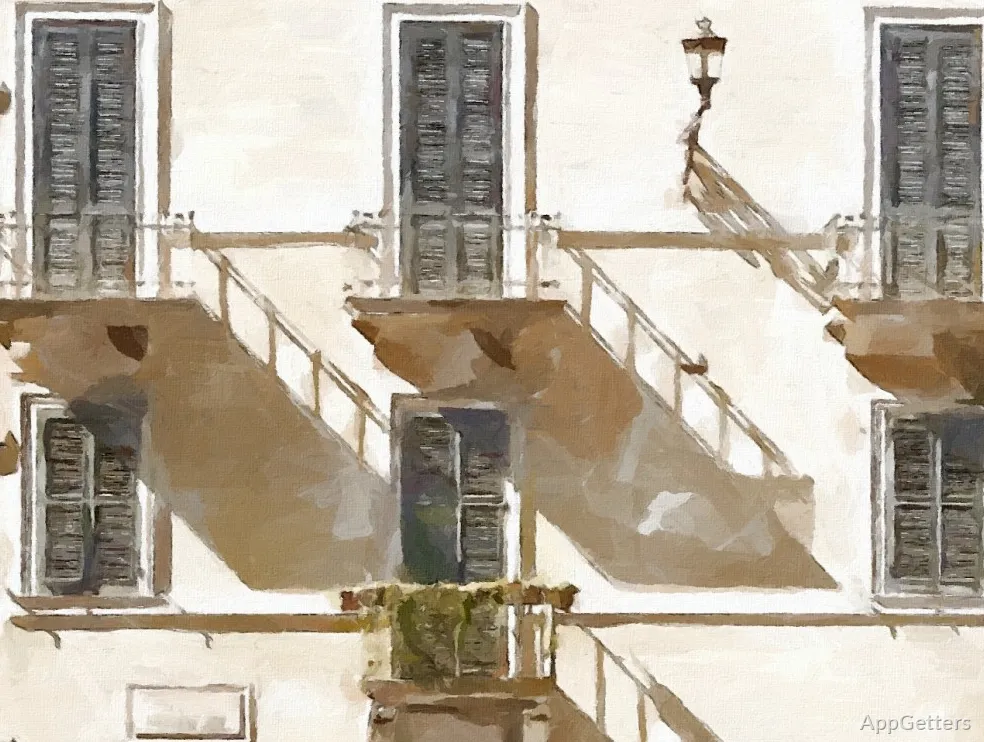
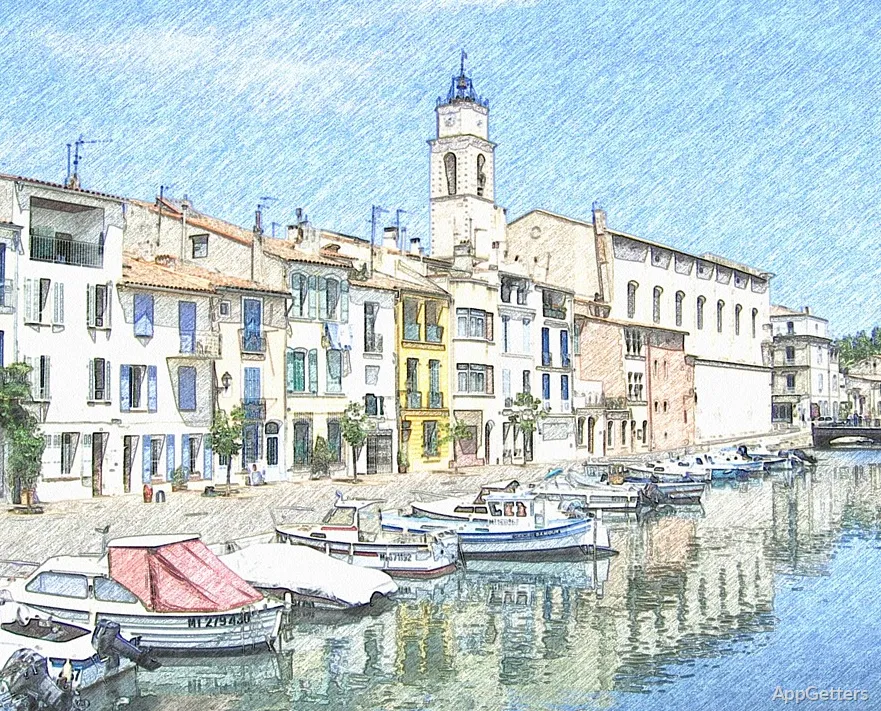
Quite a few Windows users wish to find an easy way of turning their standard photos into artworks without having to figure out complicated editing software. Typically, photo editors emphasize very precise tools, multi-layer workflows, and a myriad of controls. Even trained users may find them excessive. Portable FotoSketcher takes a different route. It has made image stylization very simple, where anyone can apply sketch, painting, watercolor, and drawing effects with practically no effort involved.
It is worth mentioning here that the portable version is even more convenient, especially for people who like to use software without going through the hassle of installation. You can carry it on your pen drive and use it on various systems. You can also start it quickly on any shared computer. This way, users who prefer ease and speed rather than depth and detail in their editing will find themselves a lot more comfortable. This is unlike using one of the massive creative suites.
A Small Program Instead of a Big and Heavy Suite
A lot of times, Portable FotoSketcher appears to be the perfect solution for those users who don’t necessarily want to manipulate the smallest details of an image. They are rather interested in a quick visual transformation. Their idea of a workdesk remains open and uncluttered, with most effects working directly from the one main window. It is no wonder that a user can be previewing different styles, turning their intensity up or down, and then exporting the result. All of this can be done within a matter of a few minutes.
This is the reason why the program is very popular with students, amateur artists, bloggers, and home users. It is also popular with many others.
>If you need illustrations for your presentation or social media posts, then you don’t even need to understand the professional photo editing terminology. You can still come up with images that have been stylized. Even if you are using an older Windows computer, the software should launch quite promptly. It should also work steadily for the usual-sized pictures.
Not to mention that the portable format totally eliminates the need for installation. As a result, this makes it possible to use the program at work or school. Usually, you do not have the permissions to install software there. Opening the executable and getting started is more than enough for users.
Speed Is the Top Priority of Artistic Filters
Rather than being a problem solver that points out and fixes the technical flaws, almost all of the FotoSketcher functionality is about getting a bit more artistic and creative. The program has a plethora of visual filters that imitate pencil, charcoal, ink sketches, oil painting, and watercolors. What is true from experience is that, in some cases, the outputs fare much better when the settings are gently nudged. They do not fare as well when turned up to the max.
Portraits, landscapes, and architectural photos are the ones that benefit the most from soft hand-drawn lines within the sketch presets. Trying these with a minimal amount of edge enhancement will, at times, produce convincing textures. At the same time, users who are simultaneously working on several images may find the batch processing feature very handy. It helps with creating stylized galleries or visual presentations.
On the other hand, it should also be clear that this is obviously not a tool for heavy retouching. An experienced user who frequently relies on advanced masking, object removal, or layered compositions will most likely be disappointed. This happens if they want to have the same level of control here. Yes, the features have been stripped down to simple controls, which makes it quite accessible. However, it comes at the cost of the creative precision that one is used to on bigger editing platforms.
Reasonably Good Compatibility with Standard Windows PCs
A pretty remarkable thing about Portable FotoSketcher is the minimal system requirements. One can feel it working smoothly even on some Windows computers that have a hard time running heavier editing software. This makes it a great option for those who have to use several-year-old laptops, office PCs, or secondary systems. In such cases, actually being able to do something is more important than having a lot of sophisticated features.
Moreover, the developers made sure not to turn the interface into a mad clutter of visuals. Most tools can be found by skimming over them without a lot of exploration into heavy menus. Even a beginner would benefit from the reduced learning time. Usually, it won’t take long to export the images, and the side-by-side comparison gives a pleasant aid when the user is trying to decide which version to save.
Sometimes, however, you are likely to see the more processed textures from some filters if you increase their effect way beyond their limits. Besides, you also won’t want to push a high-resolution image through this program, as it will probably take some time still. Depending on the quality of the original photo used, this can even influence the visual consistency between various effects. So, this software is a trusty companion for artistic editing just for fun. Still, it can be used even after long intervals of non-use.
Great for Those Who Like Ease and Experimentation
Portable FotoSketcher is not the kind of editing tool one turns to in order to build a professional workflow from start to finish. It is more for users who are only somewhat enthusiastic about getting a more artistic touch to their images. They also do not necessarily want to involve themselves in full-blown professional software environments at all times. First of all, teachers who prepare materials for their students, amateur photographers who want to diversify their photos, and home users who want to make a print-ready work of art will find the software to be quite a feasible option.
An additional benefit is that being portable means it stays flexible, whereas many of the other, more extensive editors simply do not provide that. Having no installation required, the application is quite easily carried between different Windows PCs. This is particularly useful if you want to use the device temporarily or one that is shared.
To some who prefer intrinsic value, things such as simplicity, portability, and rapid artistic outcomes are still kind of relevant. Portable FotoSketcher is a real find that doesn’t forget about its narrower but more practical role focus.