EXE
Home » Effects » Picture Collage Maker for Windows
Picture Collage Maker for Windows

Picture Collage Maker for Windows

Arranging multiple photos in a single eye-catching layout is among the most popular ways of creating personal memories, school work, event recaps, or social media posts. Although the easy photo viewers provide basic functionalities in making grids. They lack giving enough creative freedom for users who want to make changes in the spacing, layout design, and embellishment elements. For Windows, most users tend to choose a special program like Picture Collage Maker for visually combining pictures in an ordered manner without becoming a professional designer.

One thing that most people are always concerned about is not to find the photos but to show them in a manner that is full of intention and lovely to the eye. Layout of the collages, adjusting the spaces, and guaranteeing visual balance are some of the things that may puzzle the user of general-purpose editors.

A Layout-Based Approach to Photo Arrangement

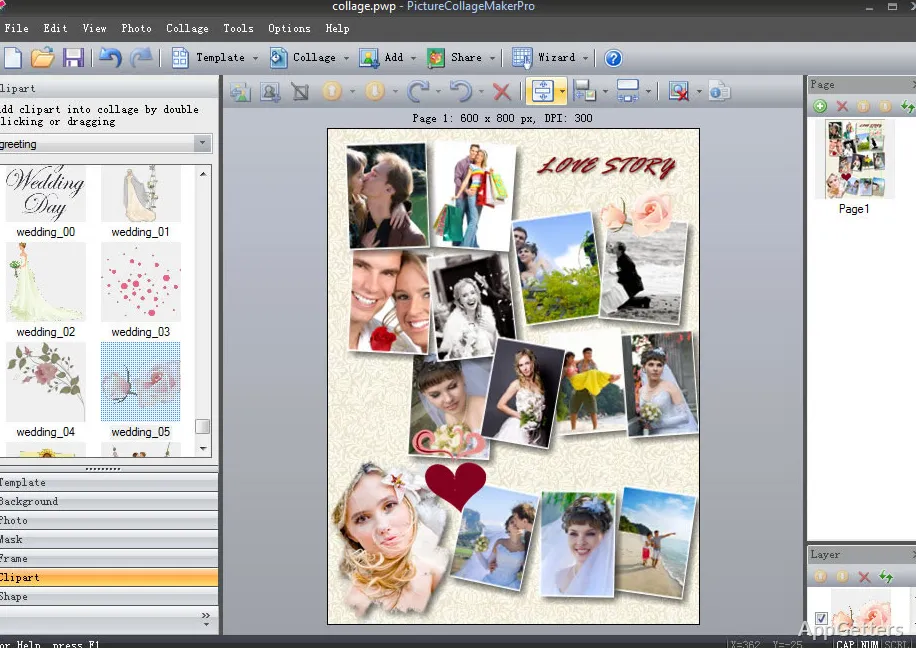
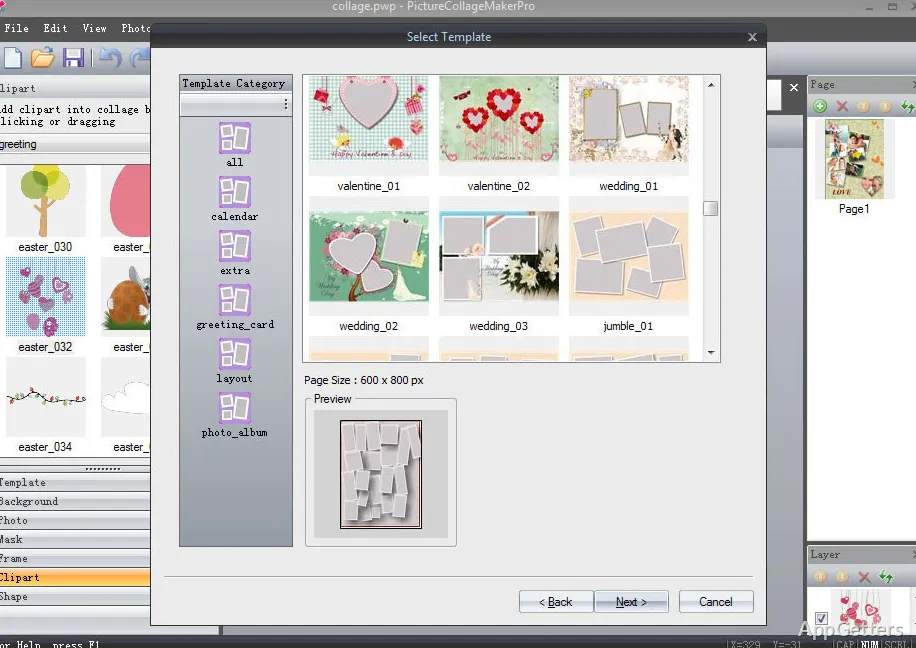
The core of Picture Collage Maker is the use of templates. The users can pick a ready-made whole layout and get going by adding the photos to the resulting picture frames. Instead of planning the setup, the user changes to a new arrangement of photos. This results in less work as well as higher satisfaction.

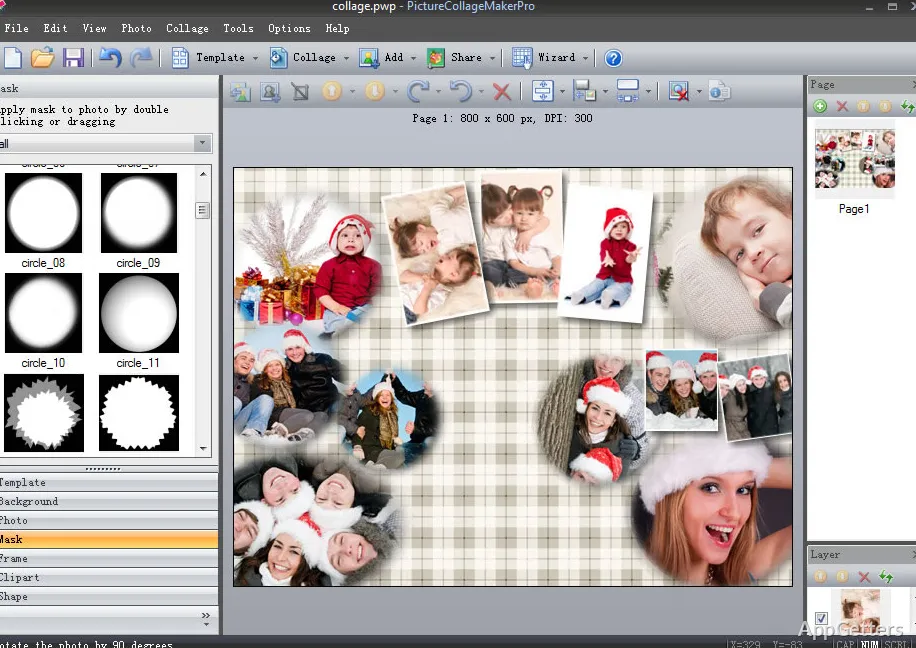
While cutting down the efforts that precede the creation of a collage, dragging and dropping images in a certain place can become the only thing a user does. Beginners without any skill in design may find this tool quite handy. After all, one can change the size and the angle of each photo separately as well. This does not destroy the harmony of the layout.

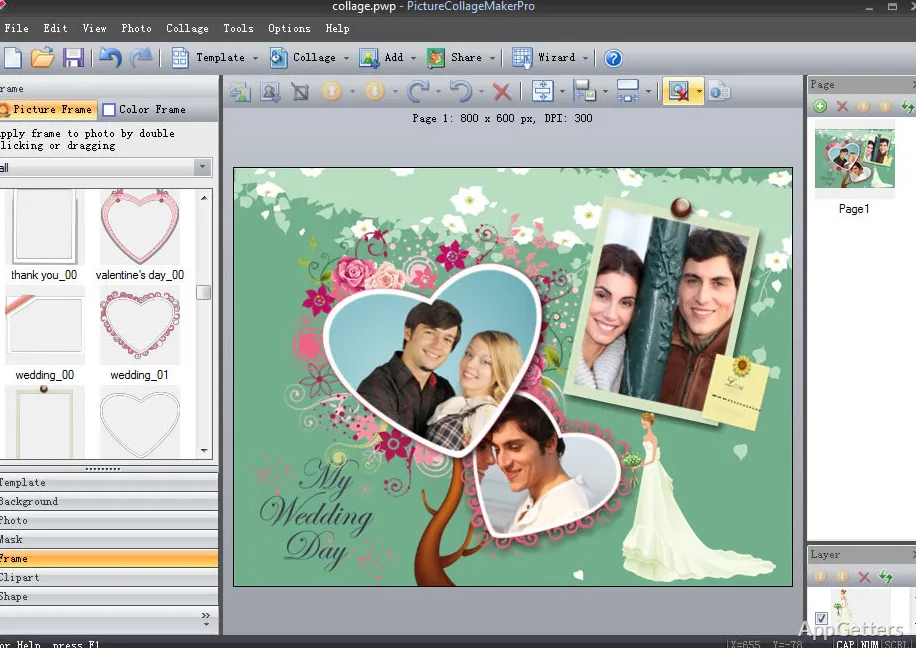
Besides working on the templates, the program gives the possibility to stretch the frames and replace the background. This can really make the time spent designing worth it. Making a template is not an enjoyable thing. So the majority of those who deal with layouts, especially for their projects, choose to depend on already existing templates.

Common Use in Personal and Educational Projects

Most commonly, Picture Collage Maker is a means of preserving personal memories and occasions. Vacation stories, family get-togethers, birthday celebrations, and schoolwork are included. Thanks to the methodical sequence of actions, pictorial illustrations are combined very easily into a single, concise pictorial narrative. This is more attractive than isolated photos.

When it comes to school assignments, visual presentation is the main tool at students’ disposal to convey their message persuasively and attractively. Teachers also use this kind of software to make new learning aids in the form of pictures with small accompanying texts.

Besides serving as a place in which digital scrapbooks and personal themes of collages are created, for the average user, this software’s main purpose is to help them put together certain memories. This may be for printing or sharing on the web. It is beyond the scope of professional publishing. Yet it does a good job of the daily creative process.

Customization Choices and Feasible Restrictions

In Picture Collage Maker, alongside main features such as background coloring and text fields, it is possible to use clipart and to perform primary photo retouching. This set of tools is enough to turn newbies from square photo arrangements into something more or less fitting as regards the design and setting.

Despite the fact that it is useful for customization, the tool will not provide everything an experienced designer may need for high-end manipulation and effects. At the same time, the developers decided not to offer such features. They concentrated instead on easy and quick usability for the average person.

On the Windows platform, the operation is very stable and smooth up to image sizes of a reasonable standard. With a considerable number of high-resolution photos, the system is perhaps a little sluggish. But in general, the user will find the responsiveness sufficient.

Where Picture Collage Maker Fits in Everyday Visual Creation

Picture Collage Maker is an excellent choice for Windows users who just want a simple tool for making photo collages. A tool that is so simple and with so few features. One can be up and running and making collages in no time.

On the other hand, for those who intend to do advanced photo editing. Or who are after a professional level of graphical design, this software will leave them quite dissatisfied. Keeping in mind the needs of casual home users, students. And persons who make pictures only for pleasure, it is consequently a quite useful small device. It turns random picture collections into well-arranged and shareable ones.

Software Details of Picture Collage Maker 4.1.4

License
Free
Version
4.1.4
File Size
102.13 MB
Downloads
0
Language
English
Category
Op. System
Windows
Last Updated
April 25, 2023

Version History

1 version
4.1.4
Latest
102.13 MB
April 25, 2023

Leave a Comment

Your email address will not be published. Required fields are marked *

Software Icon
Security Report

Loading scan data...

Scroll to Top