Saving screenshots and recording short clips of what’s happening on your screen have become simple and often done tasks for a lot of Windows users. Students want to keep online lectures. Remote workers may share their ideas with visuals, whereas support teams often document the software issues visually. Built-in screen capture tools can do straightforward things; however, sometimes they might lack the ease or workflow integration that would be really helpful if one is using them regularly. TechSmith Capture aims to make this operation as easy as possible. At the same time, it gives a user-friendly method for creating screenshots as well as screen recordings.
A Simple Approach to Everyday Screen Capture
TechSmith Capture’s first impression is that it’s a very simple tool. Its purpose is to allow you to take a screenshot in a few clicks. It does so without confusing you with lots of features and options that you rarely use. This makes it easy for a person who only sometimes takes a screenshot to quickly get familiar, and for a person who captures multiple times during the day, to do it fast.
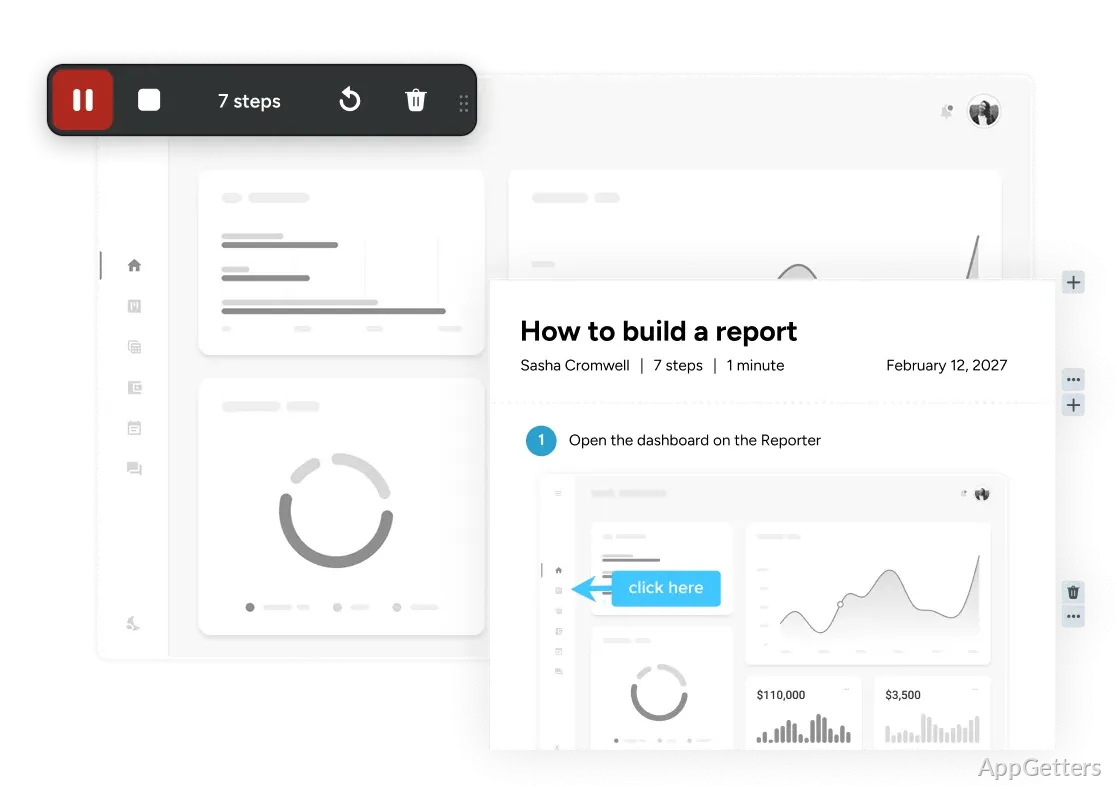
When working with it, one can focus on choosing a particular screen area, capturing a window, or recording the activity with hardly any edits to be made. The interface is extremely straightforward, which cuts down the time spent on understanding the controls. Those who are always pressed for time and love things to be done in minimal time and without effort will be able to get the most out of this easily accessible solution.
Useful for Learning, Support, and Communication
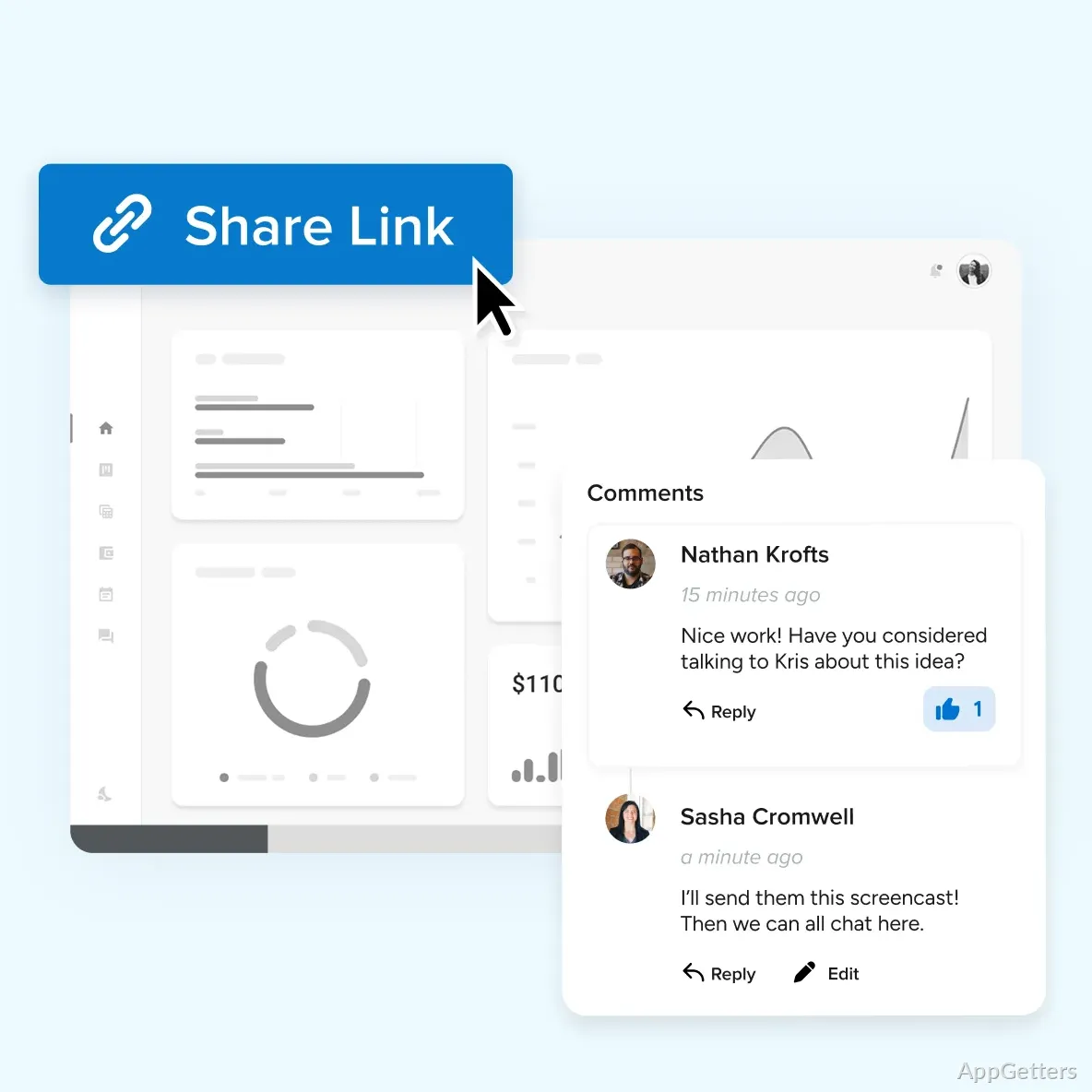
TechSmith Capture helps a lot for those who actively use the visual language for their daily work. Envision students who can film their descriptions or save the content of the online lessons for future use. A person working from a distance may find that saving and sending clips or screenshots will really come in handy. This is especially true when showing how certain software works or while giving comments and suggestions to the project. Technical support teams who want to visually show different examples will find this a good solution as well. This is better than depending only on verbal descriptions.
Having the option of first capturing and then sharing individual notes or thoughts is, without a doubt, among the reasons why significant misunderstandings occur less. When a picture or a clip renders the message, it is by far one of the most effective ways to get a concept. It does so without any kind of explanation coming first or without any kind of written notes. That is exactly why people collaborating are becoming more and more efficient. Apart from that, the software doesn’t discriminate against pretty much anyone. Anyone can make a visual presentation of content they need to be presenting almost effortlessly, even if they haven’t done this kind of visual production before.
Performance and Day-to-Day Reliability
For the smallest capture functions, TechSmith Capture will, within the limits of the capability of the hardware, work flawlessly on this system. It is a convenient piece of software that launches quickly and during normal use hardly consumes any system resources. This goes a long way into keeping the user productive since it is possible to concurrently switch between different applications when capturing.
It is trustworthy, which has to be considered one of its best qualities. The results are generally available without hesitation, and a recording will capture any normal desktop activity. Nevertheless, the ones who want a video editor with lots of features will consider this product to be a bit limited. They may also want extensive controls over the recording. TechSmith Capture is made to be a helper utility for making screen capture and not one where you have full control of the process. People who also need to do the editing post-production work will need additional software in their workflow.
Where TechSmith Capture Fits Best
TechSmith Capture works best for those looking for a very simple, reliable, and fast way to capture on-screen content.
This is why it is also very good for students, teachers, and people doing office work. It is equally useful for those working from home and support staff. They all regularly share visual information but at the same time do not really need advanced video production tools.
The main reason that makes it so valuable to its users is that it is less about producing an extensive set of features. Rather, it is simply helping in the friction elimination in quotidian tasks. Such an emphasis is the result of the software recognizing that users want to capture, document, and share information productively. Those who use Windows in their everyday work and want a solution only for creating screenshots and screen recordings will find TechSmith Capture a very convenient option. At the same time, it does not require the user to become familiar with numerous and complicated features. It will be able to serve their needs in a wide range of workflows.
Can TechSmith Capture record audio with the screen?
Yes. It records screen activity with audio.
Can I share a recording online?
Yes. TechSmith Capture lets you share recorded videos online.