Need to find out what is locking a file, slowing startup or phoning home from your PC? Sysinternals Suite is Microsoft's free bundle of more than 70 troubleshooting tools, created by Mark Russinovich, for looking deep inside Windows processes, startup entries, files and network connections.
Process Explorer and Process Monitor
Process Explorer presents running processes in a tree, making parent-child relationships easier to inspect. Selecting a process reveals details such as its open handles and loaded DLLs, which can help identify what is keeping a file in use or what components a process has loaded.
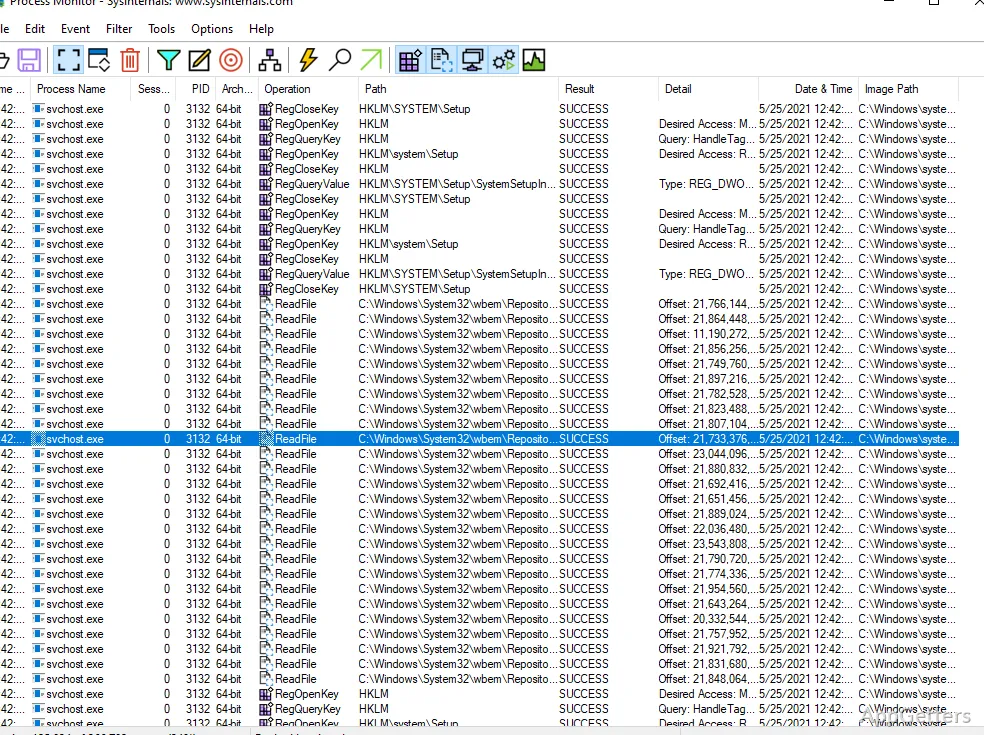
Process Monitor records file-system and Registry operations as they occur, along with process and thread activity. Its filtering tools narrow a busy capture to particular processes, paths, or operations, so a technician can follow the events surrounding a failure or unexpected change.
Autoruns at startup
Autoruns gathers entries that launch automatically from a range of Windows startup locations. Its tabs group items by areas such as logon entries, services, scheduled tasks, and other system components. Selecting an entry provides details about the item; disabling an entry lets an administrator test whether it is contributing to a slow or problematic startup.
Handles and network activity
Handle searches for open references to files and other objects, helping pinpoint the process that is preventing a file from being moved or deleted. TCPView displays active TCP and UDP endpoints and links them to the responsible process, giving a direct view of which applications have network connections.
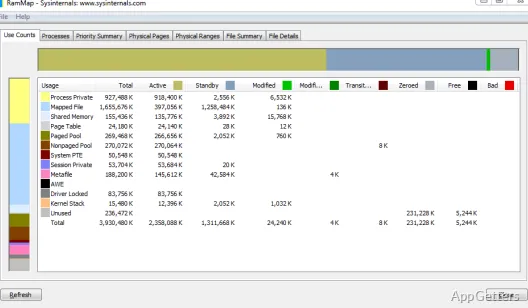
The collection also includes utilities for other focused jobs, including ZoomIt for screen zooming and annotation. The suite runs without installation from one folder; a Microsoft Store edition updates itself automatically, and an ARM64 build is available for Windows on ARM.
Pros
- Process Monitor captures Registry and file-system activity in real time
- Process Explorer shows process relationships, open handles, and loaded DLLs
- Autoruns displays programs and components configured to start automatically
- TCPView associates network endpoints with the processes using them
Cons
- Dozens of separate tools, each with its own interface
- Aimed at technical users; output can be overwhelming
System requirements: Windows 10, Windows 11
Which Sysinternals tool can identify a process that is holding a file open?
Process Explorer (Find > Handle or DLL) or the command-line Handle tool.
Is Sysinternals Suite free?
Yes. Microsoft provides it free, as a zip download or from the Microsoft Store.
Does it need to be installed?
No. Unzip the suite and run any tool directly; the Store version keeps the tools up to date.