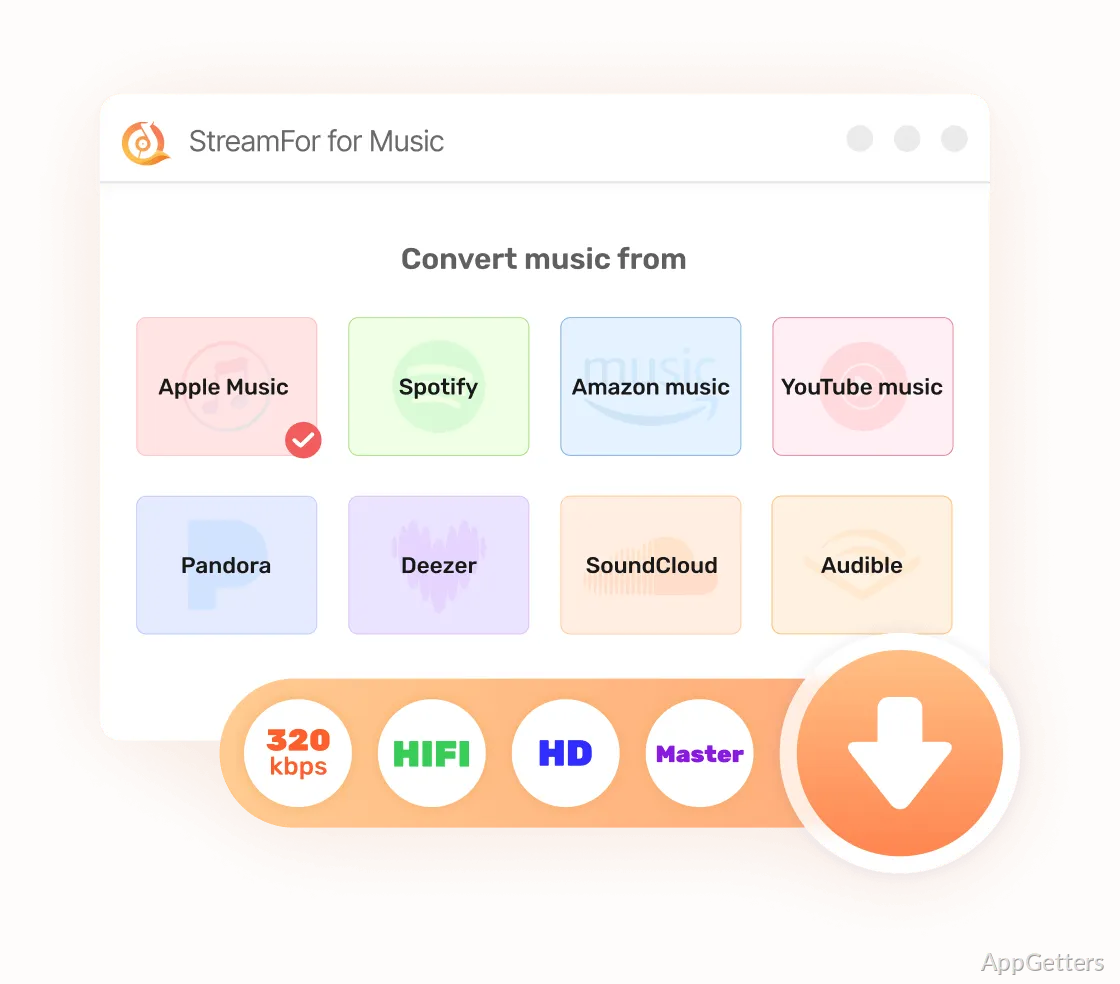
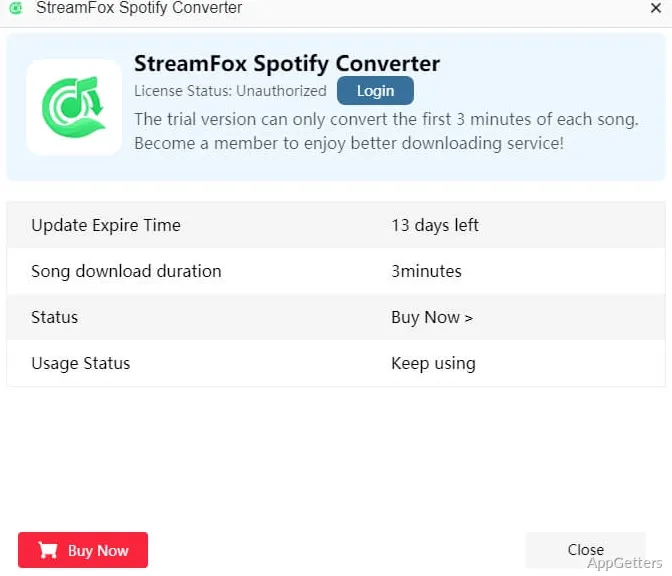
Handling an offline music collection on Windows is far from being a piece of cake. The whole ecosystem of major streaming providers is targeted at providing an online experience, and if at all they allow downloads, such files remain inaccessible outside the respective app. Therefore, if the users want to obtain total control over the files, either for backup, playing them offline on unsupported devices, or making an archive of favorite playlists, the whole process turns out to be a real nightmare. StreamFox for Music is a tool that helps in such situations. Judging by the hands-on use, it is a conversion and download helper that enables Windows users to have their streaming music saved locally in formats that are convenient for them.
StreamFox for Music Everyday Helper Windows
A typical Windows user would probably log in through StreamFox for Music to the different audio platforms and also use the integrated browsing feature. The process is simple: you get to choose albums or playlists, then go for the output format, and finally convert the tracks. Talking about the routine, converting the files appears less like a technical operation and more like regular media library management.
The speed at which you get to download depends on the performance of your system and the stability of your internet connection. Here, at least, the batch conversions were continuous, and interruptions were almost negligible. Therefore, a clear and easy-to-understand interface has been designed to facilitate access for those who are not technology-savvy. Students or home users looking merely to have offline versions of study playlists, lengthy podcasts, or their music library should find no problem at all with the interface. Conversely, bitrate and format selection are settings that can let more proficient users produce the output quality they want.
Quality of Output and Degrees of Format Freedom
Among the main reasons why StreamFox for Music has garnered popularity is that it allows users to have complete mastery over the formats they use. In contrast to being totally dependent on the streaming service’s encrypted files, one can save the tracks in commonly accepted formats such as MP3 or FLAC. This will render the songs playable even on non-streaming-app-smart devices, including legacy media players or car stereo systems.
Throughout the trial period, the sound quality has not fallen off the bitrate setting, since the two were in harmony. Retention of music file metadata, such as artist, album artwork, and track titles, usually happens very well. This is one of the things music lovers should care about, who rely on media software to organize their libraries. Files fit well into local collections with no additional tagging effort. Nevertheless, because it is the high-quality formats that take longer to convert, people who have huge libraries should consider the conversion time to be longer than usual.
Impact on Stability, Performance, Workflow
Considering that most Windows systems are standard these days and that StreamFox for Music runs without any problems on these setups, that is probably the case. It has been noticed that when performing such tasks, the computer could be pushing the CPU usage spike up from the background. However, there was also time to browse the web and do other things within the operating system. Thus, the whole of it allows downloading a backup sync without disturbing the flow if someone decides to engage with something else at the same time.
Dependability is among its most positive features. It was quite rare in the test period that a download failed, and once the app came back up, it continued from where it left off, just like one would have expected it to do. Regardless, there is always, as it seems to me, a degree of uncertainty when it comes to tools that interact with streaming services. This is especially true when the latter are incompatible or in the process of updating their service, changing the authentication, or still further adjusting their playback.
For example, imagine a student who commutes every day or a businessperson who frequently travels back and forth. They are the ones who are most likely to enjoy the positive effect of this type of workflow. Both of them could install a local Dropbox for their music and not have to depend on a subscription every time they are not around.
Why Pick StreamFox for Music?
Windows users who want to have offline content available and also be able to quickly switch between formats are the ones for whom StreamFox for Music is the right choice. It is aimed at students who are creating resources for their offline studying, at-home users who want to archive their personal playlists, or people who own a device that does not support the streaming apps of the new generation.
It doesn’t take the place of a streaming service itself, nor does it have the intention of turning into a media player. On the contrary, its purpose is to serve as a connection between the streaming ecosystem and music management through traditional file means. If you are a local media files manager, it would be nice. You would find it predictable and useful. On the other hand, if all you do is rely on streaming apps on mobile, then there’s practically no need for you to have one.
On the whole, StreamFox for Music comes across to me less as a flashy utility and more as a dependable tool meant to simplify working with music files. It does take on a defined, functional role if you are an average Windows user and you want to have unconditional control over your music files.