EXE
Home » Desktop Customization » ShareMouse for Windows
ShareMouse for Windows

ShareMouse for Windows

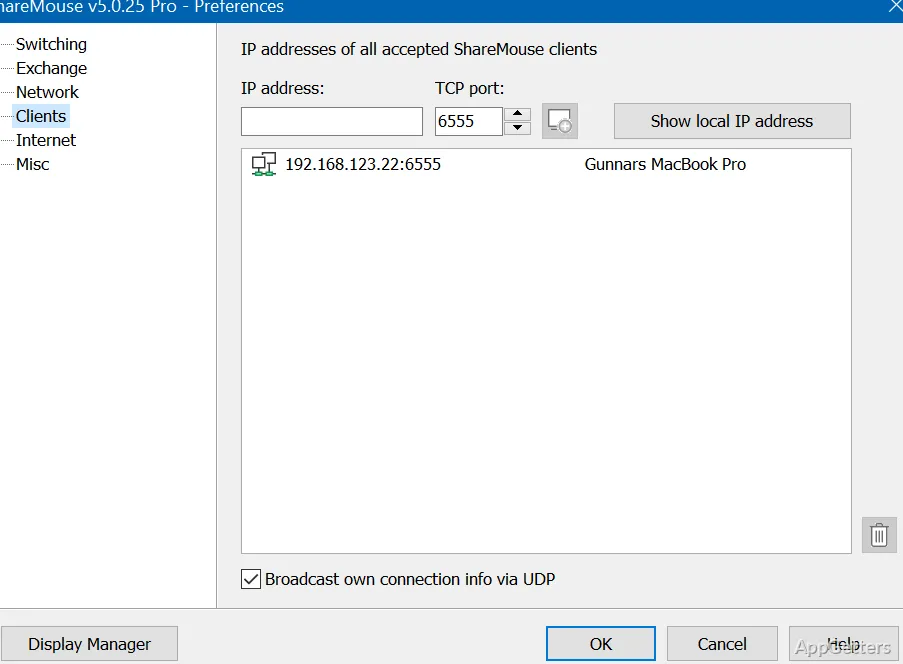
It’s a common situation these days that others have more than one computer on their desks. So the user keeps swapping between different keyboards and mice during the day. ShareMouse is a better way of solving this problem because it enables one mouse and keyboard to control multiple computers. No longer do users need hardware switches or peripherals that have to be physically moved. They can operate another connected system just by moving the mouse cursor across the screen. As a result, a workspace that is more unified and less stressful to manage during everyday tasks is created.

More of a Human than a Machine

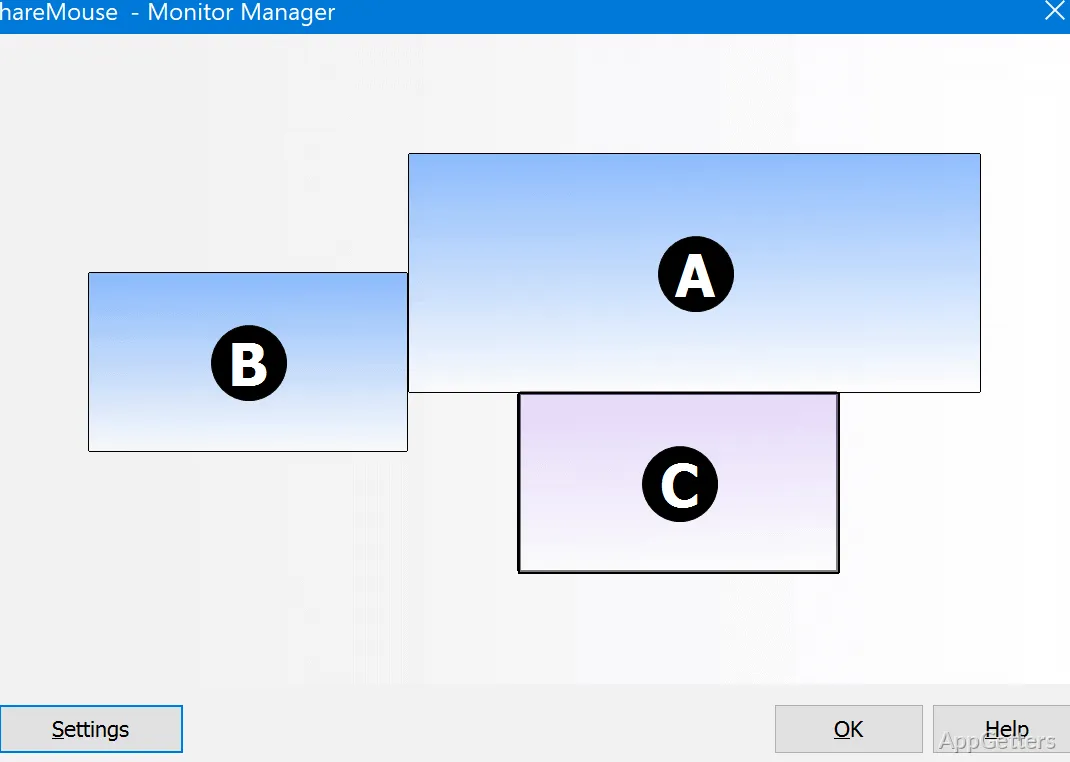
A very distinctive feature of ShareMouse is how rapidly it integrates itself into the normal routine. The enticing thing about it is that once you have configured it, going between machines that are connected is just like going between monitors of a single computer. This is so intuitive that you cannot even realize that you are switching systems while copying text, dragging files, etcetera.

The other good thing is that it is an equally helpful tool for users who tend to work among different operating systems or have separate computers for personal and work purposes. There are many developers, graphic artists, software engineers, and even students who work on two different machines. They would benefit from using the ShareMouse software.

Features and Constraints that Define Usability

Instead of packing a lot of professional features, ShareMouse has chosen to provide users with convenience and simple operation. Installation of the software generally takes no more than running a setup wizard. Besides, it is designed in a way that it can operate in the background without the user needing to interact with it very often.

People who want to share their inputs without running into problems will surely benefit from these features. However, it will only be effective when the systems connected are compatible, and the network environment is suitable. Besides that, if the network is unstable in any way, the performance might be affected. There could be situations when the user has to operate one device directly. Besides, single computer users or those who hardly ever change systems might not find this software very useful in their daily routine.

Performance Steadiness Throughout Extended Hours of Work

Any program that runs by itself for a long while should be stable, and ShareMouse has generally shown its ability to serve that function well. After they have been connected, moving from a keyboard to a mouse and vice versa feels very natural. Mostly the users are highly satisfied with office-related tasks like document editing, paperwork, and the like.

Besides, the app is really thoughtful as it barely influences the performance of other applications. However, it is more the opposite of remote desktop features rather than a competitor since the major function of the software is to simplify the control of nearby computers. You will see that this software is very powerful for people with different computers at hand. They have the feeling of no longer dealing with different placements of their work due to constant management of disconnected work environments.

The Perfect Case for ShareMouse Usage

The ones who, throughout the day, are two or more computer users engaged in a single activity or sharing a joint purpose can consider themselves the main beneficiaries of ShareMouse. At the same time, they wish to have a very simplified desktop setup without any additional and unnecessary hardware. ShareMouse is great for home offices, software development departments, artists’ studios, and help desks, where the core of the tool is experienced.

Obviously, it is the ability to eliminate minor but frequent distractions that makes it the winner in the eyes of the majority of its users. It also allows newcomers to the idea of using only a shared set of input devices to be more comfortable. It helps them understand the concept of multiple machine interaction. This happens indirectly through one single machine.  It is the kind of convenience that Windows users have long desired. Especially those juggling several computers on one desk. Most of the time it is so subtle they do not even notice it. Yet it quietly makes their lives easier.

Software Details of ShareMouse 7.0.25

License
Free
Version
7.0.25
File Size
9.15 MB
Downloads
0
Languages
English English, German
Op. System
Windows
Developer
Last Updated
May 27, 2026

Version History

5 versions
7.0.25
Latest
9.15 MB
May 27, 2026
7.0.24
8.36 MB
May 15, 2026
7.0.22
9.75 MB
April 9, 2026
7.0.21
9.74 MB
April 1, 2026
7.0.19
9.73 MB
March 25, 2026

Leave a Comment

Your email address will not be published. Required fields are marked *

Software Icon
Security Report

Loading scan data...

Scroll to Top