When a Windows PC is across the room or connected to a TV, reaching its keyboard can interrupt a film or presentation. Remote Mouse pairs the PC’s desktop helper with a phone or tablet, turning the mobile device into a wireless mouse, keyboard, and touchpad.
How does phone-to-PC control work?
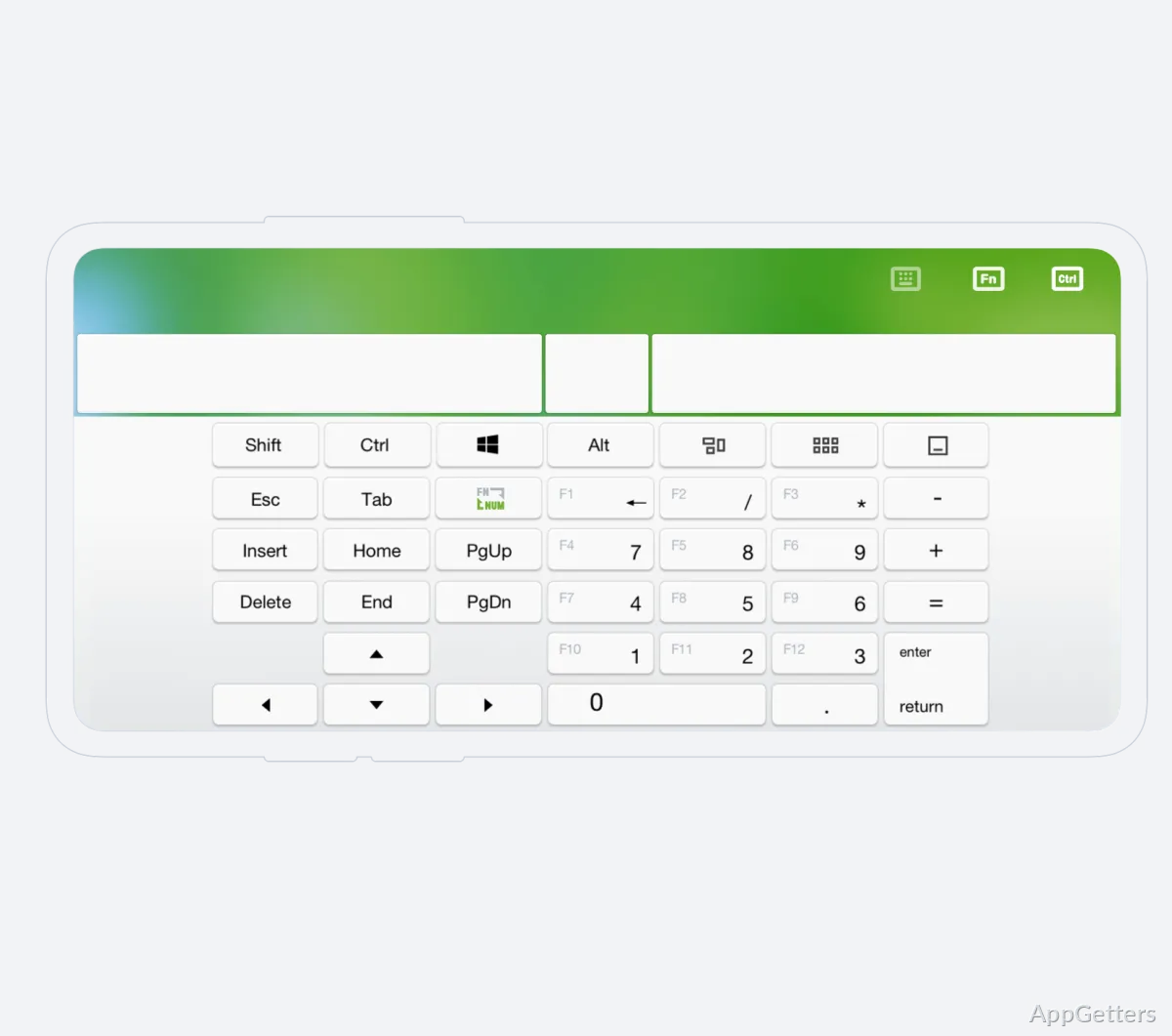
Remote Mouse uses a mobile app alongside the Windows desktop helper. After both devices join the same Wi-Fi network, the phone’s touch surface moves the PC pointer; tapping and sliding provide mouse and touchpad input. The mobile keyboard can send text to the computer, and multi-touch gestures provide additional control.
For cursor movement without sliding a finger across the screen, gyroscope control uses the phone’s motion sensors. Voice typing sends speech through the recognition feature built into iOS or Android, so spoken input can appear on the computer.
Task-specific control panels
Remote Mouse offers panels tailored to common remote tasks. A media panel controls video and music, while presentation controls let users change slides with the mobile device’s physical volume buttons. The same buttons can adjust the computer’s volume.
Application Remote can launch or switch between computer applications, and a show-desktop control is available for clearing the screen. Power controls provide shutdown, restart, logoff, and sleep commands.
- Copy and paste clipboard content between the computer and mobile device.
- Reorder the control panel, choose a wallpaper, and switch between light and dark appearances.
Using Remote Mouse from a distance
The touch controls suit browsing or navigating a media player while the computer is connected to a television. During a presentation, the phone can handle slide changes and volume without requiring the user to stand beside the PC. Keyboard input, voice typing, and application switching cover other computer tasks from the same mobile companion.
Pros
- Combines pointer, keyboard, and touchpad controls on a mobile device
- Includes panels for media playback and presentations
- Shares clipboard content between the computer and mobile device
- Offers gyroscope cursor control and voice typing
System requirements: Windows 7, Windows 8, Windows 10, Windows 11
Do the phone and Windows PC need to be on the same network?
Yes. They need to connect to the same Wi-Fi network for Remote Mouse to work.
Can Remote Mouse control music and presentations?
Yes. It has media controls for video and music, plus presentation controls that can change slides using the phone’s volume buttons.
Can it send text to the computer?
Yes. Use the mobile keyboard or voice typing through iOS or Android speech recognition.