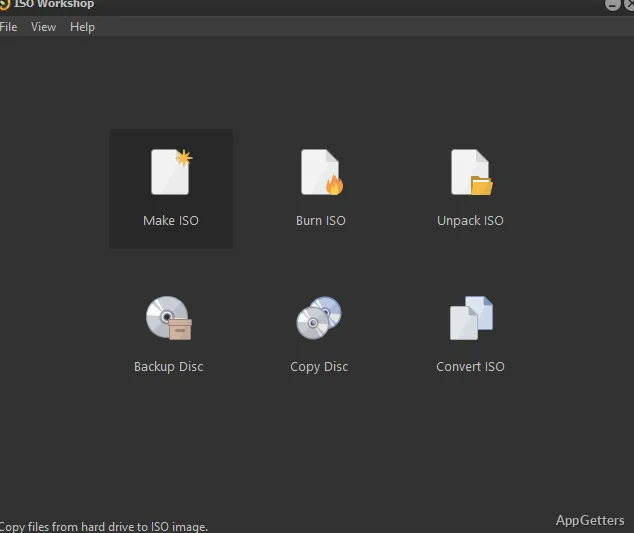
Bootable ISO creation is one of the disc-image tasks in ISO Workshop. The program also extracts image contents, converts between image formats, and handles CD, DVD, and Blu-ray burning and copying.
Create standard or bootable ISO images
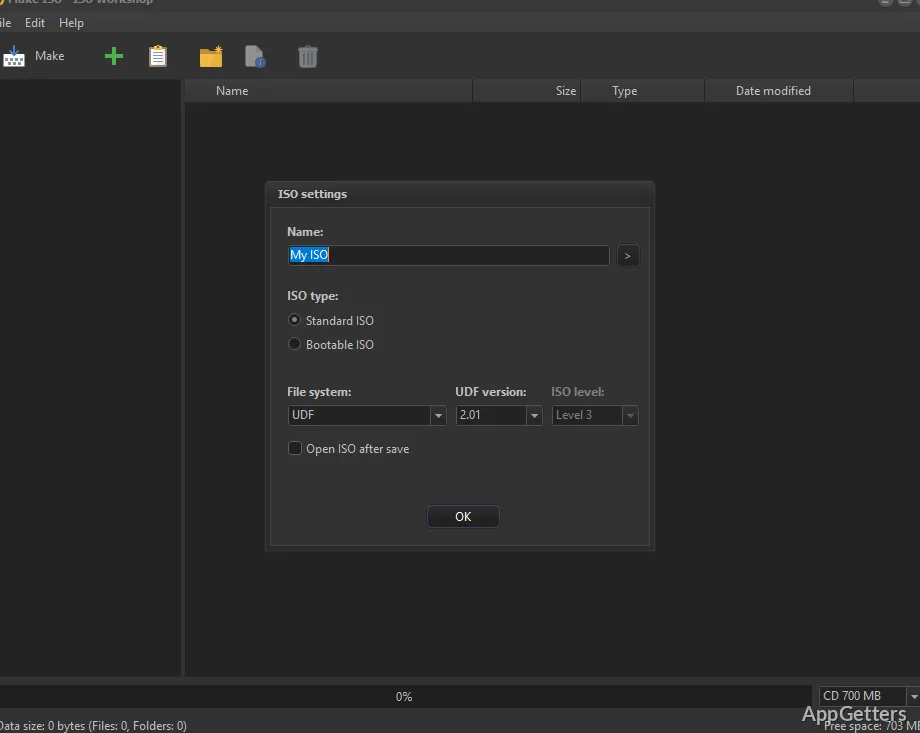
ISO Workshop can create standard ISO images as well as bootable ones. During image creation, it offers a choice of file systems, so the image can be prepared for the intended use. The program also includes disc backup tools for turning CD, DVD, or Blu-ray media into an image file.
Extract, convert, and burn disc images
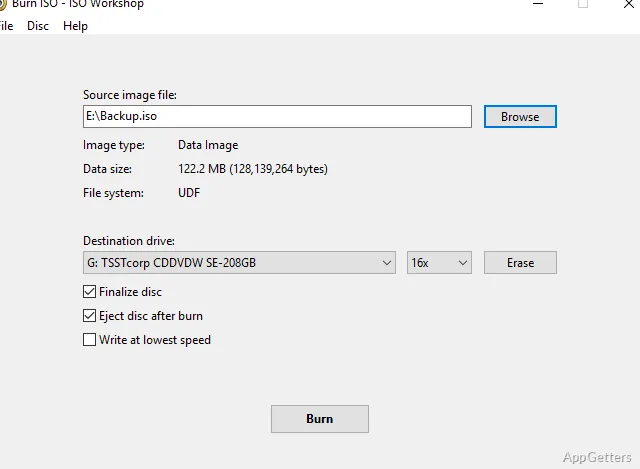
The image-browsing tools let you inspect supported disc-image files and extract their contents. For format conversion, ISO Workshop can convert disc images to ISO or BIN. When an image is ready to write, the burning tools handle ISO files and other disc-image files on CD, DVD, or Blu-ray discs.
Make direct copies of optical discs
For a physical-disc copy, ISO Workshop can copy CD, DVD, and Blu-ray discs directly, as well as save a disc to an ISO or BIN image. It also supports on-the-fly copies, which transfer a disc directly to another disc without first creating a saved image file.
- Create an image file from a disc for backup or later use.
- Burn an image file to compatible optical media.
- Choose a direct copy when duplicating a disc.
Pros
- Creates standard and bootable ISO images with filesystem choices
- Converts disc images to ISO or BIN
- Copies CD, DVD, and Blu-ray discs to images
- Burns ISO and other disc images to optical media
System requirements: Windows 7, Windows 8, Windows 10, Windows 11 · 32-bit and 64-bit
Can ISO Workshop create a bootable ISO?
Yes. It can make bootable ISO images and offers a choice of file systems.
Can it convert a disc image to BIN?
Yes. ISO Workshop converts disc images to BIN or ISO format.
Can it copy a Blu-ray disc?
Yes. It can make direct Blu-ray copies or save the disc as an ISO or BIN image.