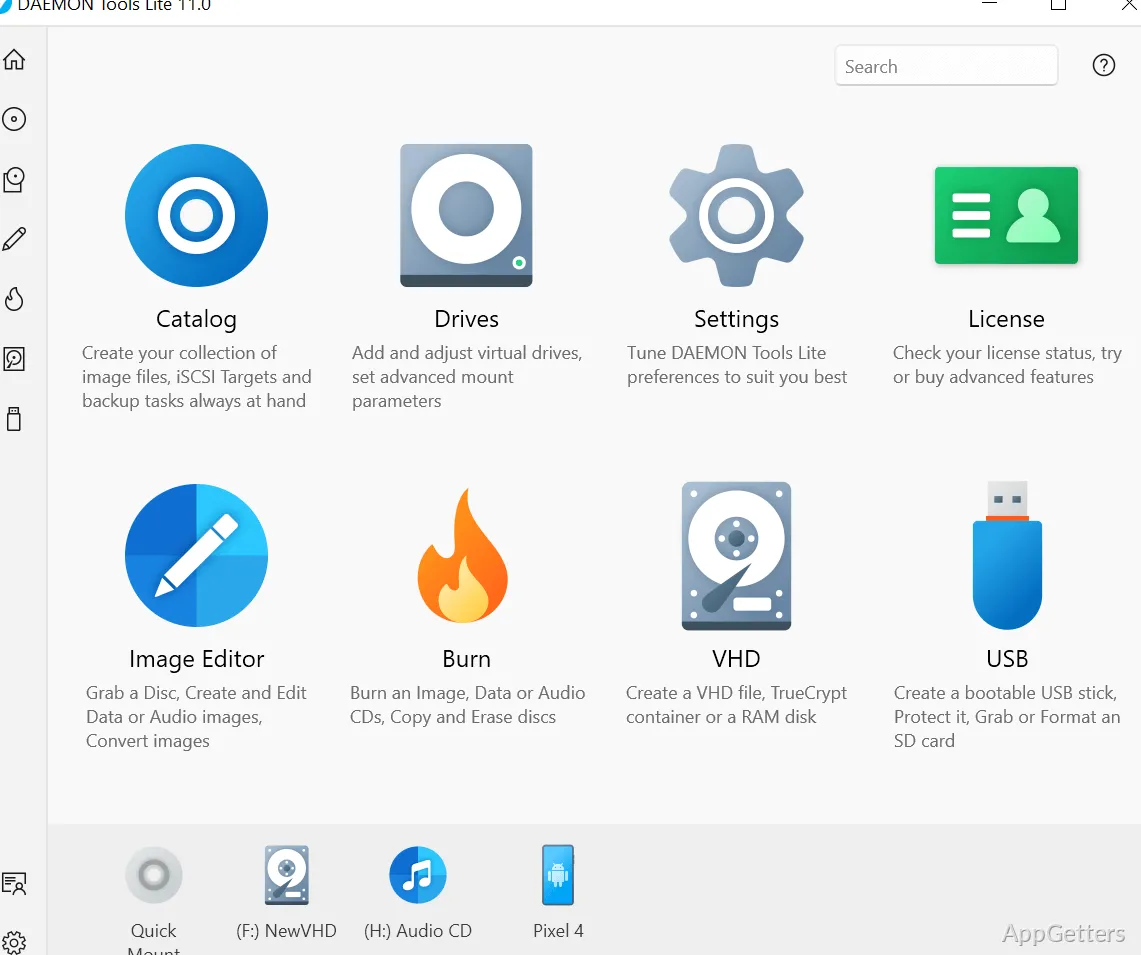
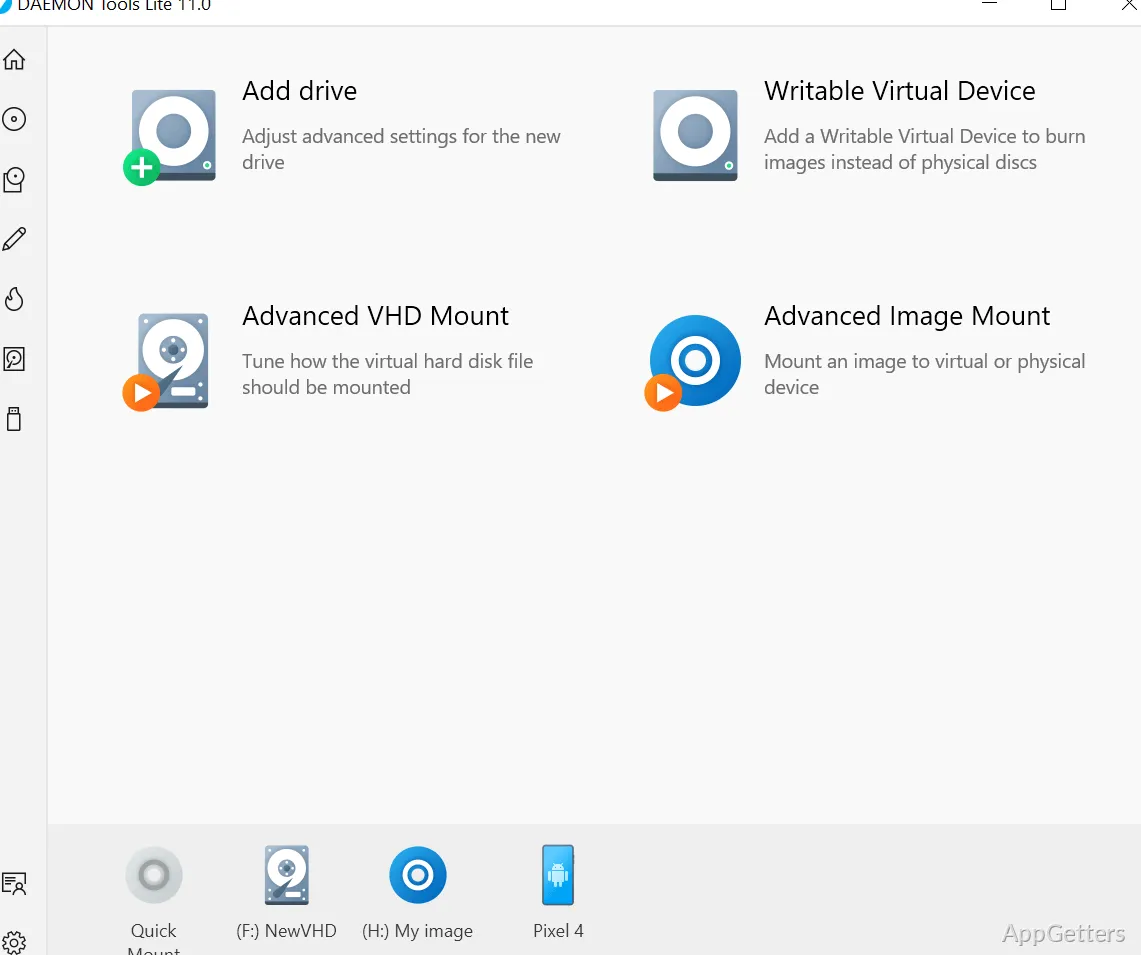
Need to open an ISO or another disc image without burning it to a disc? DAEMON Tools Lite mounts image files as virtual drives and can create images from optical discs.
How does mounting an image work?
Choose an image file and mount it to a virtual drive. Windows then presents the mounted image as a disc, so its folders and files can be opened through the usual file tools without first extracting the image or writing it to physical media.
Lite supports ISO, MDX, and MDS images. The program can emulate up to four virtual devices, giving you room to keep more than one image mounted at a time. Unmount an image when you are finished with it, then use the virtual drive for another file.
Can it create disc image files?
Yes. DAEMON Tools Lite can create image files from optical discs, including ISO, MDX, and MDS formats.
For a typical workflow, select the disc to image, choose a supported output format, and create the file. Once saved, the image can be kept in the program’s catalog for later access.
Where are saved images kept?
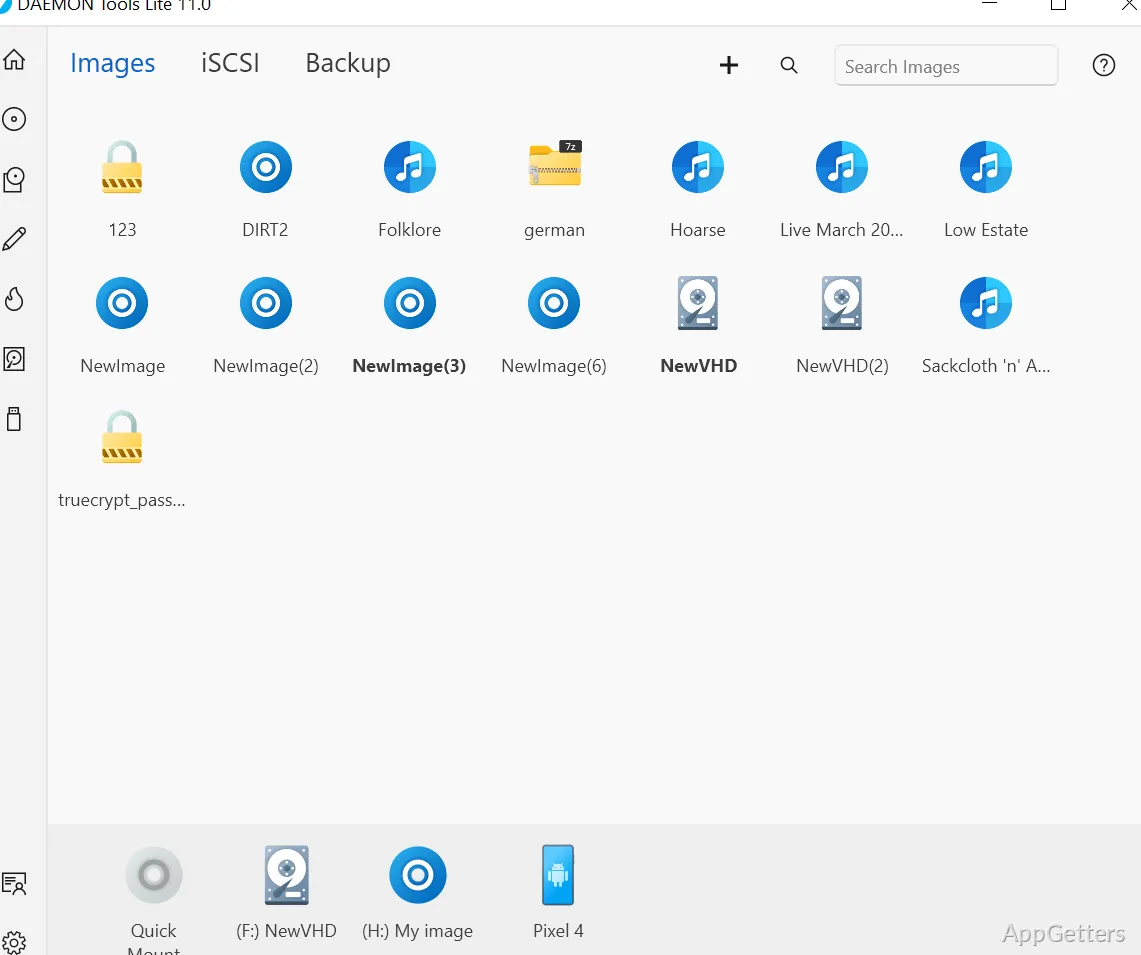
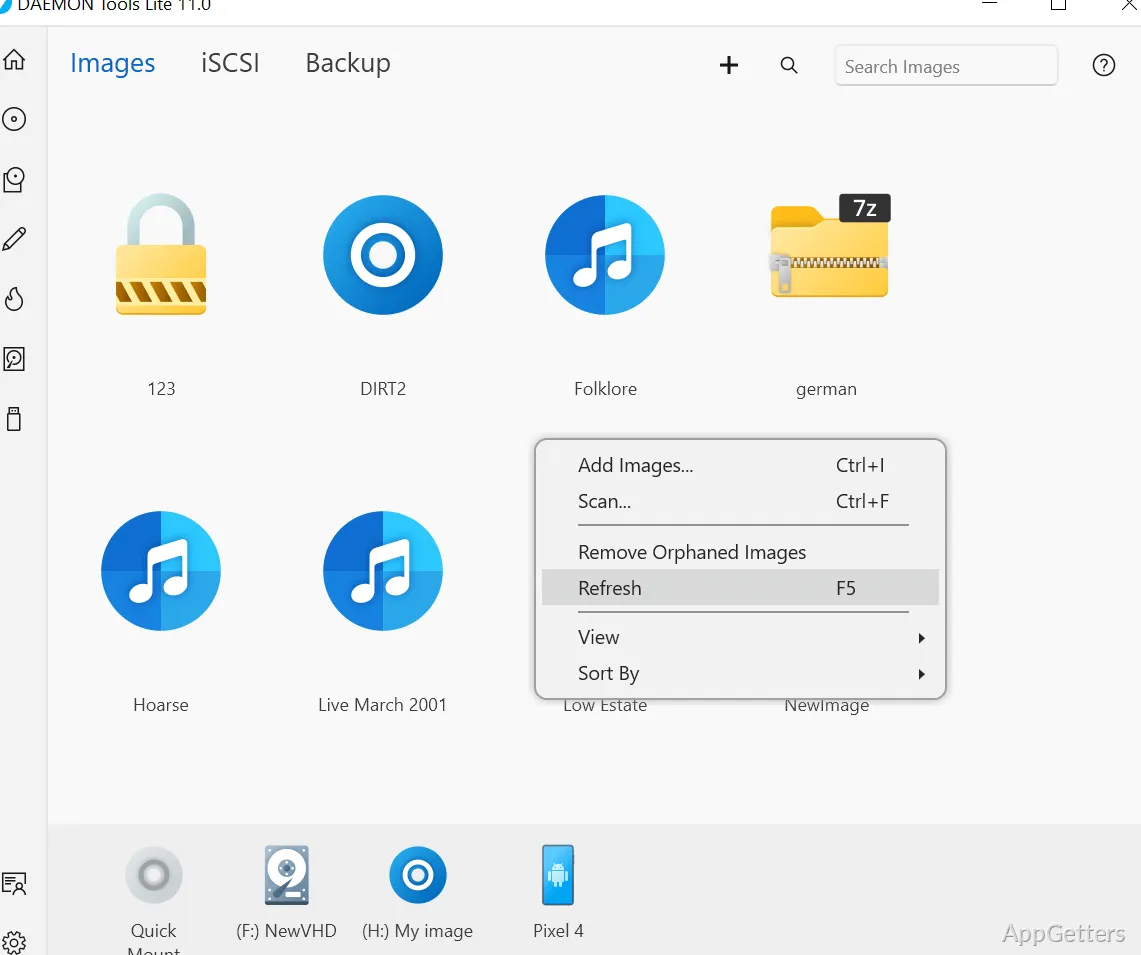
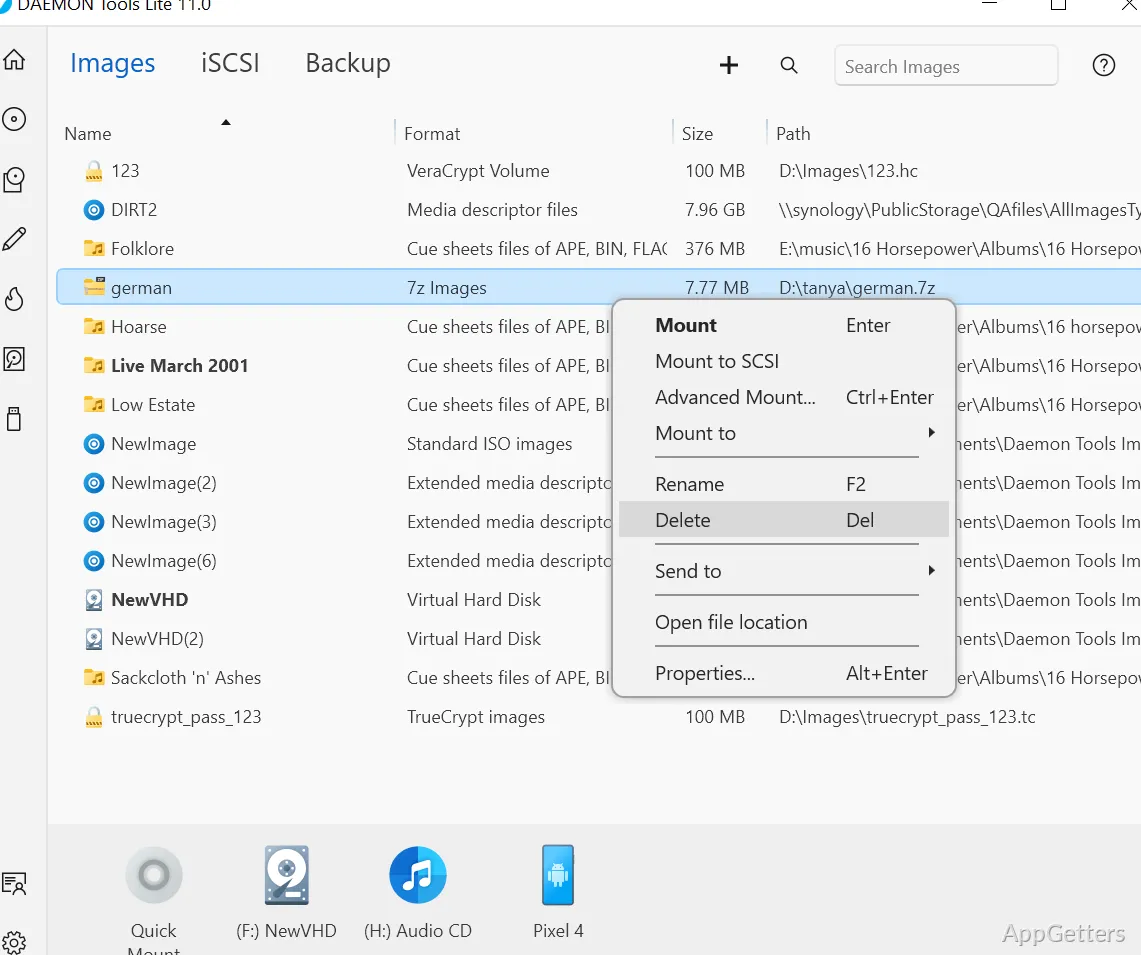
The image catalog organizes disc images and keeps favorite files readily accessible inside DAEMON Tools Lite. Add images you use regularly, then select one from the catalog when it is time to mount it.
Pros
- Mounts ISO, MDX, and MDS image files
- Creates disc images from optical media
- Keeps favorite images in an organized catalog
- Emulates up to four virtual devices
Cons
- The free installer includes partner offers
System requirements: Windows 7, Windows 8, Windows 8.1, Windows 10, Windows 11 · 32-bit and 64-bit
Which image formats can DAEMON Tools Lite mount?
It supports ISO, MDX, and MDS image files.
Can DAEMON Tools Lite make an image from a CD or DVD?
Yes. It creates disc image files from optical media in formats including ISO, MDX, and MDS.
How many virtual devices can it emulate?
It emulates up to four virtual devices.