Need to record, edit, or restore audio on a Windows PC? Acoustica combines those tasks with mixing, mastering, high-resolution audio support, and CD burning in one editor.
Editing and mixing audio
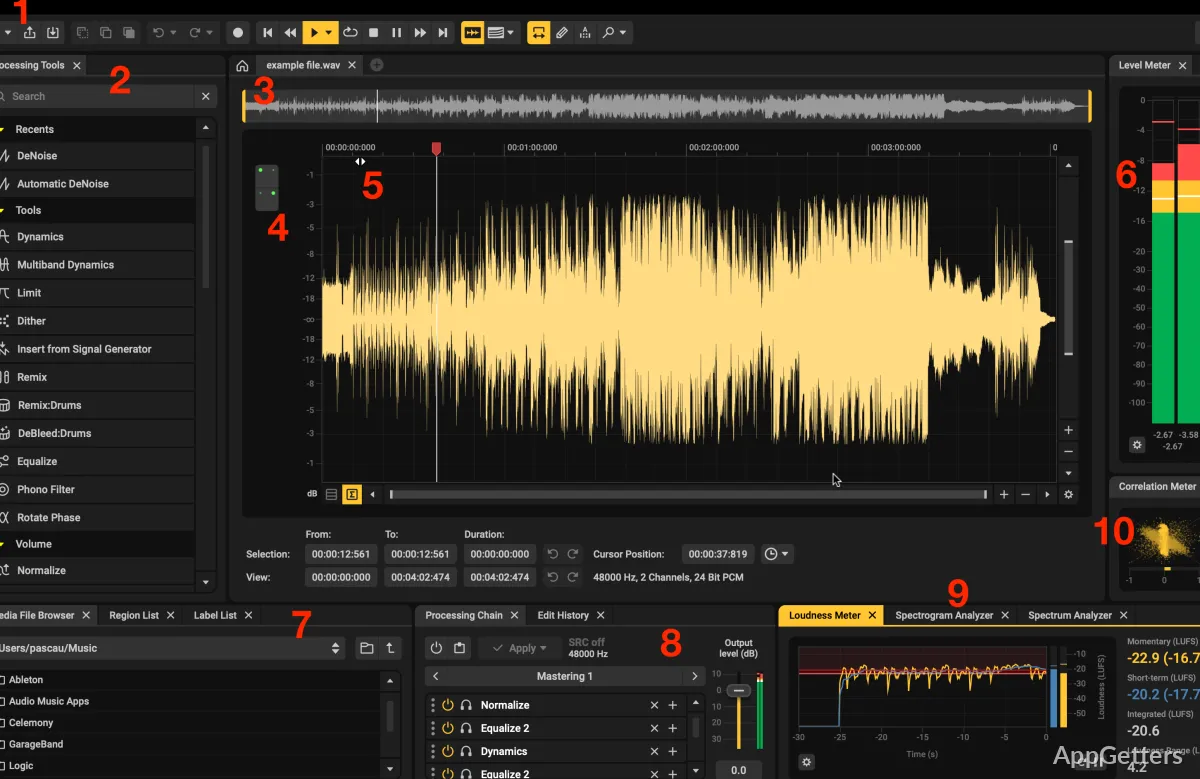
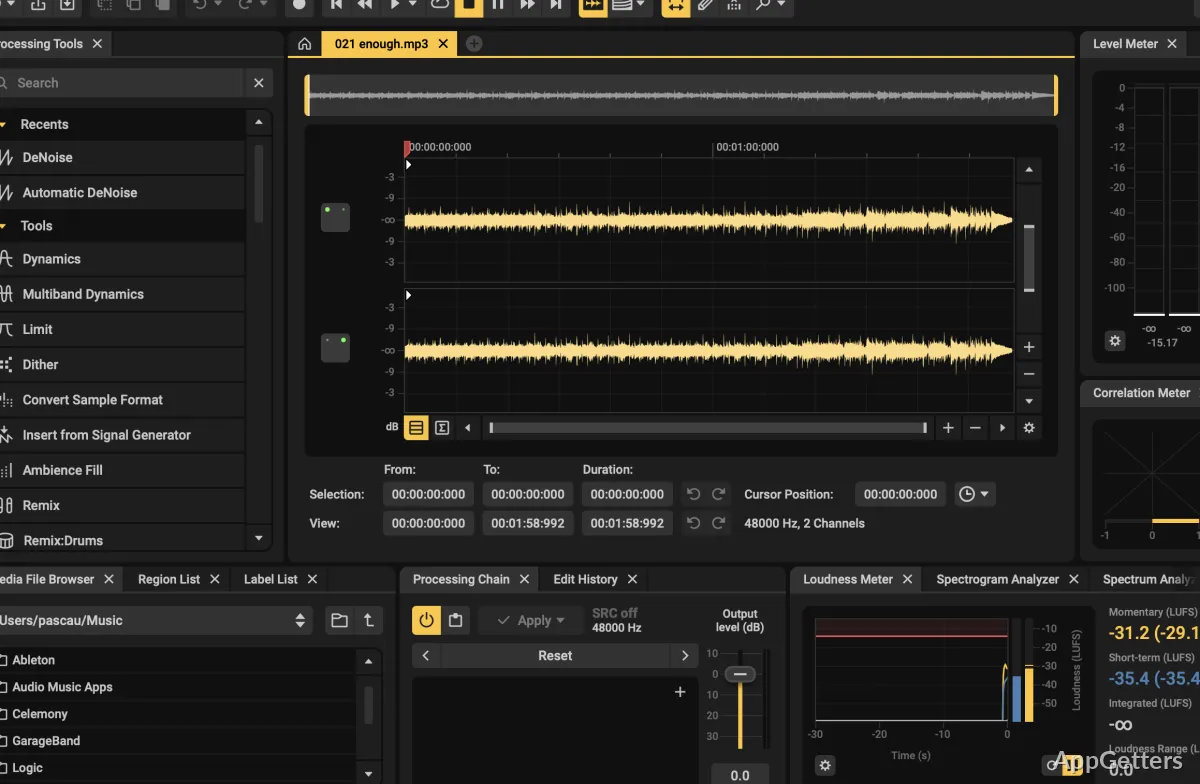
Acoustica handles recording, editing, mixing, and mastering. Its editing commands include cut, copy, paste, merge, and mix, making it possible to assemble or adjust audio within the same project. The program reads WAV, MP3, AU, and Raw PCM files.
Batch processing supports applying work across multiple audio files. A built-in player and burner can work with Windows-compatible devices, and the CD-burning feature supports the Red Book standard.
How can Acoustica restore a recording?
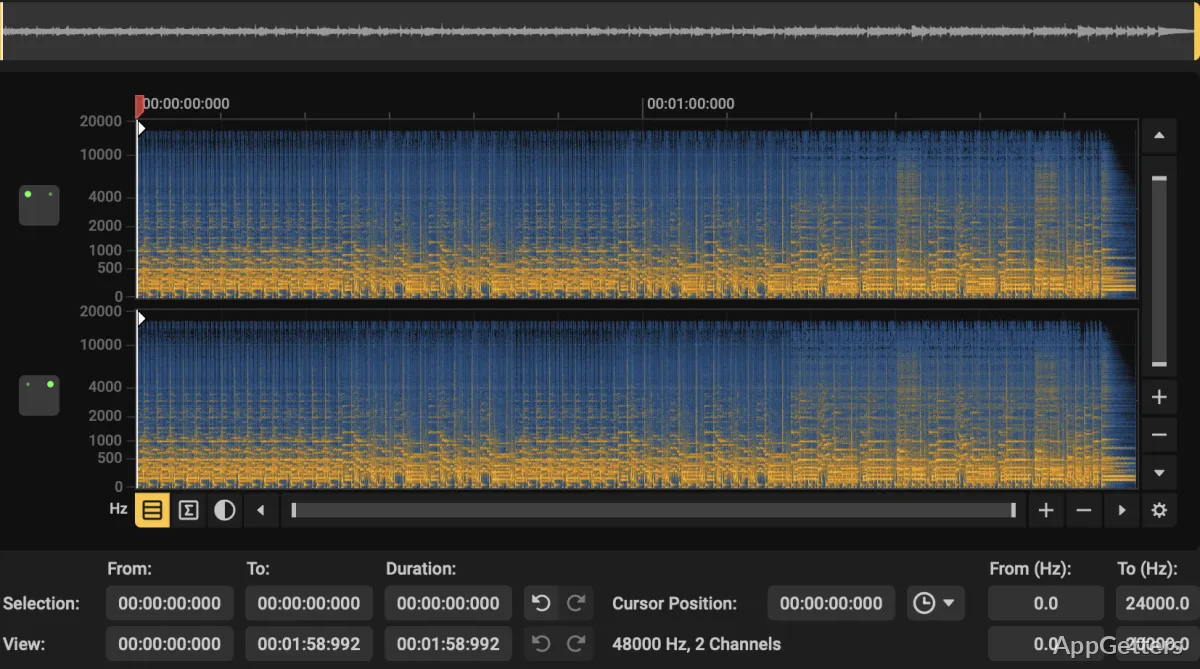
Restoration tools address noise and other unwanted sound in recordings. Use them when cleaning up material before further editing or mastering; noise reduction is among the available processing features.
High-resolution and surround audio
Acoustica supports audio resolutions up to 32-bit and sampling rates up to 384 kHz.
Multichannel recording and editing, including 5.1 and 7.1 surround, are available in the Premium Edition.
Pros
- Reads WAV, MP3, AU, and Raw PCM files
- Includes noise reduction and audio restoration tools
- Supports audio up to 32-bit and 384 kHz
- Includes Red Book-compatible CD burning
System requirements: Windows 10, Windows 11 · 64-bit only · Minimum Windows 10 build: 10.0.14393 (version 1607) · 4 GB RAM · 10 GB free disk space · Intel Core i5 or AMD multi-core processor · 1366 × 768 display resolution
Which audio formats can Acoustica read?
It reads WAV, MP3, AU, and Raw PCM files.
Can Acoustica burn audio CDs?
Yes. It includes CD burning compatible with the Red Book standard.
Does Acoustica support surround sound editing?
Yes. The Premium Edition supports multichannel recording and editing, including 5.1 and 7.1 surround.