Need to copy photos, music, or messages off an iPhone without moving the whole library? iExplorer lets you browse Apple device content on a Windows PC, then transfer selected items or export specific data.
Device files and photos
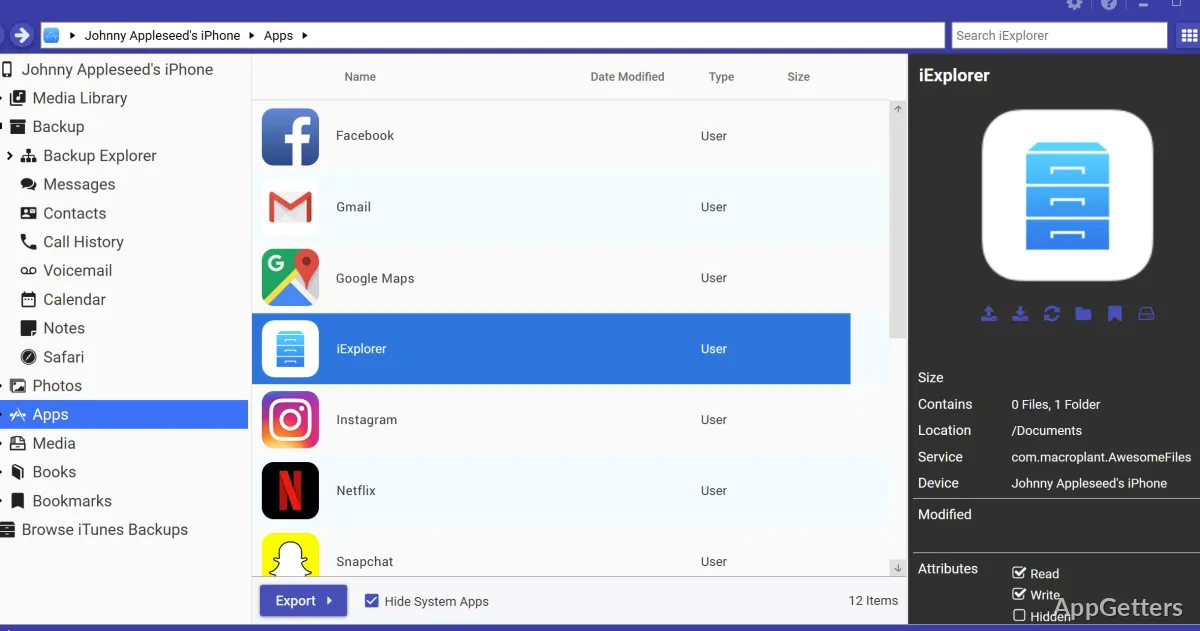
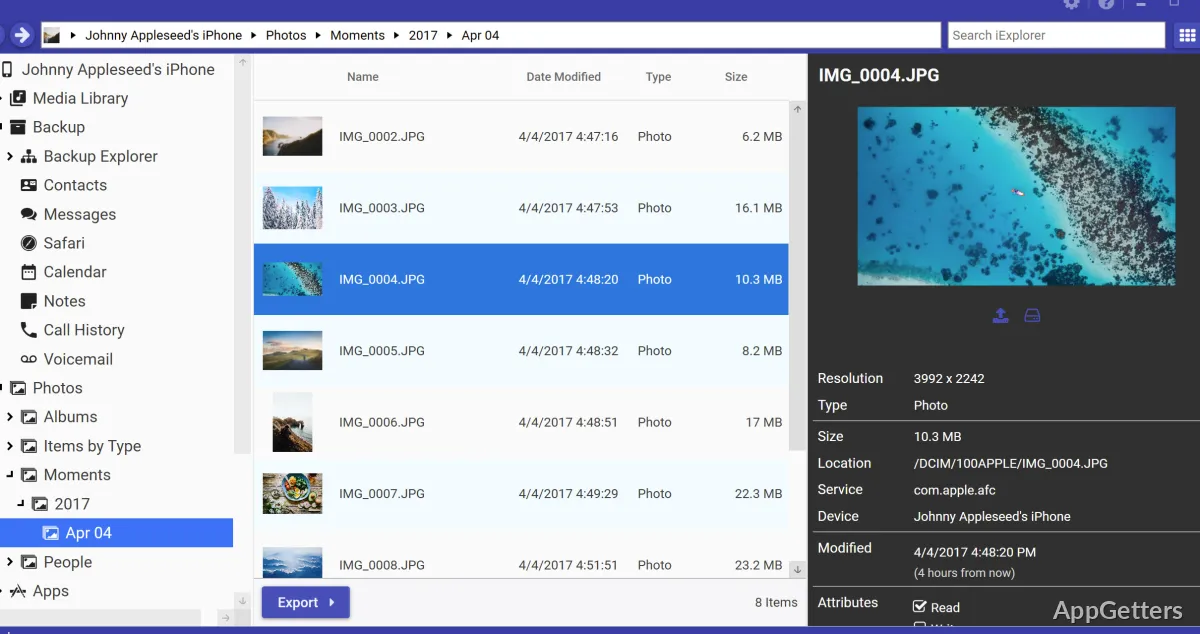
Connect an iPhone, iPad, or iPod to browse its photos, media folders, and app data from the desktop. iExplorer presents device content in a familiar file-browser workflow, so selected files can be copied to the PC or moved between accessible folders without transferring everything at once.
The file view also reaches content in iTunes backups. For jailbroken devices, AFC2 support provides access to deeper file areas. Photo browsing and file access work without jailbreaking.
Music transfer
iExplorer can recover songs and playlists from an iPhone, iPad, or iPod and send them to iTunes or a computer. Preview tracks before transferring, then drag and drop individual selections. Auto Transfer handles restoring a full music library in one step.
Messages and personal data
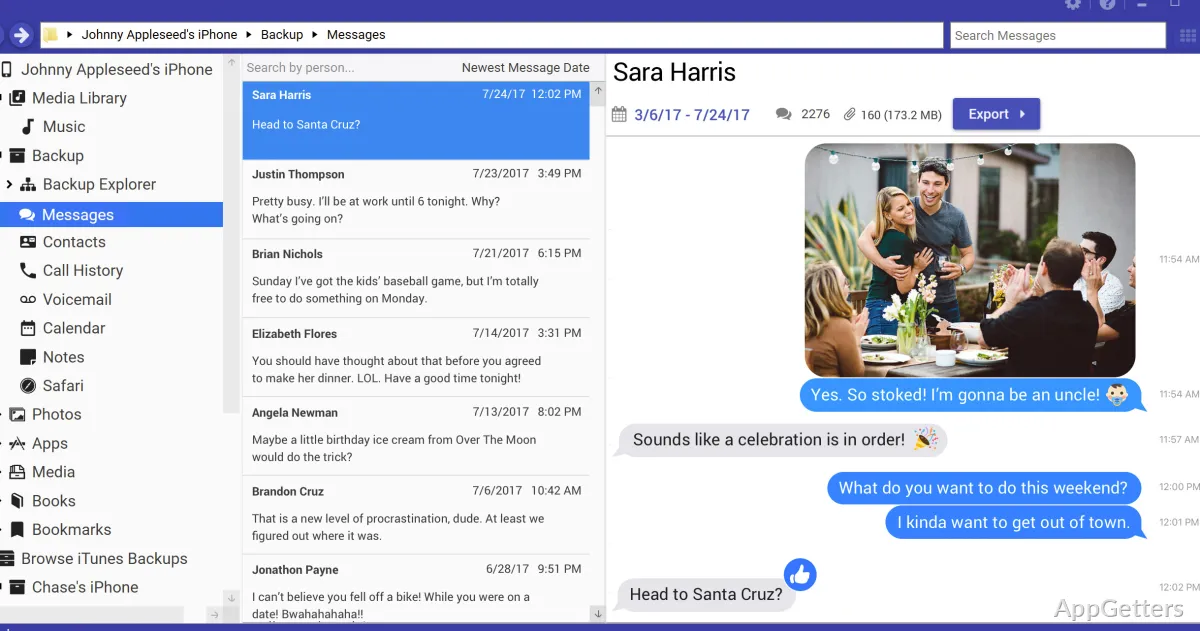
Search and view SMS and iMessage threads on a device or in a backup, then export conversations for archiving or sharing. Message attachments can be included with the threads.
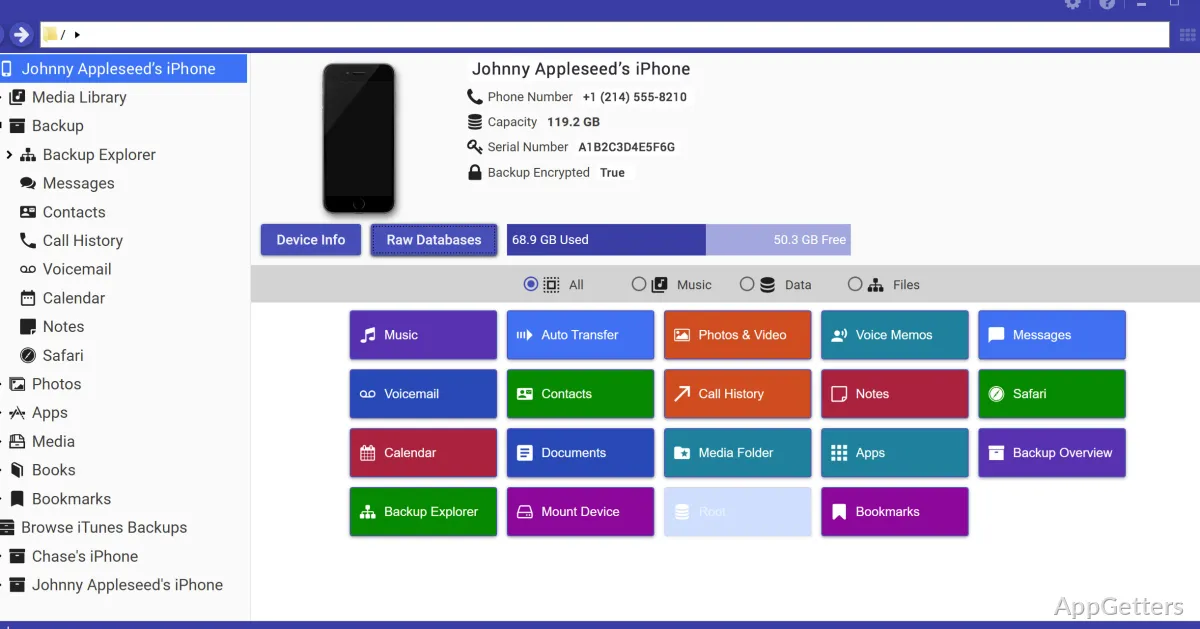
Dedicated data views also cover voicemail, contacts, notes, reminders, call history, and calendar entries. These let you save particular records without exporting unrelated device content.
Connecting a device
iExplorer requires iTunes on the Windows computer. After connecting an Apple device, choose the content area to browse, preview, copy, or export. For a selective transfer, open the relevant category and move only the items needed.
Pros
- Preview music and transfer selected tracks with drag and drop
- Export SMS and iMessage conversations, including attachments
- Browse and copy photos, app files, and backup contents
Cons
- Requires iTunes on the Windows PC
System requirements: Windows 7, Windows 8, Windows 8.1, Windows 10, Windows 11 · iTunes
Can iExplorer export iPhone text messages?
Yes. It can search and display SMS and iMessage threads from a device or backup, then export conversations with attachments.
Can it copy music from an iPhone to a computer?
Yes. Preview tracks, drag selected songs or playlists to a computer or iTunes, or use Auto Transfer for a full library.
Can iExplorer browse an iTunes backup?
Yes. It can browse backup contents, including supported personal data and files, and copy selected items.