EXE
Home » Software » Windows » Icons » IconPackager for Windows
IconPackager for Windows

IconPackager for Windows

  • By Stardock.com
  • Trial
  • Version: 10.03
  • 80.07 MB
  • Security Report:

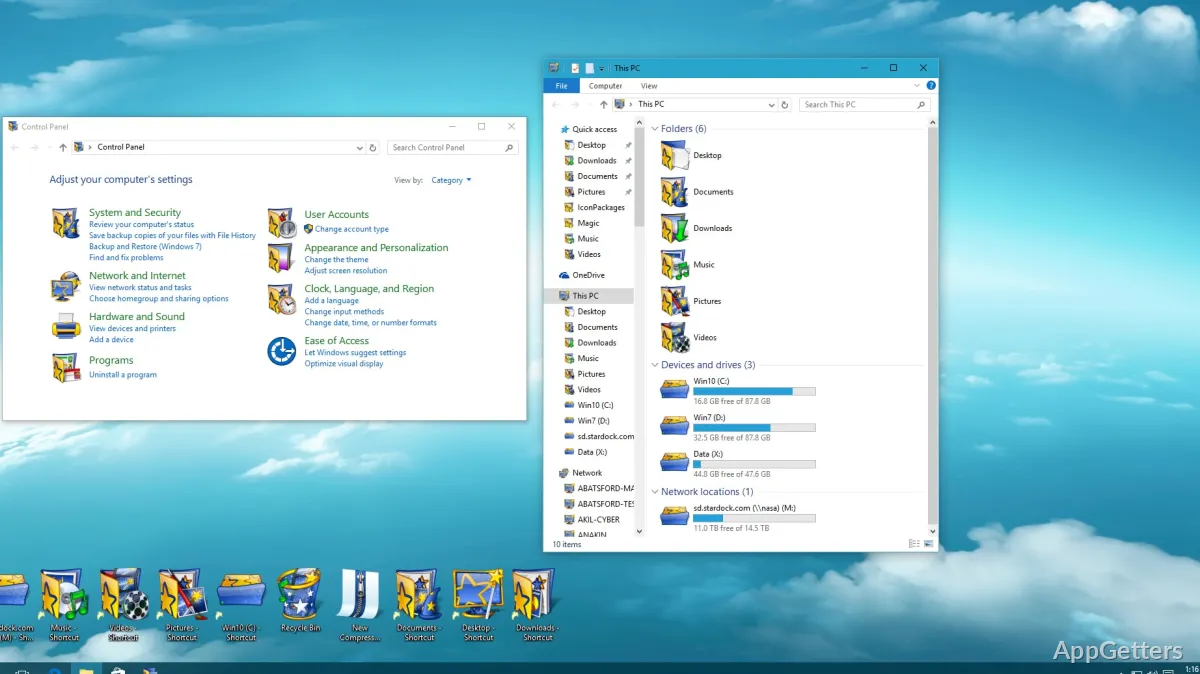
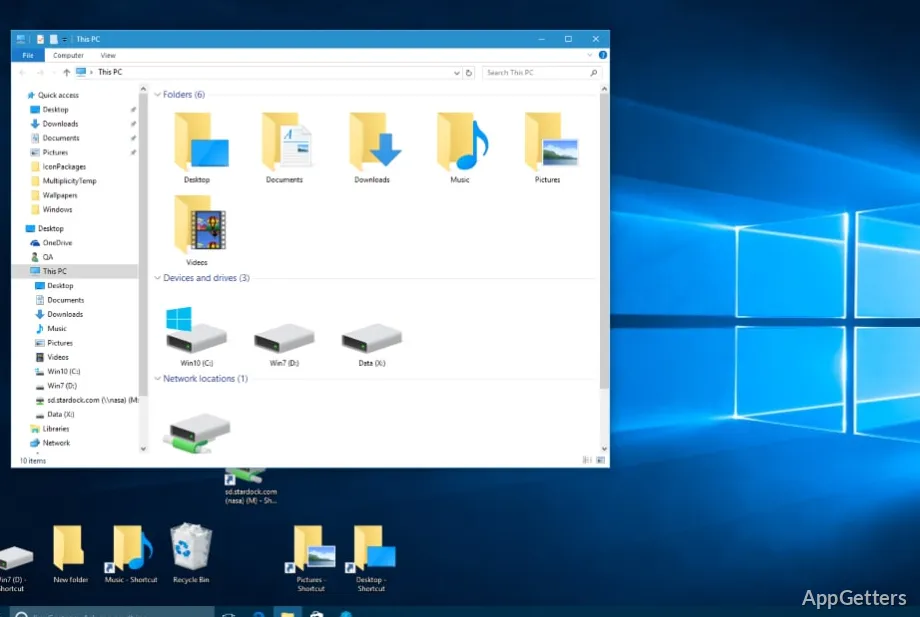
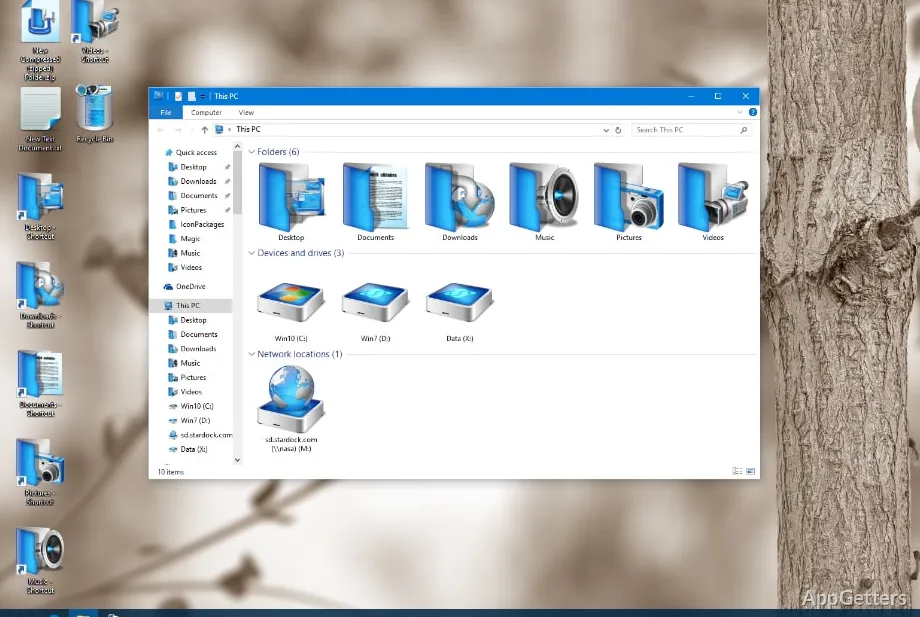
Windows offers some degree of personalization to its users, but when it comes to icon customization choices, it is quite limited. Changing wallpapers, themes, and colors is simple. However, changing the look of the system icons usually requires manual replacements or advanced tweaks that most users would rather avoid. For those who want to have a perfectly matching desktop design, the default options will often feel like a constraint. IconPackager fills this space by making it easy to change and manage icon sets in Windows in a simple way. This is easier than changing icons individually one by one.

Bringing Consistency to Desktop Customization

People who want a more matching look for their desktop are among the main reasons why IconPackager is being used. After a while, a Windows system can show icons of different styles coming from different applications. This results in a visually inconsistent experience. Users have the option with IconPackager of installing complete icon packages that will cover many elements of the system at one go.

This will result in a neater and visually coordinated environment on the desktop. Users won’t be spending their time editing folders, shortcuts, and system icons one by one. They can simply change among the visual styles through one interface. This method will be very appealing to customization enthusiasts. It will also appeal to regular users who want to have a nice-looking computer without doing too much technical work.

Everyday Use and Interface Experience

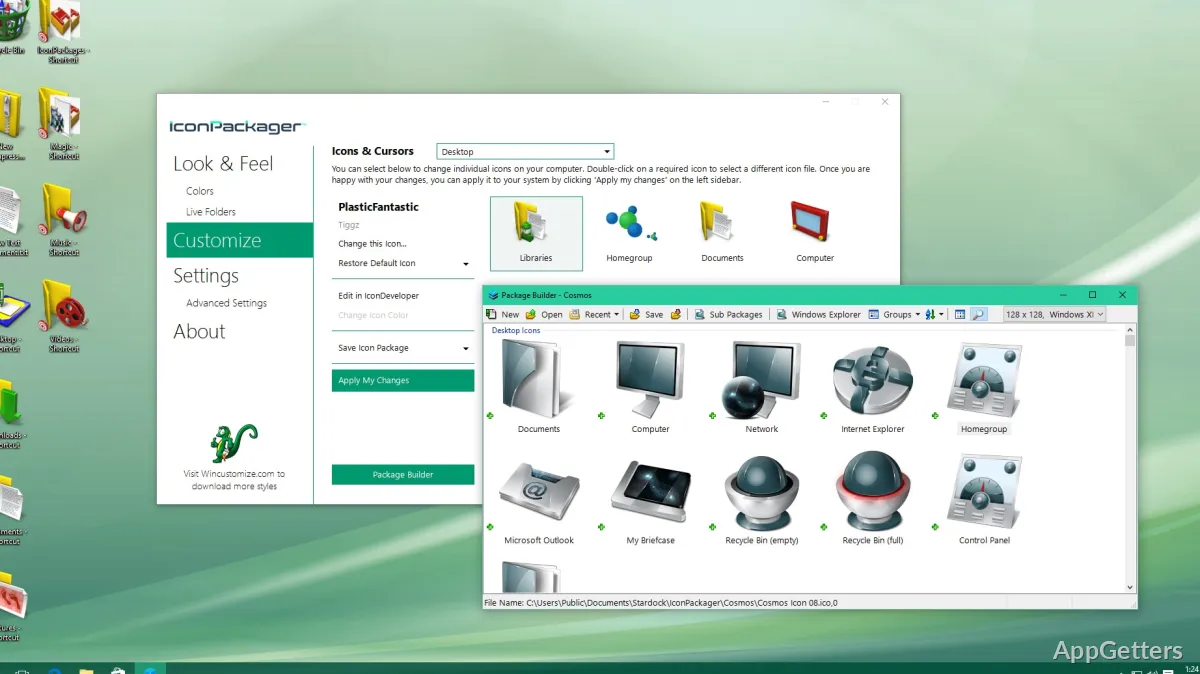
IconPackager is generally a software that even non-technical users can take advantage of in managing their icons. Almost all the arrangements can be done via the GUI. This lessens the need for registry edits or replacing files manually. Users can have a look at the icon sets, choose which one to use, and even get back their previous set if things don’t go as planned.

In daily use, the program mostly aims at making things easier for the user rather than adding more features and making it complex. Students, home users, and workers who are into personalizing their computers without making changes that last can try out different icon themes. Being able to switch between different designs quite fast will help customization without disrupting the general workflow.

Bearing that in mind, users have to know that heavy visual customization always creates an additional layer of software between Windows and the desktop experience. With the whole process being automated to a large extent, some icon changes may need a refresh of the desktop. Occasional adjustments may also be needed because of Windows updates and installed applications.

Managing Large Icon Collections

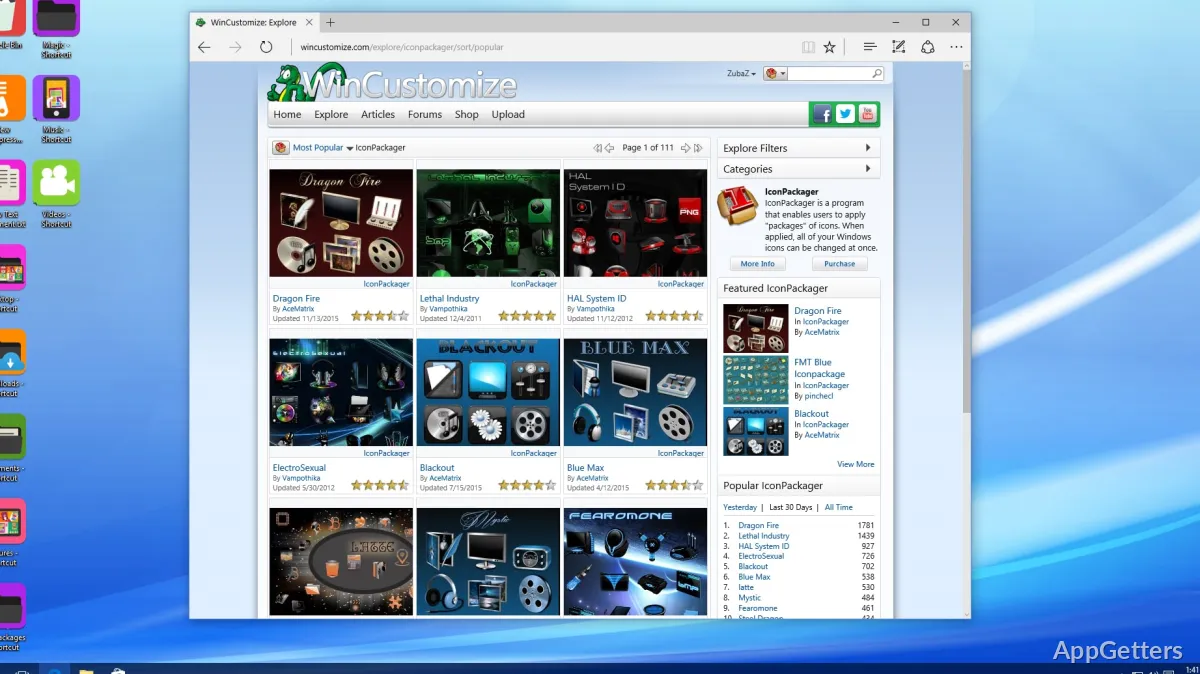
Desktop customizing freaks are the ones who’ll become very familiar with organizing their icon resources, as it can become quite difficult at some point. As time goes on, many downloaded icon packs will pile up. This results in the manual management task becoming almost impossible. IconPackager is there to make this easier for the user by gathering and storing the icon themes in one environment.

With this centralized method, it will be convenient and time-saving to change the look of the desktop. This is especially true for users who like experimenting with different desktop styles. Rather than being occupied with numerous icon files scattered over folders, they can work on managing collections more effectively. They can also change between themes as needed. Creating custom combos is also supported by the software. This gives users the option to change only certain parts of their icon setup.

Nevertheless, the whole experience is so dependent on how good the pack of icons is that the user’s choice matters greatly. The software handles the deployment of icons nearly flawlessly. However, visual coherence largely depends on the completeness and quality of the chosen icon themes.

Best Suited for Long-Term Desktop Personalization

IconPackager will be useful to Windows users who think of customization of the runtime desktop environment as something continuous rather than an occasional change. It is a tool that can be used by fans, students, and home users. It can even be used by those professionals who are glued to their computers and like a visually tidy work setting.

Making a task that would otherwise take a lot of manual work into something simple results in its biggest function. Instead of changing one icon at a time, users can oversee all visual changes of the operating system from one interface only. It fulfills a specific role. However, it may not be the kind of software that every Windows user will find necessary. It is particularly useful for those who want a more customized experience with relatively less complex system-level changes. For people interested in keeping a customized desktop for the long haul, IconPackager delivers a practical approach to managing icons. It is also a well-ordered one.

Software Details of IconPackager 10.03

License
Trial
Version
10.03
File Size
80.07 MB
Downloads
1
Languages
English English, Italian, Japanese
Category
Op. System
Windows
Developer
Last Updated
June 5, 2023

Version History

1 version
10.03
Latest
80.07 MB
June 5, 2023

Leave a Comment

Your email address will not be published. Required fields are marked *

Software Icon
Security Report

Loading scan data...

Scroll to Top