EXE
Home » Software » Windows » Icons » IcoFX Portable for Windows
IcoFX Portable for Windows

IcoFX Portable for Windows

Making icons and editing are activities that most Windows users do once in a while. So when they do, they get a bit lost trying to find the right tool. General image editors usually don’t have the features necessary for icon creation. Professional design suites can be too complicated for a simple job. In fact, this problem gets even bigger when a person is working on more than one computer. It also becomes bigger in situations where software installation is not possible. By eliminating the requirement for traditional installation, IcoFX Portable gives users a dedicated icon-editing environment. They can carry it on removable storage and use it whenever they want.

A Dedicated Workspace for Icon Design

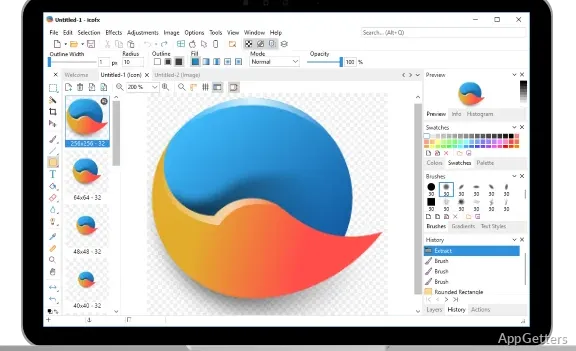
IcoFX Portable is different from the generic image editors because it is aimed at icon creation and modification only. Doing things with this focused method becomes a lot easier for everyday activities. People can make icons from nothing, change the ones that are saved, and work with several icon formats without being distracted by non-related design utilities.

Whether it is a designer or an IT specialist using a USB stick, they can save the program and work with it on various Windows systems. At times, it becomes a scenario where someone does not have permission to install the software. Due to this, the utilization of portable software becomes a necessity. The software normally opens fast. The editing flow is what one may expect from a user-friendly piece of software. It is easily understood even by people who hardly ever use graphic design software.

Practical Editing Tools for Everyday Projects

In actual use, IcoFX Portable mainly functions as an assistant for small to medium icon projects. Often, you can get a number of things done, like creating new application icons, updating shortcuts, designing toolbar graphics, or preparing website favicon files, all without getting into additional software.

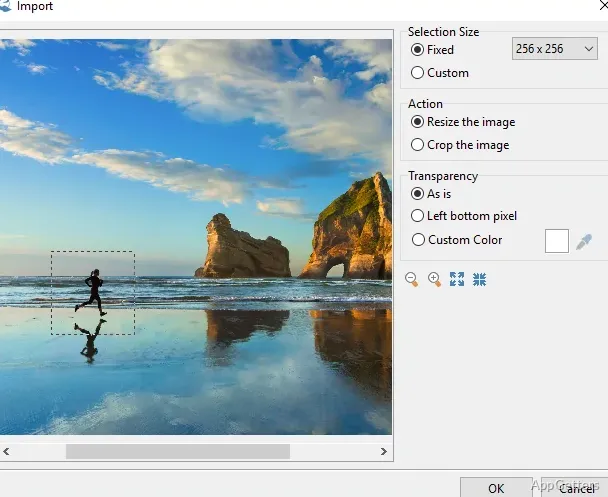
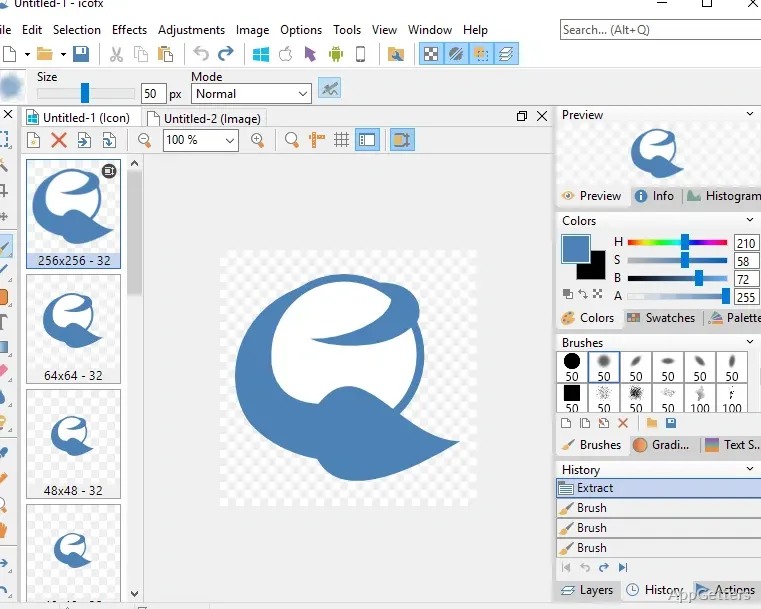
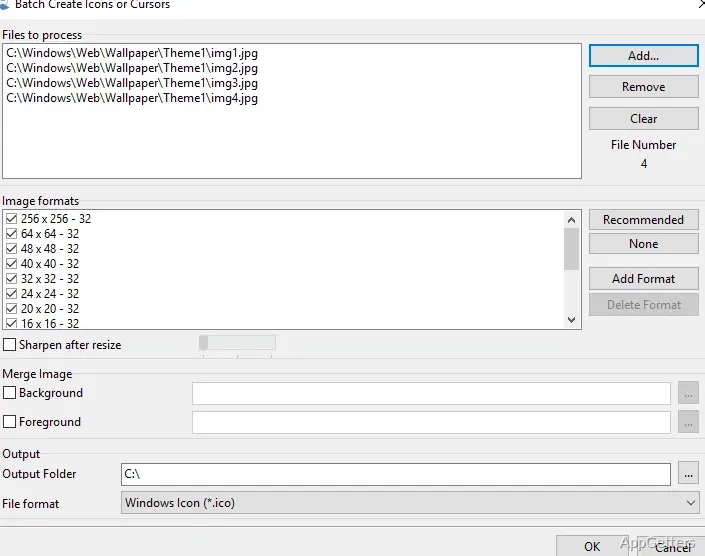
Besides typical painting capabilities such as a pencil, brush, eraser, and color picker, there are also layer and selection tools. There is also the addition of transparency, conversion of images, support for import/export, and resizing of picture dimensions for working with icons. Also, as one icon is required to be made available in multiple sizes, the app makes it easier to handle such different sizes more than standard image editors do.

These sorts of projects emphasize the workflow aspects that do not require much time to figure out for students, independent developers, or Windows users doing some customizing on the side of their system. Icon-related tasks are the common thing here, and there is no need to provide loads of advanced graphic design features.

Performance and Workflow Considerations

One of the aspects of portable software is consistency. This way, users do not have to go through installation and configuration steps repeatedly and carry their preferred settings and tools from one PC to another. Available reports and real use experiences point out that the app performs consistently when it comes to routine editing jobs. At the same time, it does not require a lot of system resources from users.

However, it is important that users recognize the software’s main focus. The program is meant to be used mostly for making icons, not for manipulating images at a very detailed level. If by any chance one needs photo editing, advanced vector illustration, or other big graphic design projects, one must use the dedicated design programs for those.

The fact that the interface also shows the specialization is not something that should be blamed on the software. Yet it is true that some of its functions will not always be obvious. And the main good thing is that, compared to many of the professional graphics packages, the difficulty of learning is normal and reasonable.

Where IcoFX Portable Fits Best

The best candidates for IcoFX Portable are users who handle icons a lot. They do not need comprehensive graphic design suites at all. Software developers producing application assets, web designers taking care of favicons, and IT administrators customizing system resources are among those users. They will find this tool to be very helpful. Passionate users personalizing their Windows environments may also find it very helpful.

Its biggest perk is that it is handy. The possibility of running the application from the portable memory, plus a set of very well-focused icon-editing utilities, is what makes the use of the application very close to a necessity. It is useful for one-time or regular jobs related to icons. It is needless to say that IcoFX is not attempting to take over the market of image-editing software. But free from the pressure of using a big, complex application, the user can get the benefit of a simplified workflow.

Software Details of IcoFX Portable 3.9

License
Owner
Version
3.9
File Size
21.34 MB
Downloads
2
Language
English
Category
Op. System
Windows
Developer
Last Updated
October 4, 2023

Version History

2 versions
3.9
Latest
21.34 MB
October 4, 2023
3.8.1
21.27 MB
March 24, 2023

Leave a Comment

Your email address will not be published. Required fields are marked *

Software Icon
Security Report

Loading scan data...

Scroll to Top