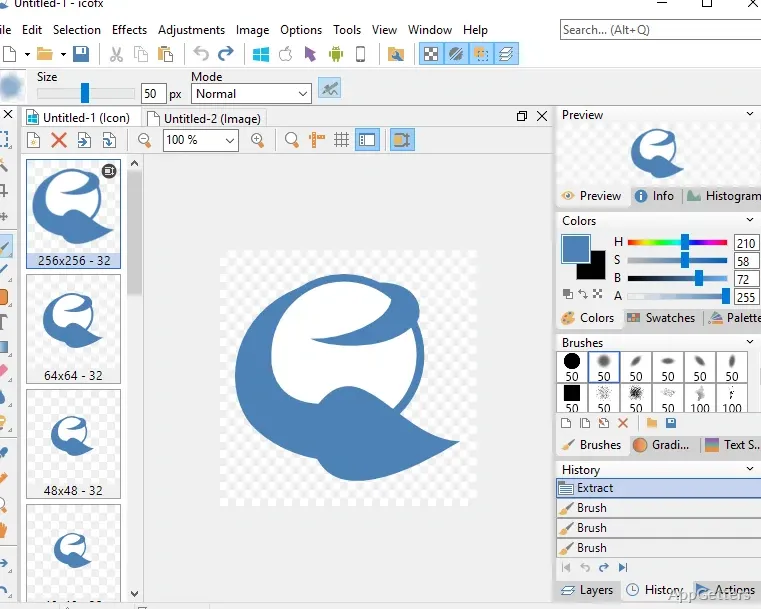
The Layers palette lets you arrange artwork, adjust opacity, and blend layers while building an icon. IcoFX also handles icon-size variants, cursor files, and conversions between Windows and Macintosh formats.
One icon project can contain multiple image sizes
IcoFX can generate the image formats needed for Windows and Macintosh icons from one project. This keeps the size variants together as you work, instead of requiring separate files for each one. The program also converts icons between the two formats and supports transparent artwork.
For cursor work, it supports both static and animated cursors. A separate creation workflow can produce favicons for websites.
Imported images and existing files provide starting points
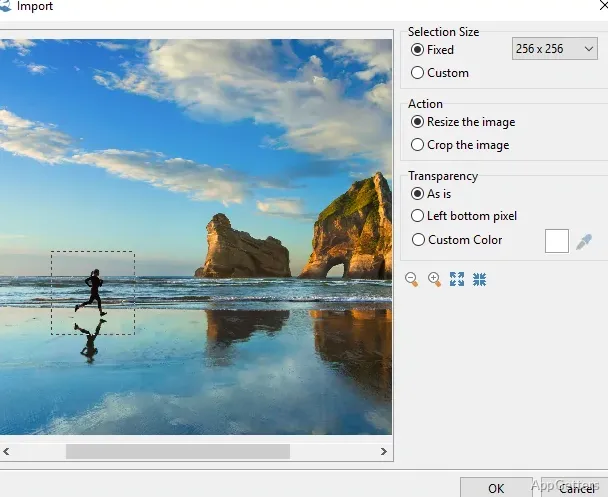
Bring in artwork in formats such as SVG, PNG, JPG, BMP, GIF, TIFF, JPEG 2000, or XPM, then turn it into an icon or cursor. IcoFX can also export icon artwork as image files. Its File Explorer displays supported graphics, including pre-made image objects that can be dragged into a composition.
When you open a compatible file, IcoFX can extract embedded icons and cursors. Supported sources include Windows EXE, DLL, and OCX files, along with several Macintosh binary formats.
Pixel tools, adjustments, and layers shape the artwork
The editor includes selection, painting, shape, text, and retouching tools. A zoom view and grid support detailed work on small images. Brush settings include size and blending options, while the adjustment tools cover hue, saturation, brightness, contrast, levels, and opacity.
Layer controls let you reorder and merge layers, set their opacity, and choose how they blend. Pre-made image objects can be combined in a layered composition, and effects such as shadows and bevels can be applied to artwork.
The resource editor changes icons inside libraries and files
IcoFX can create and edit icon or cursor libraries through its resource editor. The same editor can replace icons or cursors inside Windows EXE and DLL files.
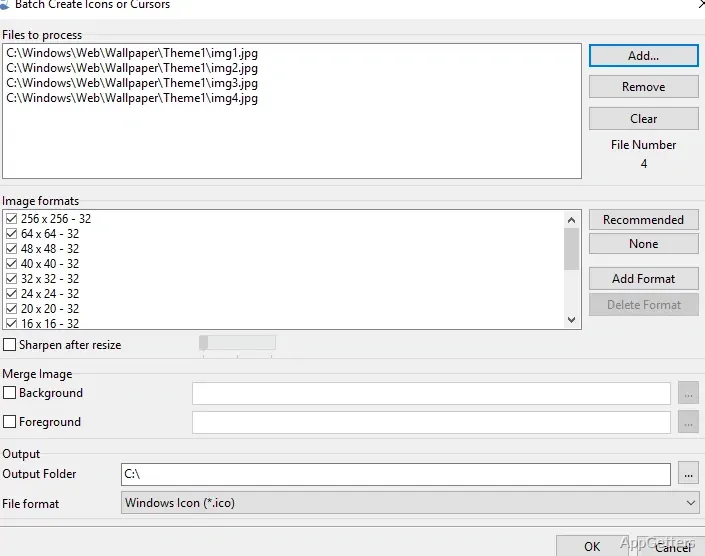
Batch tools handle tasks such as creating icons from images, exporting icons as images, extracting icons from files, and applying saved actions to multiple images. Batch processing is restricted to editions that include it.
Pros
- Creates Windows and Macintosh icons and converts between their formats
- Imports SVG, PNG, JPEG, BMP, GIF, TIFF, JPEG 2000, and XPM
- Extracts icons from EXE, DLL, and OCX files
System requirements: Windows 7, Windows 8, Windows 10, Windows 11 · Intel Pentium / AMD Athlon processor or equivalent at 2 GHz or more · 512 MB RAM (1 GB recommended) · 50 MB free hard drive space (100 MB recommended)
Can IcoFX convert an image into a Windows icon?
Yes. Import a supported image format and use it to create an icon or cursor.
Can IcoFX extract icons from an EXE or DLL?
Yes. It can extract icons and cursors from Windows EXE, DLL, and OCX files.
Can IcoFX edit icons stored in a library?
Yes. The resource editor can create and edit icon or cursor libraries.