PC slow to start and full of leftover files? Glary Utilities Pro cleans unwanted files, fixes registry issues and manages startup programs from one window. Its One-click Maintenance combines several routine checks, while separate tools let users select particular cleanup and optimization tasks.
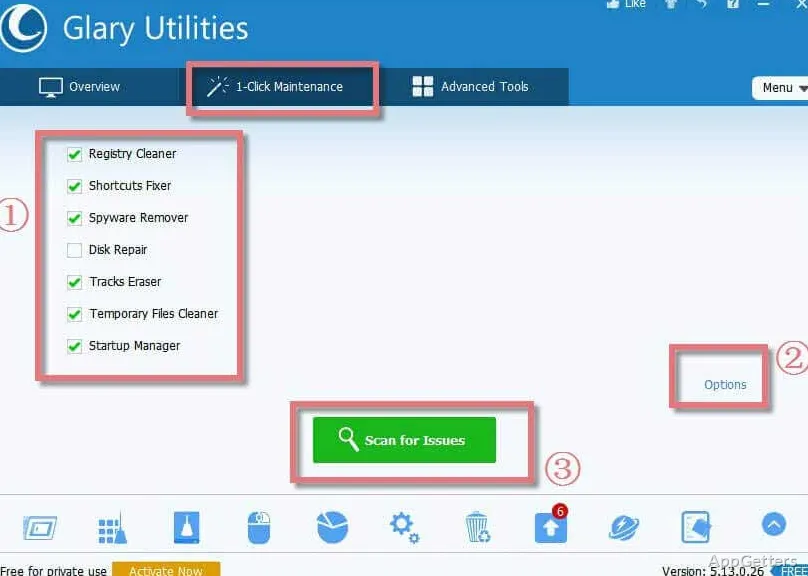
Run One-click Maintenance for routine checks
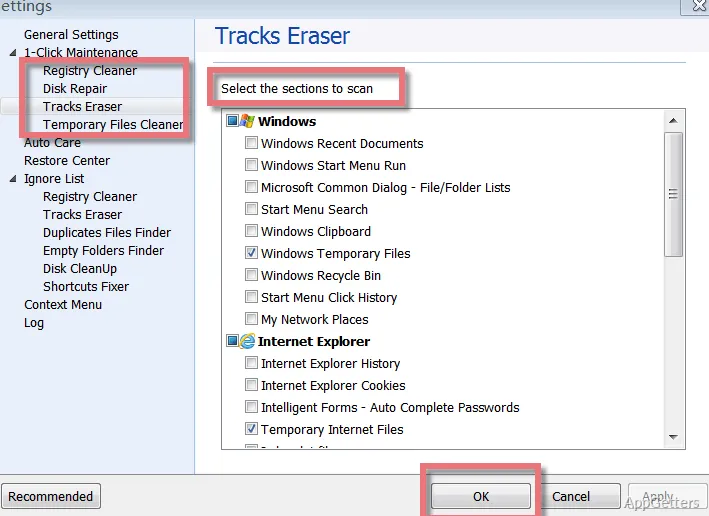
One-click Maintenance brings common upkeep tasks together: cleaning junk files, looking for system errors, removing privacy records, and optimizing the computer. It provides a single pass for people who want to handle several of these jobs without opening each utility separately.
For more control, Glary Utilities Pro also offers separate tools, so a cleanup or repair can focus on a specific area. Its enhanced scan checks the Windows Registry and system for junk and errors.
Choose the files and traces to remove
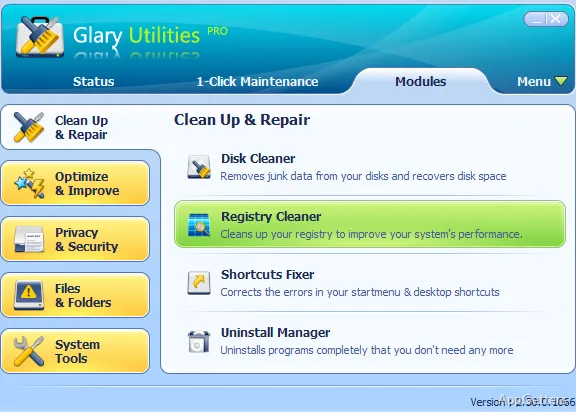
Disk Cleanup searches for categories such as temporary data, old installation files, logs, browser history, and cached content. Users can select what to remove to reclaim storage. Privacy cleaning targets records such as browsing history and traces of recently opened files; automated maintenance can clear usage traces after shutdown.
Registry tools scan for invalid entries and offer a list of findings to repair. Glary Utilities Pro also includes a disk-corruption detection and repair tool.
Manage startup programs and find space hogs
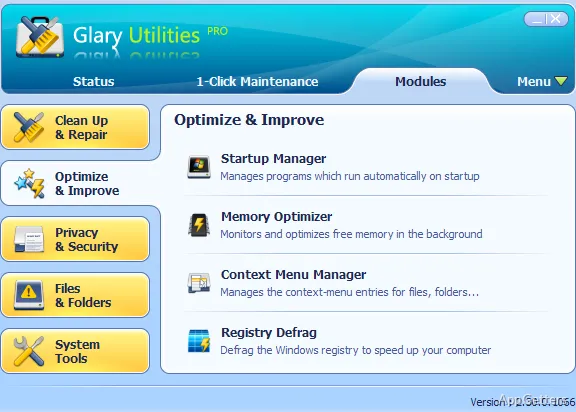
The startup controls identify programs that launch with Windows, letting users disable entries that do not need to run at startup.
When storage is the concern, Disk Space Analyzer displays files and folders ordered by size. Duplicate Finder locates repeated files for review and removal. File recovery tools can search for deleted files, and Software Update can identify installed programs with newer versions available.
Pros
- One-click Maintenance combines junk cleanup, error repair, privacy clearing, and optimization
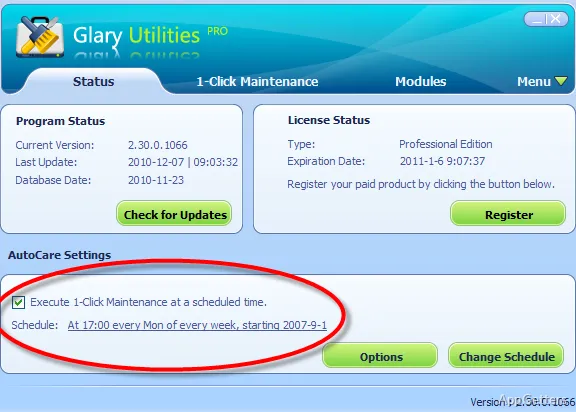
- Scheduled maintenance can clear junk and usage traces after shutdown
- Startup tools let users disable unnecessary launch programs
- Disk tools identify large folders and duplicate files
System requirements: Windows 7, Windows 8, Windows 8.1, Windows 10, Windows 11 · 32-bit and 64-bit
What does One-click Maintenance do?
It combines junk cleanup, system-error checks, privacy-record removal, and optimization in one maintenance pass.
Can Glary Utilities Pro manage programs that launch with Windows?
Yes. Its startup controls let users identify and disable unnecessary startup programs.
How can it help find files taking up disk space?
Disk Space Analyzer sorts files and folders by size, while Duplicate Finder locates repeated files.