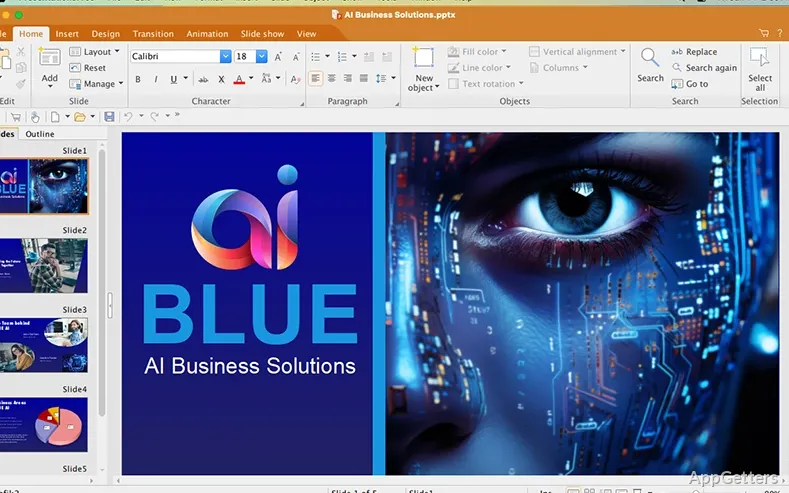
Documents, spreadsheets, and presentations can be created and edited in one desktop suite. FreeOffice brings together three apps for those tasks, with an interface designed to feel familiar to Microsoft Office users.
TextMaker, PlanMaker, and Presentations
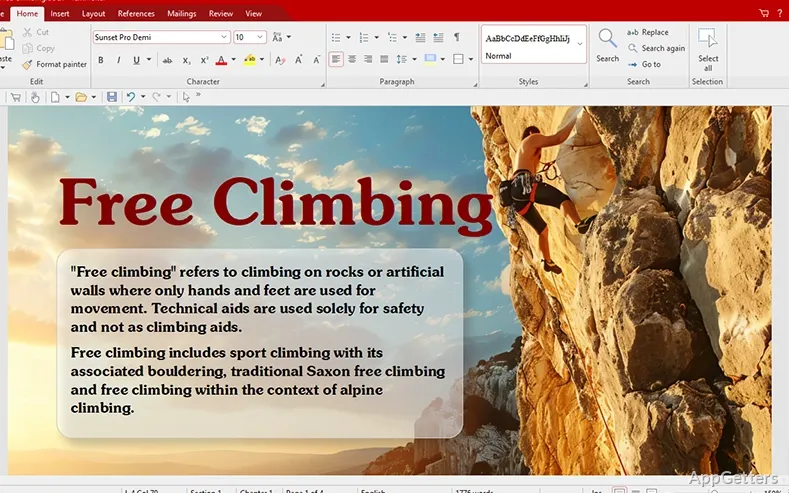
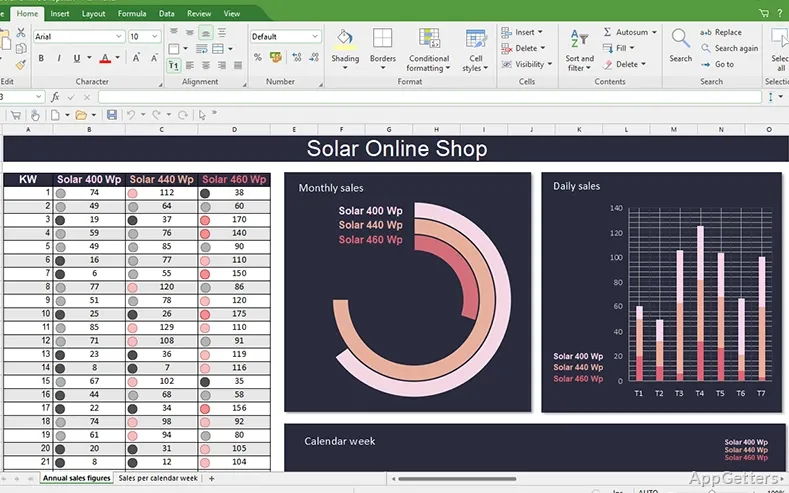
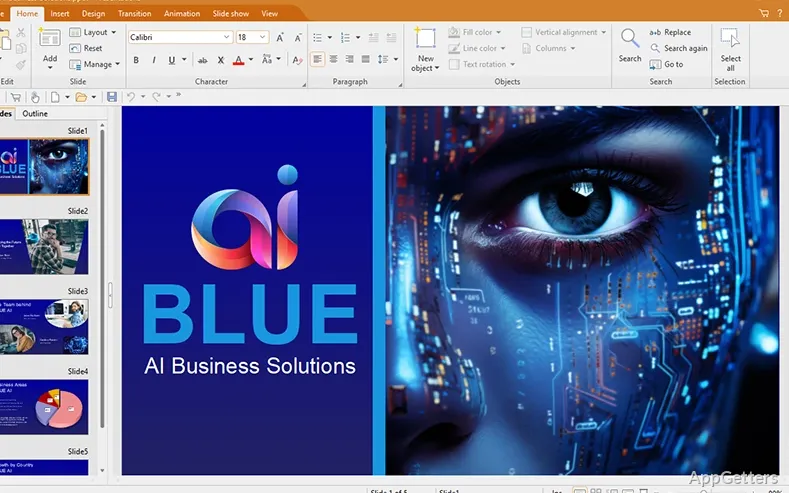
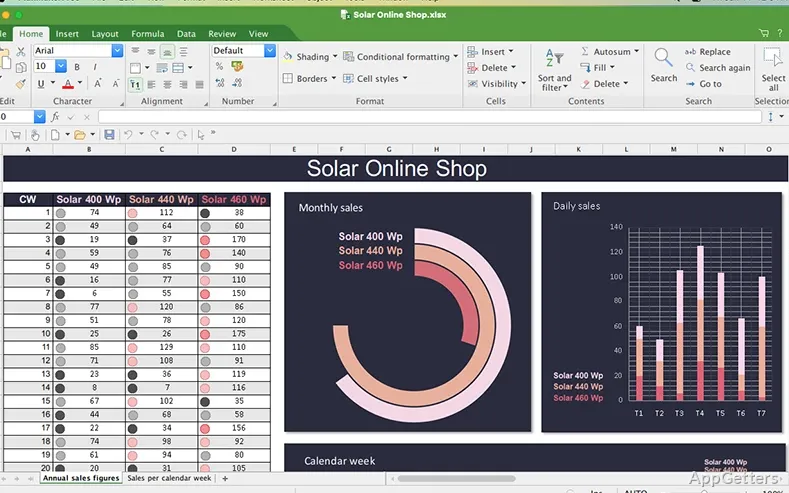
FreeOffice divides office work among three applications. TextMaker is the word processor for drafting and revising documents; PlanMaker is the spreadsheet app; Presentations is for building and editing slide decks. This separation gives each kind of file its own workspace.
- Use TextMaker for letters, reports, and other written documents.
- Enter and organize data in PlanMaker spreadsheets.
- Arrange presentation content into slides in Presentations.
Microsoft Office file exchange
The suite is designed to work with files made in the corresponding Microsoft Office apps: Word documents, Excel spreadsheets, and PowerPoint presentations. Common extensions include DOCX, XLSX, and PPTX, so files can move between FreeOffice and Office-based workflows.
Familiar desktop workflow
The interface follows a familiar office-suite approach, so users accustomed to Microsoft Office can move between writing, spreadsheet work, and slides without learning a wholly different style of workspace. FreeOffice is intended for both personal and professional use, and its three applications cover the main document types in the suite.
Pros
- TextMaker handles document creation and editing
- PlanMaker provides a dedicated spreadsheet workspace
- Presentations covers slide-deck creation and editing
- Compatible with Microsoft Word, Excel, and PowerPoint files
System requirements: Windows 7, Windows 8, Windows 10, Windows 11 · Windows Server 2008 R2 or later
Which applications are included in FreeOffice?
It includes TextMaker for documents, PlanMaker for spreadsheets, and Presentations for slide decks.
Can FreeOffice work with Microsoft Office files?
Yes. Its applications are compatible with the corresponding Word, Excel, and PowerPoint file types, including DOCX, XLSX, and PPTX.
What kinds of work can I do in FreeOffice?
Create and edit written documents, spreadsheets, and presentations using the suite’s three separate apps.