Need to reach a work network securely or protect a Windows endpoint? FortiClient combines VPN access with endpoint security features, with the available tools depending on its edition and how an organization manages it.
VPN connection profiles
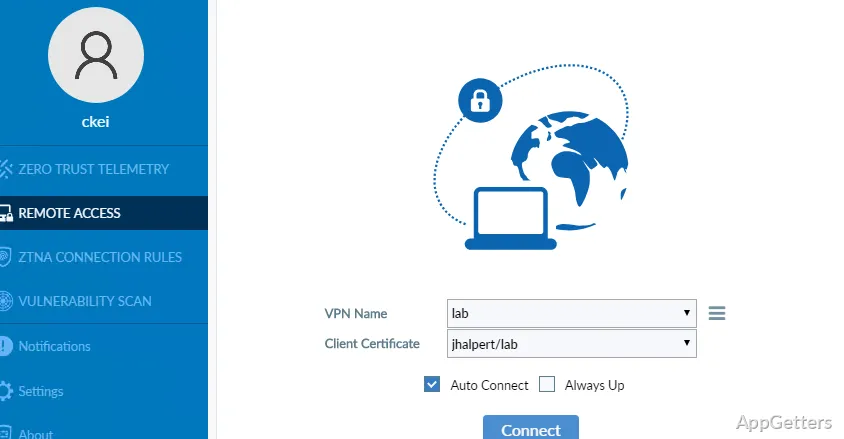
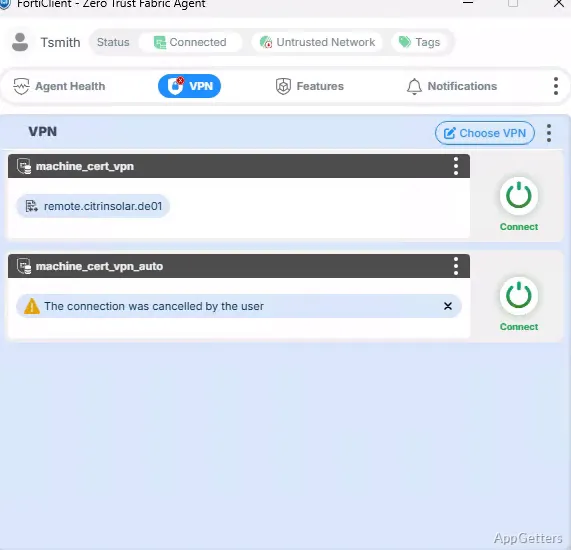
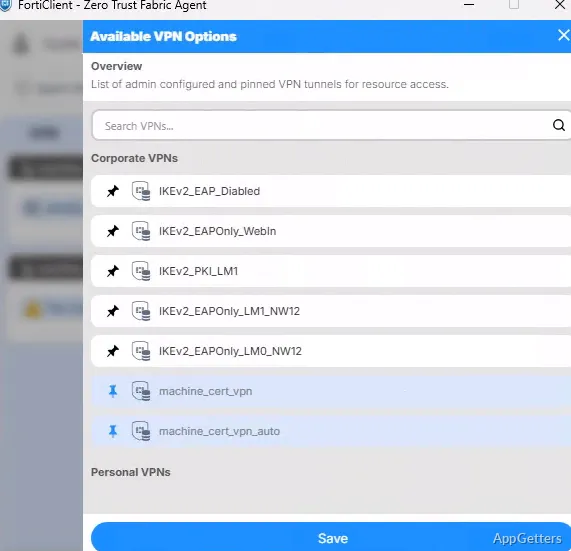
FortiClient can connect to a company network through an encrypted VPN tunnel. SSL VPN and IPsec VPN are supported connection types. The organization’s network administrator typically supplies the gateway details and connection settings; once configured, users select the profile to connect.
A VPN session can protect traffic when connecting from a public Wi-Fi network, while providing access to workplace resources. Whether a user can connect depends on the organization’s VPN gateway and access policies.
Endpoint protection and posture
Depending on the edition, FortiClient can add endpoint security controls alongside remote access. Available tools include antivirus protection, web filtering, an application firewall, vulnerability assessment, and checks of device security posture. Those posture signals can be used by an organization to decide whether a device qualifies for access.
Some configurations also connect endpoint status to Fortinet network controls, so administrators can apply access rules based on the device’s condition.
- Web filtering applies content and security controls to browsing.
- Posture checks can assess a device before allowing access.
- Endpoint quarantine and USB controls are available in supported configurations.
FortiClient EMS management
Organizations using FortiClient EMS can centrally provision client settings, manage deployments, and monitor endpoint status. EMS also provides administrators with vulnerability and endpoint information for security management.
Pros
- Supports encrypted VPN access for remote connections
- Combines VPN and endpoint protection in one client
- EMS can centrally deploy and manage client configurations
- Includes web filtering and device-posture checks in supported editions
System requirements: Windows 10, Windows 11 · ARM64 and x64 · Minimum 2 GB RAM · 1 GB free disk space
Can FortiClient connect to a work VPN?
Yes. It supports encrypted VPN connections, including SSL VPN and IPsec, when configured for the organization’s gateway.
Does FortiClient include antivirus protection?
Endpoint protection features, including antivirus, are available in supported editions. The tools depend on the deployment.
What does FortiClient EMS do?
EMS lets an organization centrally provision and manage FortiClient configurations and monitor endpoint status.