Want a mix CD for the car, a DVD of family videos with a menu, or a disc backup of your files? Express Burn CD and DVD Burner organizes these projects by disc type and also supports Blu-ray writing.
What kinds of discs can you create?
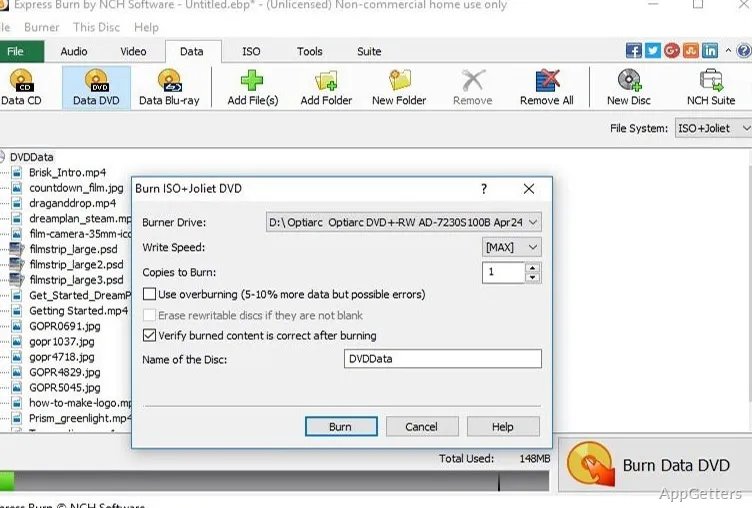
Choose an audio CD, MP3 CD, data disc, video DVD, or Blu-ray project. Data discs can use the UDF, ISO/Joliet or hybrid ISO file systems. It can also create ISO image files or write an ISO image to a disc.
Add files by dragging them into the application. For audio CDs, the program takes MP3, FLAC, WAV, OGG, WMA and other common audio files, then prepares tracks for the disc.
How can you shape an audio CD?
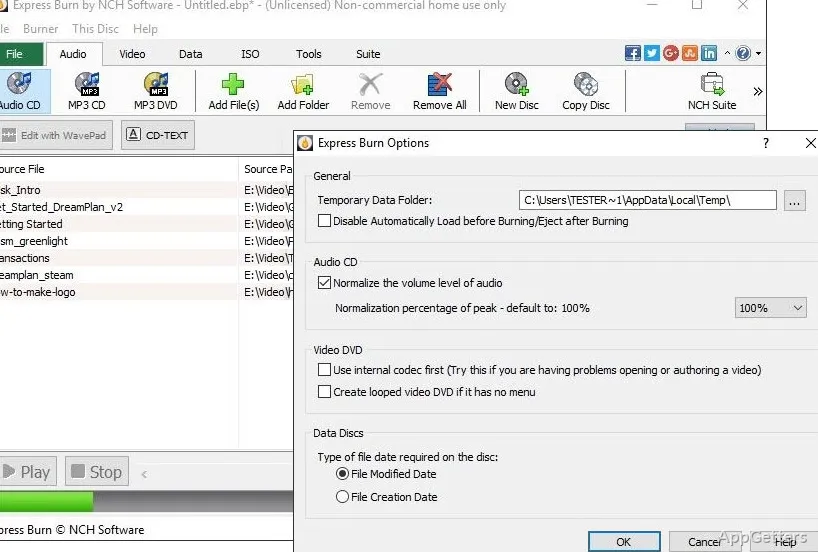
Set the pause between tracks and normalize track volume before burning. These controls suit a mixed playlist where songs come from different sources or need more consistent playback levels. Audio CDs are intended for traditional CD players; MP3 CDs provide another way to put music files on a disc.
What controls are available for video discs?
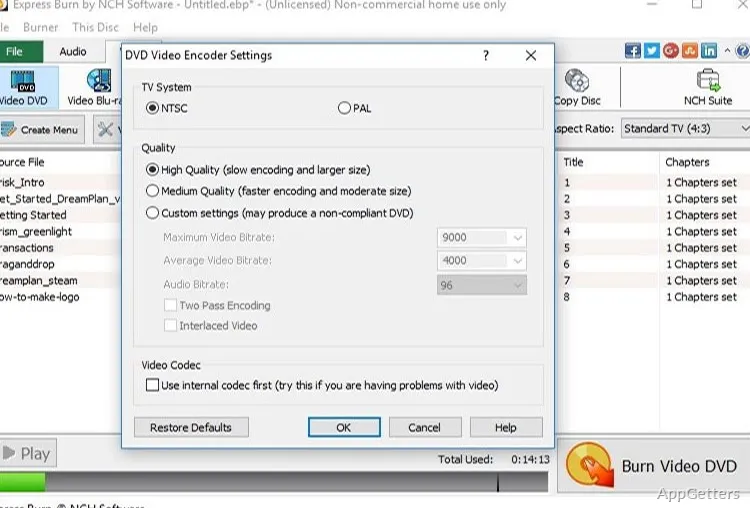
DVD authoring includes menu and button templates, with options to add custom images to a menu. Chapters can be created and managed on DVD and Blu-ray projects. Video settings include widescreen or standard formats and PAL or NTSC output.
- Supported video inputs include AVI, MPG, VOB, WMV, MP4, and OGM.
- The program can create bootable data discs and copy discs.
- A command-line mode lets scripts and other software start burns.
Pros
- Creates audio CDs and MP3 CDs from supported audio formats
- Adjusts audio volume and track gaps
- Writes data discs with UDF, ISO/Joliet or hybrid file systems
- Provides DVD menu templates and chapter controls
System requirements: Windows 7, Windows 8, Windows 8.1, Windows 10, Windows 11 · Disc drive that supports burning
Can Express Burn create an ISO image without burning a disc?
Yes. It can create ISO files as well as burn ISO images to disc.
Can it make a DVD menu?
Yes. DVD authoring includes menu and button templates, and you can add custom images to a template.
Can it burn Blu-ray discs?
Yes. Express Burn writes both data and video Blu-rays, with chapter controls for video.