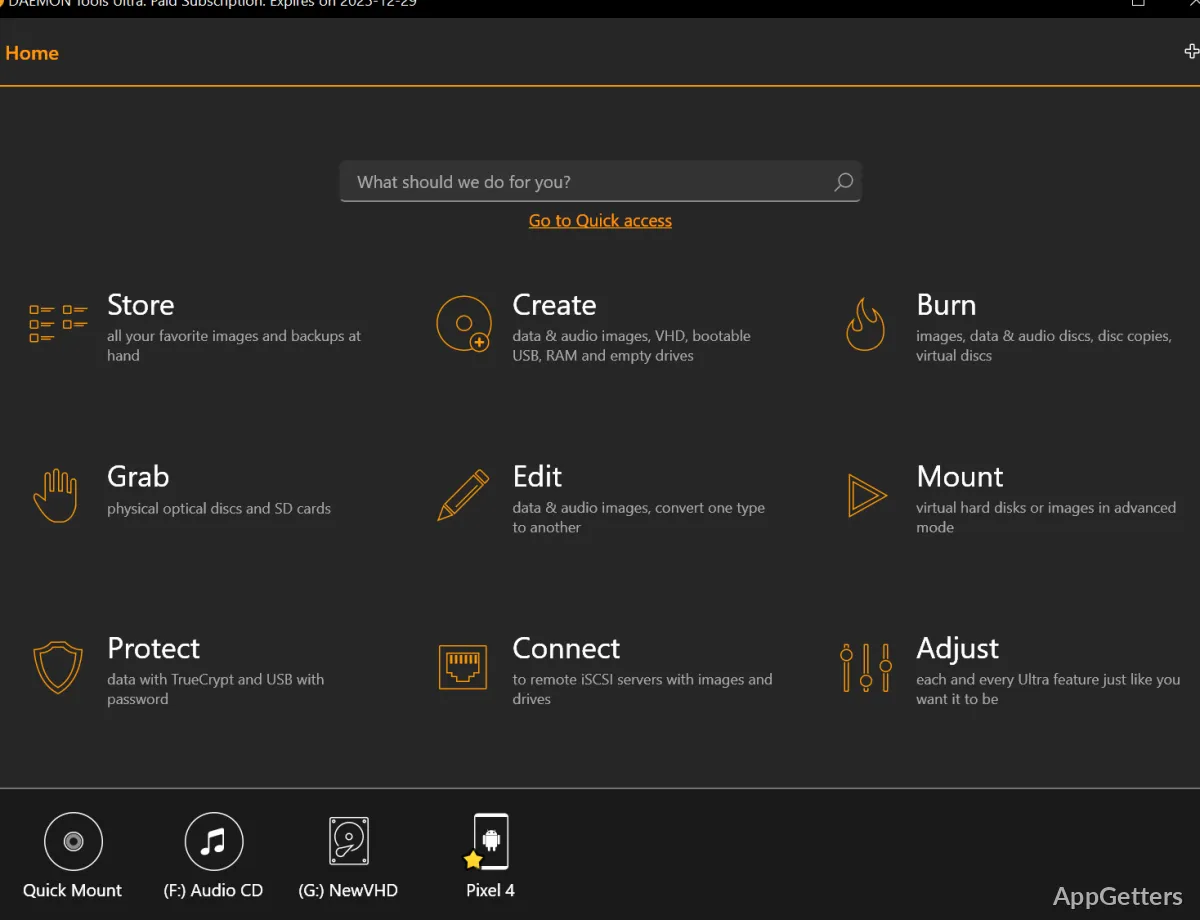
Need to open an ISO or VHD as if it were a real drive, or make a bootable USB stick? DAEMON Tools Ultra mounts disc images and virtual disks in a click, and it also includes tools for creating and editing images, preparing bootable USB media, and working with virtual hard disks.
Mount and edit disc images
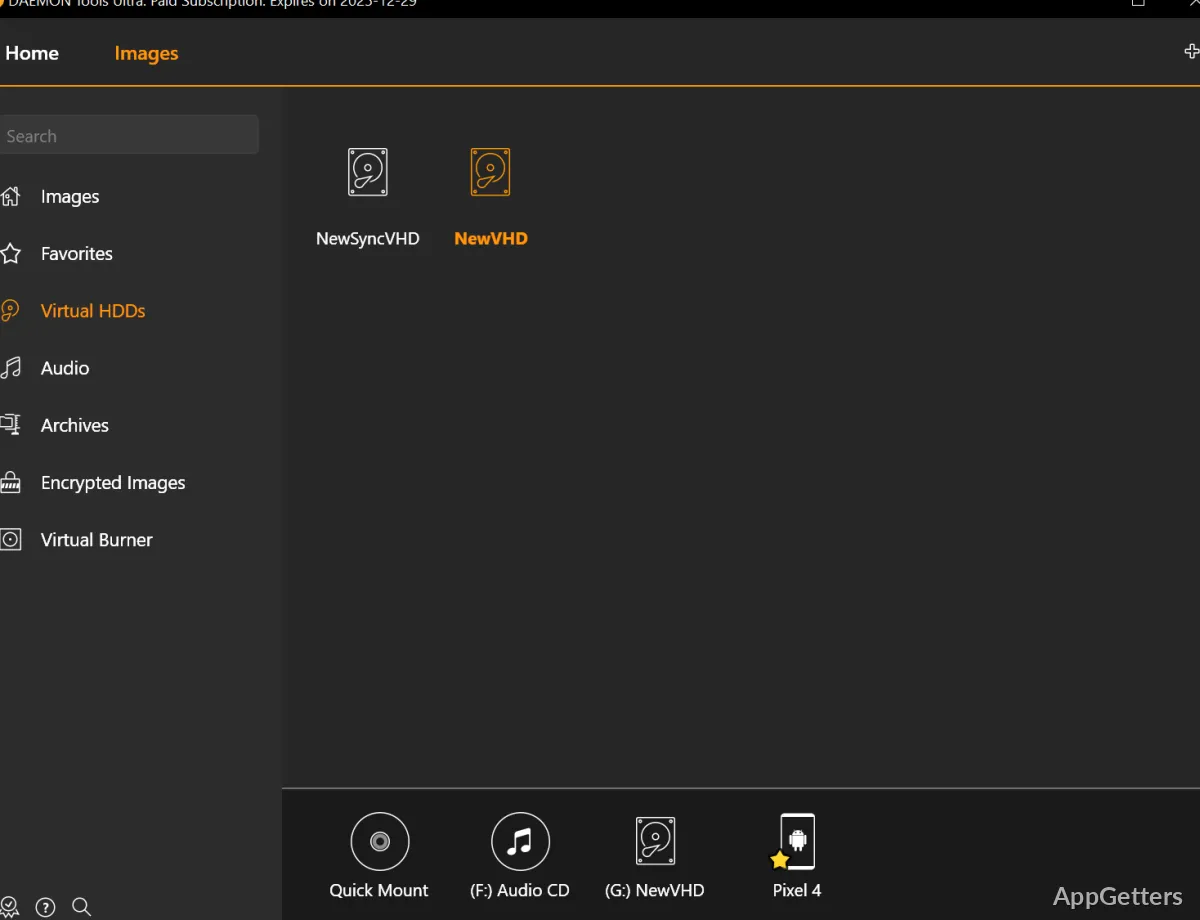
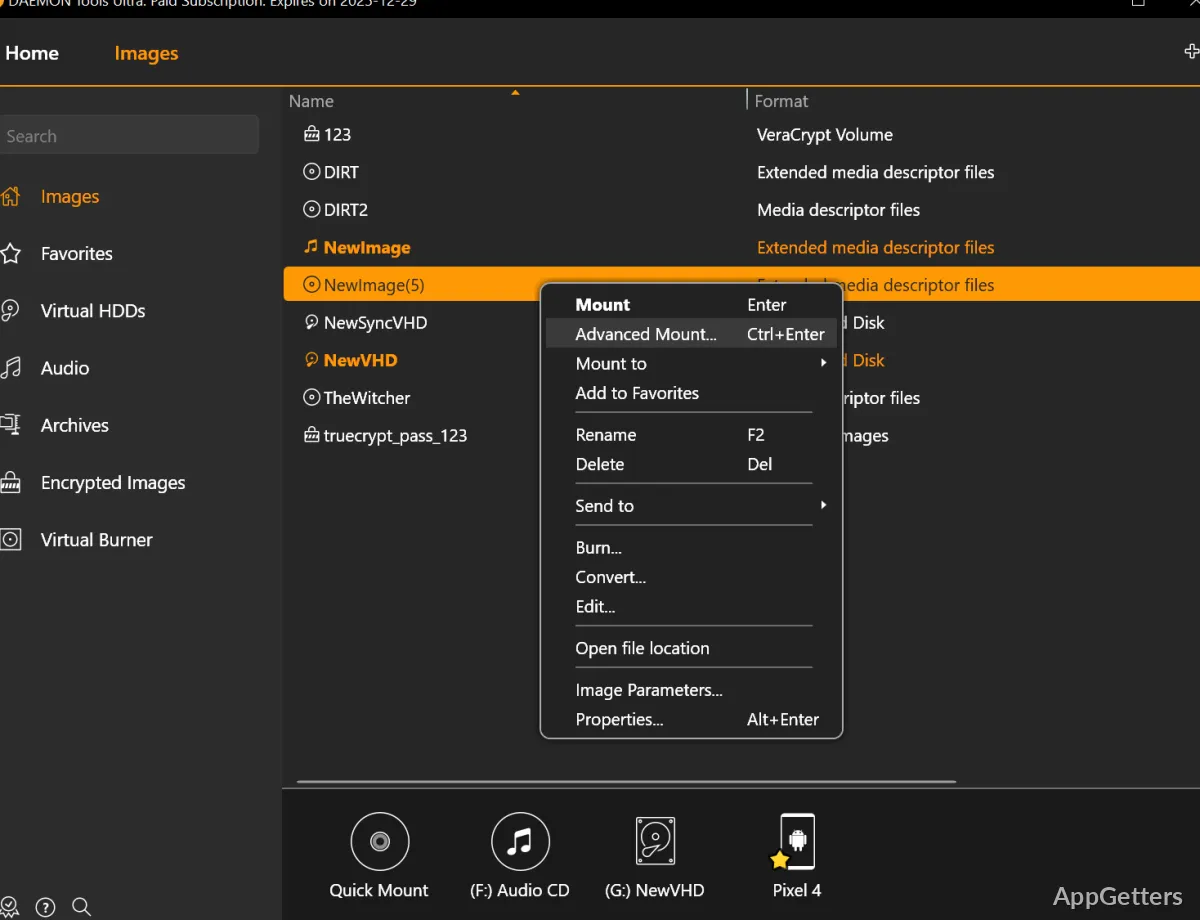
Use Quick Mount to open an image directly, or create virtual DT, SCSI, IDE, and HDD drives for mounting. Ultra can also mount virtual hard disks and TrueCrypt containers.
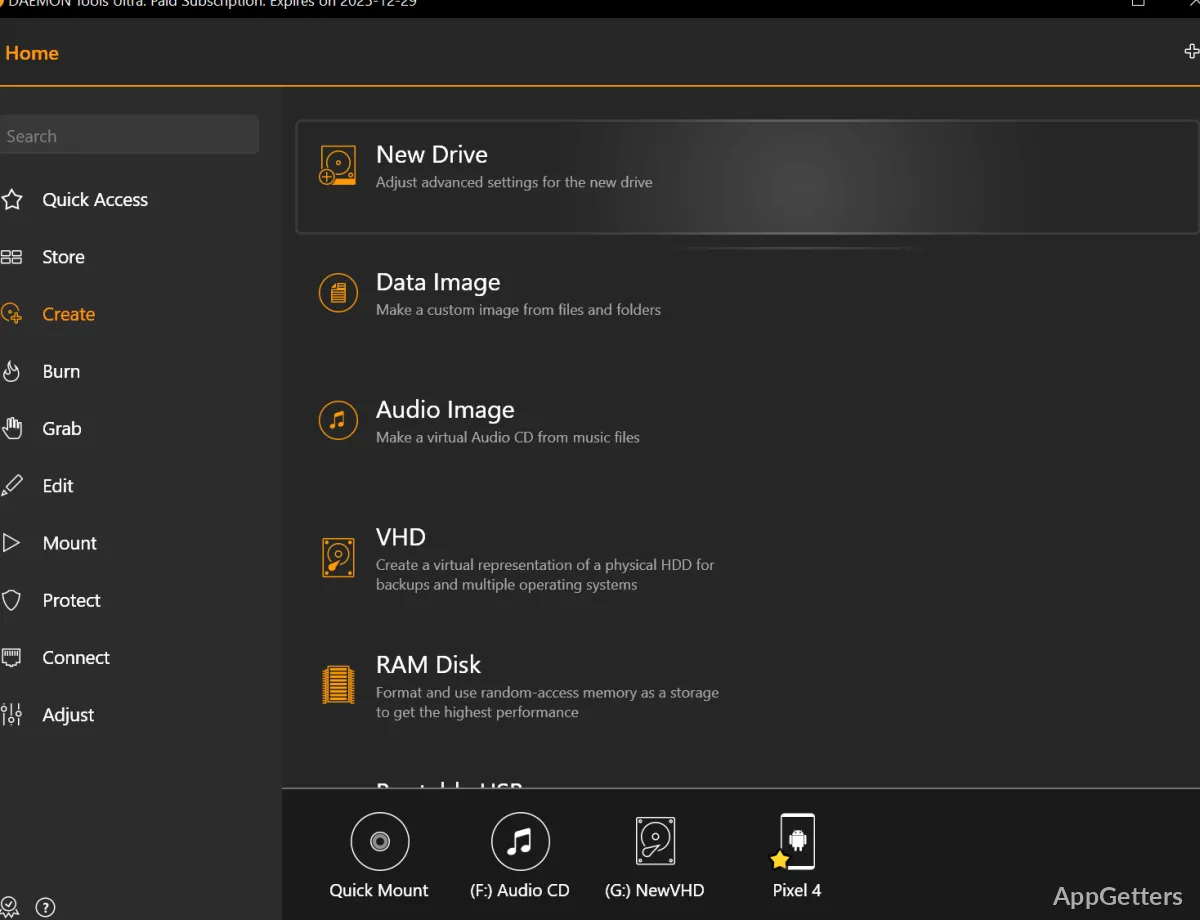
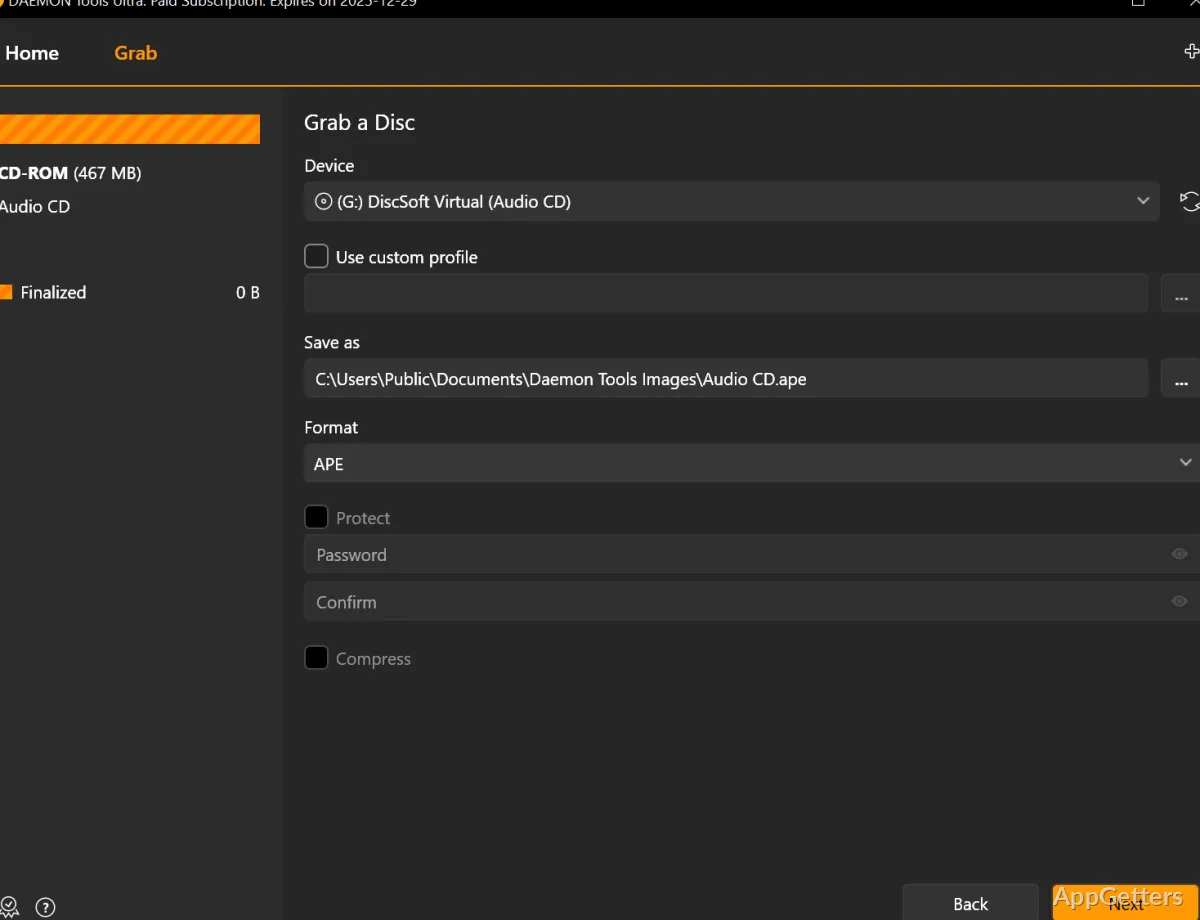
Image tools cover creating images from discs, files, and audio tracks, then editing, converting, compressing, splitting, protecting, or burning them. A virtual writable drive lets you copy files into an image and test it before burning physical media.
Write a bootable USB drive
The bootable USB workflow writes a boot image to removable media for operating-system recovery. It supports startup through UEFI or BIOS and works with GPT or MBR partitions. Ultra can also create Live USB media and cards containing the Raspberry Pi operating system.
Back up files and create RAM disks
Set up backups of files to a disc, VHD, or TrueCrypt container. Backup tasks can be scheduled to run automatically, with email notifications for progress.
RAM disks use system memory as virtual storage. Ultra can create volatile or persistent RAM disks and mount them for storing temporary files.
Connect devices and transfer files
Catch! transfers files between Ultra and mobile applications over a local Wi-Fi network, and lets the PC browse connected mobile devices. The iSCSI tools connect to remote VHDs, images, optical drives, and USB devices, including through DAEMON Tools iSCSI Target or third-party servers.
Pros
- Quick Mount handles images without creating a device first
- Creates bootable USB media for UEFI or BIOS systems
- Supports scheduled file backups with email notifications
- Creates and mounts volatile or persistent RAM disks
System requirements: Windows 7, Windows 8, Windows 10, Windows 11 · 32-bit and 64-bit
Can DAEMON Tools Ultra mount VHD files?
Yes. Ultra can create, mount, and adjust virtual hard disks, including VHD files.
Can it make a bootable recovery USB?
Yes. It writes boot images to USB drives and supports UEFI or BIOS startup with GPT or MBR partitions.
How does Catch! transfer files?
Catch! transfers files between Ultra and mobile applications over a local Wi-Fi network.