Need to burn an ISO to a DVD and be sure it worked? ImgBurn can write the image and then check whether the disc is readable. The program also creates image files from discs or selected files, with separate modes for each task.
Choose a mode for the disc task
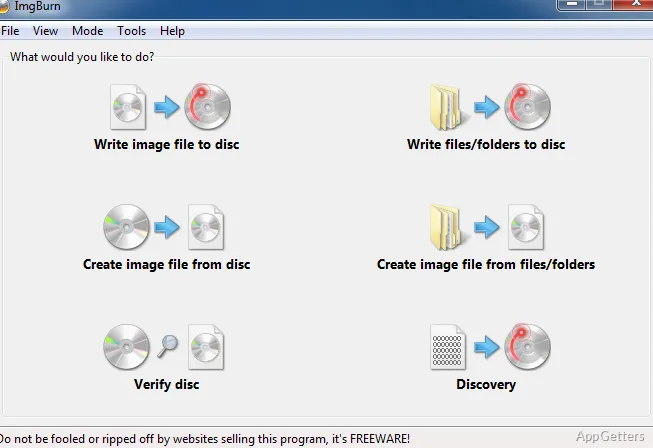
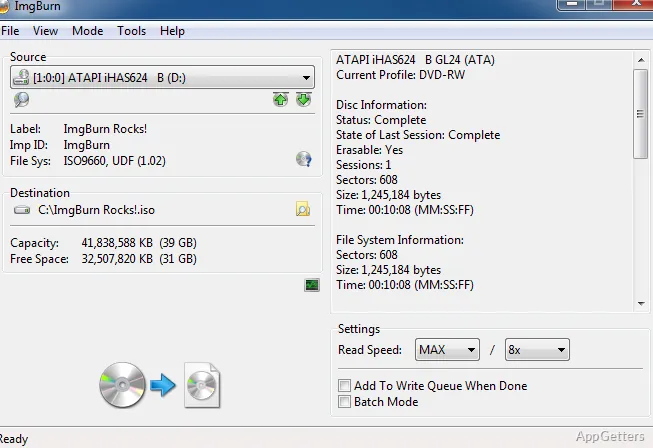
ImgBurn separates its main workflows into five modes. Read copies a disc into an image file; Build turns files from the PC or network into an image, or burns them straight to disc. Write burns an existing image file to a disc, while Verify checks whether a disc is readable and can compare its contents with an image.
Discovery tests a drive and media. Paired with DVDInfoPro, it can also provide a way to examine burn quality.
Build images from files or video folders
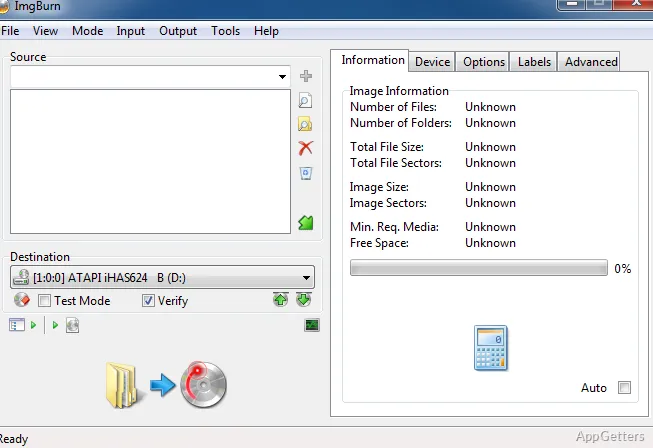
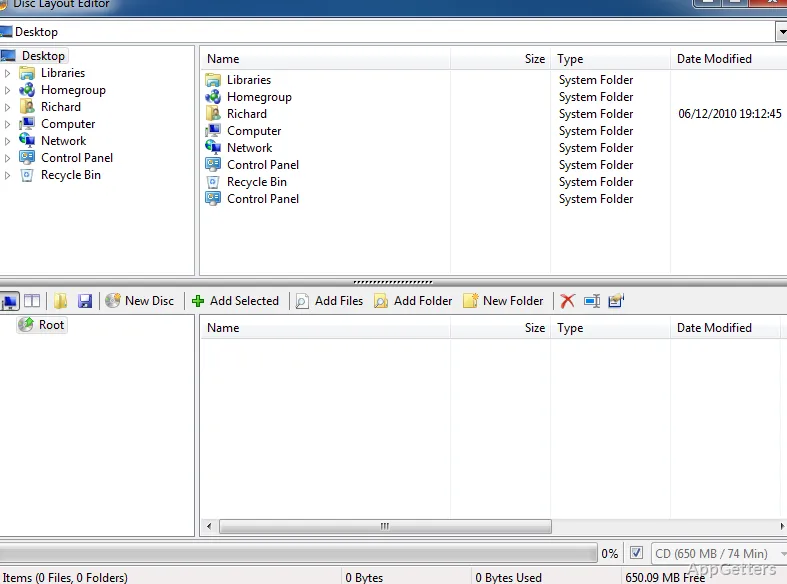
Build mode handles ordinary file and folder layouts as well as video-disc structures. It understands the standard folder layouts of DVD-Video, HD DVD and Blu-ray Video discs. The Advanced Build interface lets users arrange a disc or image layout and rename files and folders.
- Besides ISO it handles many other image types, including BIN/CUE, IMG, NRG and MDS.
- Unicode file and folder names are supported.
Queue image burns and set write speeds
For a batch of image files, ImgBurn provides a write queue. When multiple drives are available, queued images can be shared among them. Double-layer DVD Video jobs have a layer-break selection screen.
Automatic Write Speed stores preferred burn speeds for each media ID, with separate settings for individual drives. ImgBurn can also burn Audio CDs from formats supported through DirectShow or ACM, including FLAC, MP3, OGG, WAV, and WMA.
Verify a recorded disc
After writing, use Verify to test whether the disc can be read. The mode can also compare the recorded data against a selected image file, checking that the contents match. This is distinct from Discovery, which tests the drive and media.
Pros
- Read, Build, Write, Verify, and Discovery modes
- Supports ISO, BIN, CUE, IMG, and other image formats
- Queues multiple images for burning
- Can save write-speed preferences by media ID and drive
Cons
- Not updated since 2013, so newer drives and media may be untested
- Burn-quality checks in Discovery mode need DVDInfoPro
System requirements: Windows 7, Windows 8, Windows 10 · 32-bit and 64-bit
Can ImgBurn create an ISO from files on a computer?
Yes. Build mode packs files from the PC or network into an image, or burns them straight to disc.
Can ImgBurn check that a burned disc matches its image?
Yes. Verify mode can check readability and compare the disc with a specified image file.
Which image formats can ImgBurn burn?
ISO plus BIN/CUE, IMG, NRG, MDS, CCD, PDI and several others.