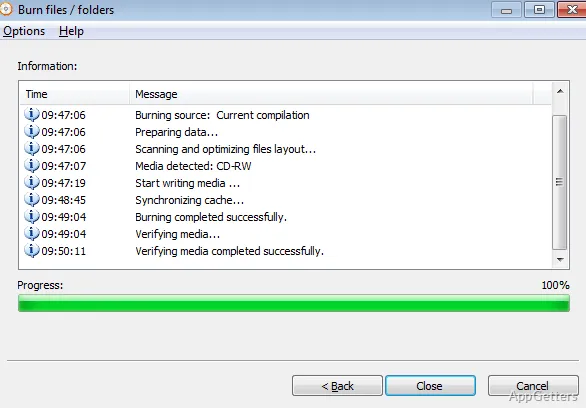
Data CDs, DVDs, and Blu-ray discs can be burned with Free Any Burn, which also creates audio CDs from music files. It also works with disc images, including ISO files, for burning, copying, extraction, and conversion tasks.
Disc and audio projects
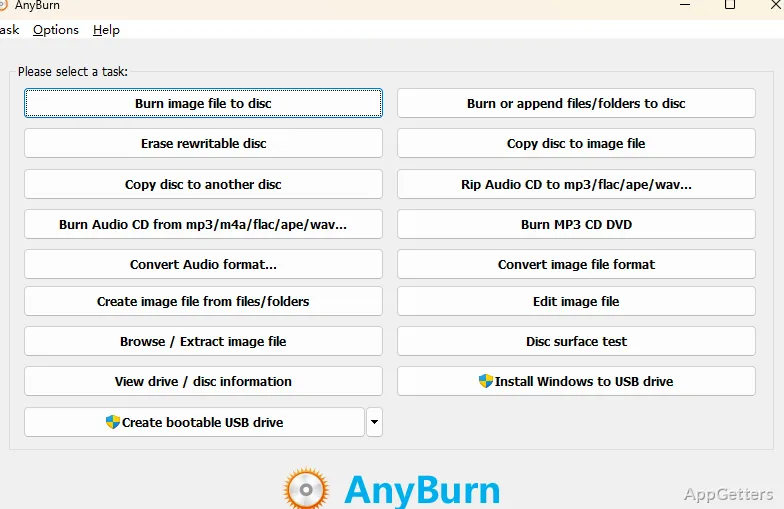
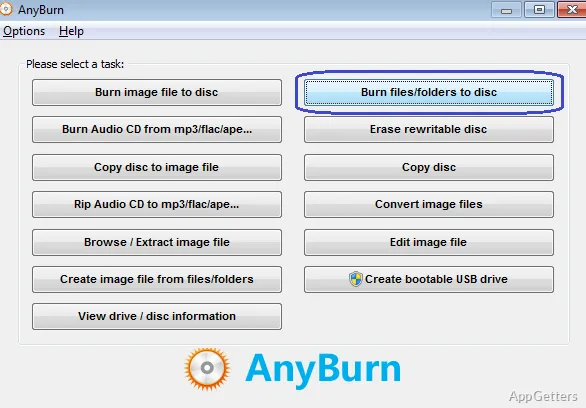
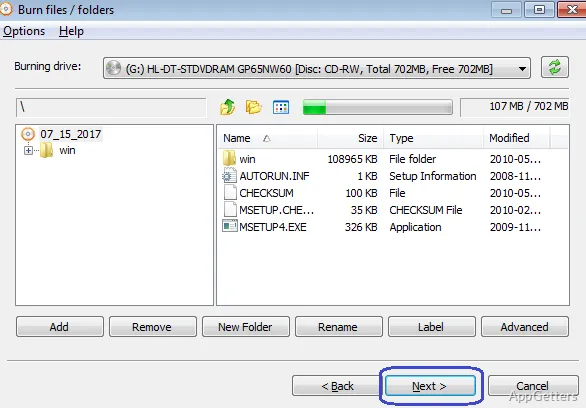
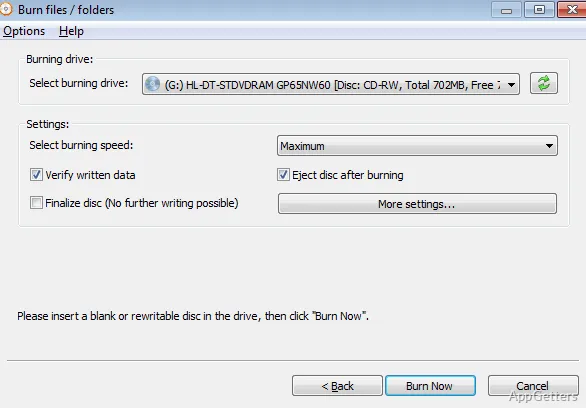
For a data disc, select files to burn onto CD, DVD, or Blu-ray media. Free Any Burn also creates Audio CDs from music files in formats such as MP3, M4A, FLAC, OGG, APE, WMA, and WAV. MP3 CDs provide another way to put a music collection on disc.
When working with an existing Audio CD, the program can rip tracks into files, including MP3, FLAC, OGG, APE, WMA, and WAV. Disc-copy options include creating an image file from a disc or copying one disc to another.
What can it do with ISO files?
Free Any Burn creates, burns, extracts, browses, and edits disc image files. ISO images can be written to optical media, or files can be extracted from an image without first burning it. Image conversion is also available for moving between supported image formats.
The program can create a bootable USB drive from an image file. This is a separate workflow from burning an image to a CD, DVD, or Blu-ray disc.
Other disc tools
Disc utilities include checking a disc surface and viewing information about the drive and inserted disc. These options complement the main burn, copy, and image-file tasks.
- Burn image files and create or edit image files.
- Extract or browse the contents of an image.
- Rip Audio CDs into supported music-file formats.
Pros
- Burns data discs on CD, DVD, and Blu-ray media
- Creates Audio CDs from common music formats
- Creates, extracts, browses, edits, and converts disc images
- Rips Audio CDs to several music-file formats
System requirements: Windows 7, Windows 8, Windows 8.1, Windows 10, Windows 11 · 32-bit and 64-bit
Can Free Any Burn create and burn ISO files?
Yes. It can create ISO images, burn image files to discs, and extract or browse image contents.
Can it copy an Audio CD to music files?
Yes. Its Audio CD ripping feature saves tracks in formats including MP3, FLAC, OGG, APE, WMA, and WAV.
Does Free Any Burn make bootable USB drives?
Yes. It can create a bootable USB drive from an image file.