EasyBCD manages Boot Configuration Data (BCD) through screens for viewing, editing, and repairing boot settings. It can organize multi-boot entries and add startup options for Windows, Linux, Mac, and other boot methods.
Inspect and edit the boot menu
The configuration view summarizes the computer’s BCD entries. In the boot-menu editor, reorder the operating systems, choose which one starts by default, and set the menu language and timeout. EasyBCD also offers an option to skip the menu.
These controls are handy on a computer with multiple operating systems: the menu can show the available choices at startup, or start the selected default after the configured wait.
Add an operating system or boot method
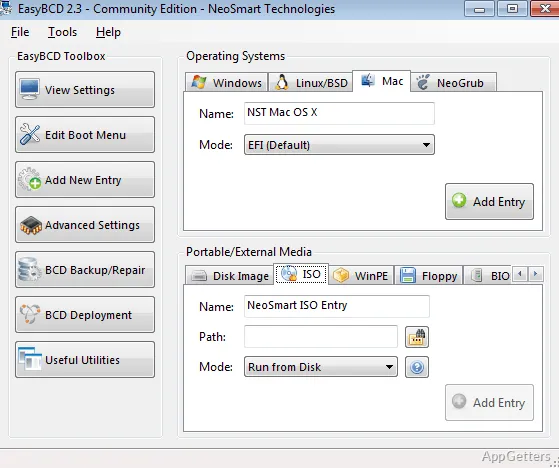
Use the new-entry screen to select an operating-system type, then choose the media or method for its entry. Options include Windows, Linux, Mac, and NeoGrub, with boot sources such as ISO files, disk images, WinPE, floppy disks, and BIOS extensions. Entries are added to the boot list, where their order can be adjusted.
- EasyBCD also supports startup from USB devices and virtual disks.
Repair or deploy BCD settings
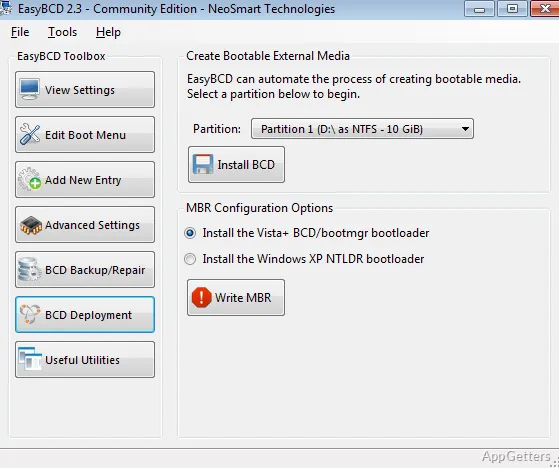
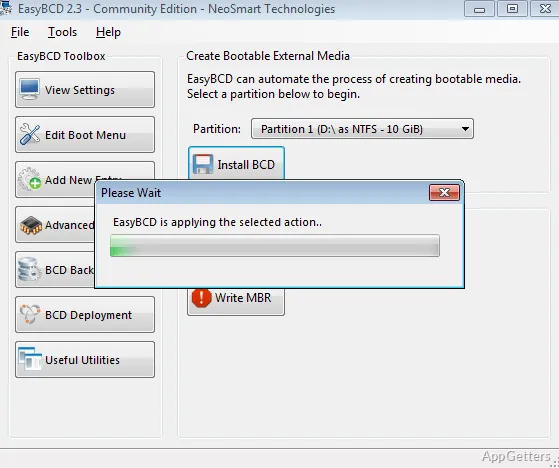
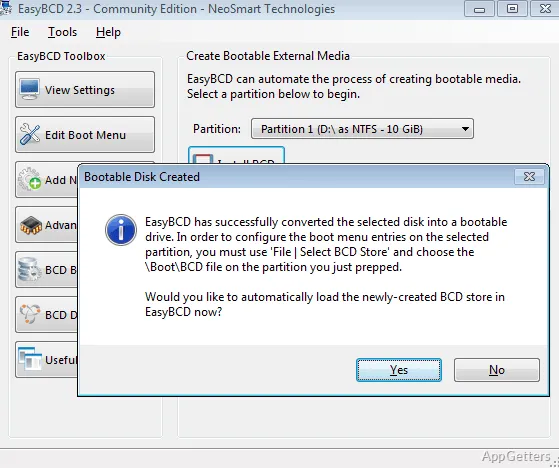
The copy-or-fix tools provide access to BCD repair tasks. For external boot media, the BCD deployment screen lets you choose a partition and install BCD there. The program also exposes master boot record options.
Advanced settings apply to individual operating-system entries. Windows options include Hyper-V support, debugging mode, and a limit on the number of processor cores in use. Changing these settings can affect PC performance.
Pros
- Changes boot-entry order, default system, language, and menu timeout
- Adds entries for Windows, Linux, Mac, and NeoGrub
- Supports ISO, disk image, WinPE, floppy, and BIOS-extension entries
- Includes BCD copy, repair, and deployment tools
System requirements: Windows 7, Windows 8, Windows 8.1, Windows 10 · 32-bit and 64-bit · Microsoft .NET Framework 2.0–3.5 or 4.0–4.6 (setup can install it automatically)
Can EasyBCD change which operating system starts by default?
Yes. Its boot-menu editor lets you select the default system, reorder entries, and adjust the menu timeout.
What kinds of boot entries can EasyBCD add?
It supports entries for Windows, Linux, Mac, and NeoGrub, with options including ISO files, disk images, WinPE, floppy disks, and BIOS extensions.
Can EasyBCD work with external boot media?
Yes. It supports booting from USB devices, and its BCD deployment screen can install BCD on a chosen partition.