EXE
Home » IDE » Brackets for Windows
Brackets for Windows

Brackets for Windows

  • By Adobe
  • Free
  • Version: 2.2.1
  • 85.39 MB
  • Security Report:

It is not easy to find a code editor that is simple without sacrificing your convenience as a developer, let alone for beginners. In fact, most of them are either overloaded with features you may never touch. Or they are lacking the features that help you stay productive. To fill the gap for web designers, students, and front-end developers mainly on Windows, Brackets was developed as an editor strictly for web development workflows.

Brackets is not a market favorite any longer, like other editors that keep popping up. However, it is still remembered for a clean look and web-oriented design. If you are a person who needs a simple setup to work only with HTML, CSS, and JS, it was Brackets that, back in the day, introduced many people to front-end development.

Designed Around Front-End Development

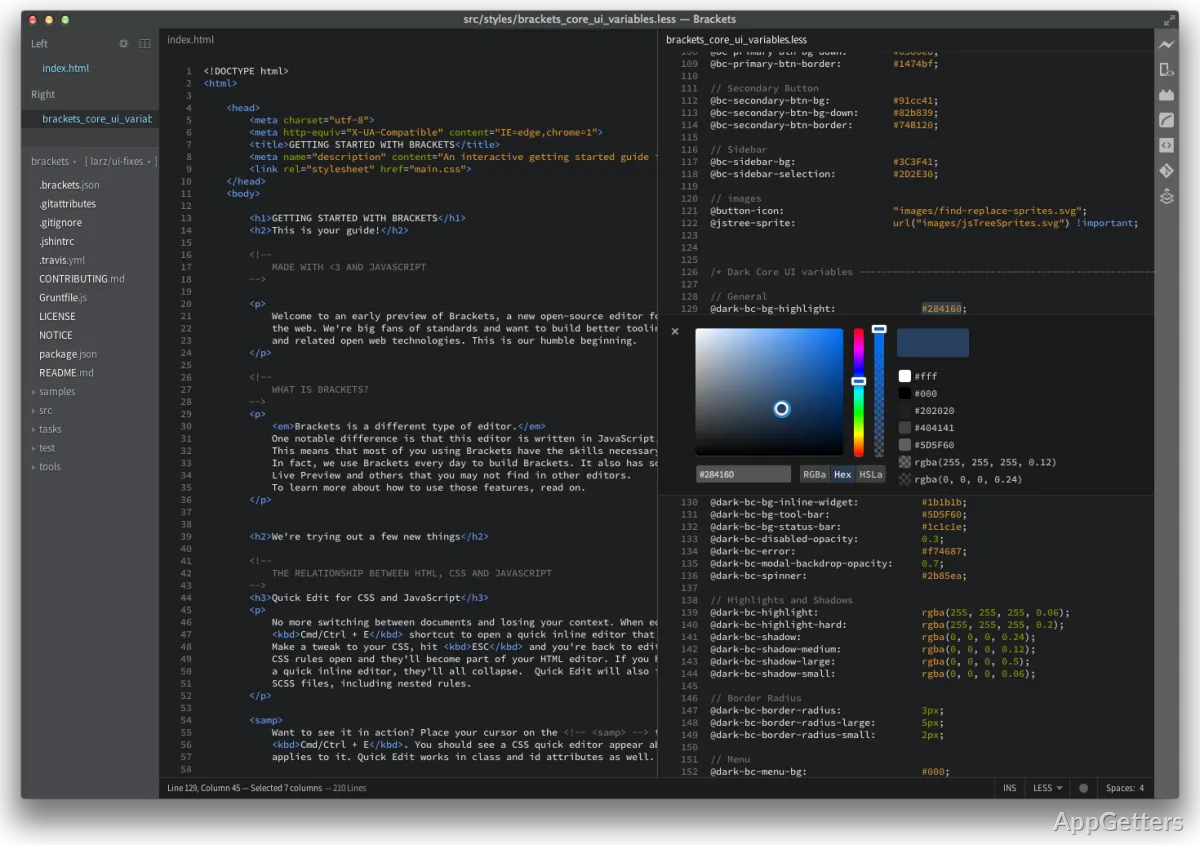
Brackets is mainly enamored by the web and its technologies. As a matter of fact, that was the emphasis that sets it apart from the rest of the editors out there that try to support multiple languages at the same time. This emphasis leads to a more minimalistic user experience, especially for those who develop websites and web user interfaces.

So editing HTML and CSS actually becomes a piece of cake. You are given the right tools so that you can easily find the files you are working on and understand the relations between different elements of a website. For those students who are just beginning their web design journey, this is exactly what they want to focus on: the essentials and not confuse themselves with lots of features that they do not need.

Given that the GUI is tidy and fairly welcoming, it should be lighter on the bootstrapping of one’s first web project. It is more easily done on Windows.

Improving Everyday Coding Workflows

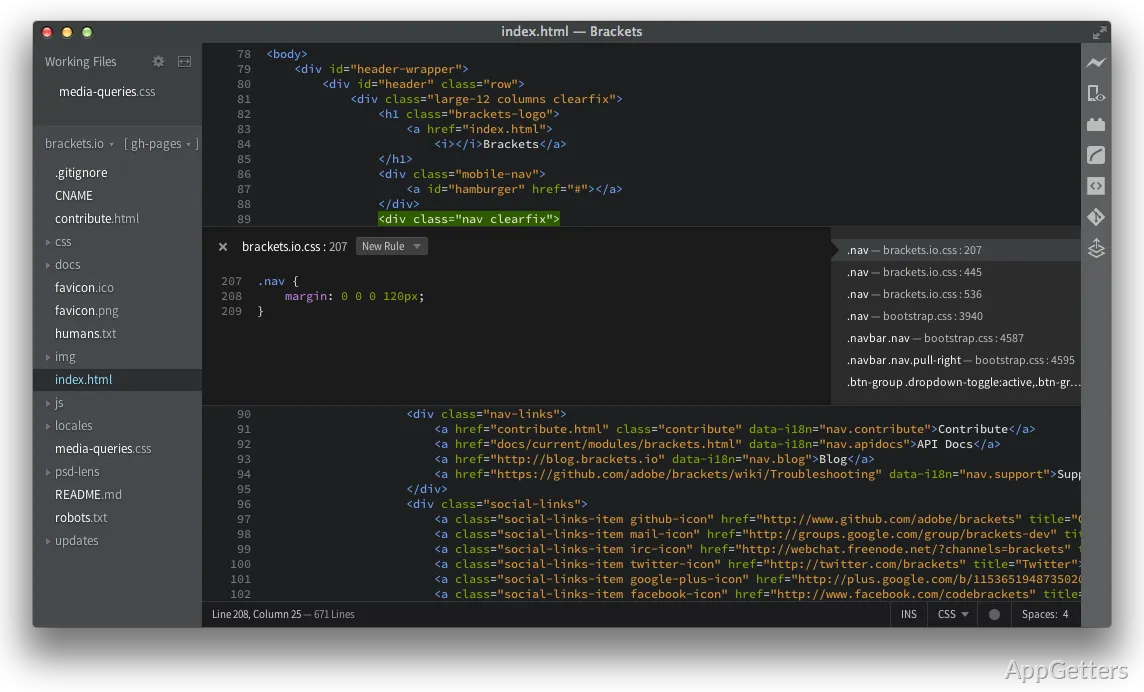
For many, Brackets is impressive mainly because of how well it can support their regular programming tasks. It won’t bog your system down, yet it is capable of supplying development tools that help you to avoid doing some work over and over again manually.

Going back and forth between files of the same project regularly gets exhausting. But if users are able to review the project layout at the same time, it is easier to concentrate on the development work. It also reduces the need to juggle between different applications. In fact, it is literally helping to make your code more organized, especially if you happen to be dealing with multiple linked web files.

Carrying out these improvements in the workflow of a hobbyist or a student will definitely save time. It will also provide an enjoyable coding experience without adding any stress or complexity.

Strengths and Pragmatic Limitations

Brackets is a focused code editor, and it performs its job well. It is, however, worth mentioning that if you are looking for a complete software development platform, you might be better off with some of the newer editors. They have a bigger extension ecosystem and offer support for a wider range of languages.

Brackets best serves a front-end web project development environment, and not a large-scale software development scenario. Although it works fine with a bunch of HTML, CSS, and JS, an advanced IDE may come with better plug-ins. It may also offer better testing and deployment features. It may also offer better tools for joint effort.

One of the issues is that the development of Brackets has slowed down considerably today. Well, some users might find that the latest tools provide fresh workflows and larger community resources. But the core editing functions of Brackets are still capable of handling the majority of web programming situations.

Best Matched to Web Design Learners and Front-End Creators

Brackets is an excellent choice for people who simply want a working environment on Windows. It is ideal for learning and practicing front-end development. Its users typically include students learning web development, hobbyists who build personal websites, and web designers who work mainly in HTML and CSS.

It produces a different kind of attraction, which comes not from the functionality but from the ease of use. So long as you do the basic web development tasks, you will remain productive. You will not have to go through a complicated interface, right? Don’t you agree? Don’t you think this design, which is concentrated and tailored, still makes it a tool of choice? It is especially suitable for those who prefer a dedicated web editing experience.

For Windows users, Brackets is still a pretty good option. It is simple and focuses on usability, clarity, and an efficient development workflow. Plus, it is a software mainly centered on website creation and front-end coding.

Software Details of Brackets 2.2.1

License
Free
Version
2.2.1
File Size
85.39 MB
Downloads
0
Languages
English English, Arabic, Bulgarian, Chinese, French, German, Greek, Hungarian, Indonesian, Italian, Japanese, Korean, Portuguese, Romanian, Russian, Spanish
Category
IDE
Op. System
Windows
Developer
Last Updated
August 23, 2023

Version History

1 version
2.2.1
Latest
85.39 MB
August 23, 2023

Leave a Comment

Your email address will not be published. Required fields are marked *

Software Icon
Security Report

Loading scan data...

Scroll to Top