EXE
Home » Software » Windows » Download Managers » 4K Downloader for Windows
4K Downloader for Windows

4K Downloader for Windows

  • By 4K Software
  • Free
  • Version: 5.11.6
  • 47.45 MB
  • Security Report:

Downloading videos for offline use may be a great idea, but most users find it pretty frustrating after a few tries. Streaming websites don’t usually give the option to download videos in their desktop versions. When you use browsers to download them from the internet, you might be left empty because every time the structure of websites changes, your browser may fail. What you usually do in case of such interruptions is find some other software, or, in most cases, just give up. For students watching and saving lectures or for casual viewers wanting to collect tutorials, the availability of such software becomes really important. This is especially true if their internet is limited as well. 4K Downloader for Windows is one such tool that tries to fill this gap very simply. With a few mouse strokes, the video can be saved on your hard disk, for instance.

A Simple Workflow for Everyday Video Downloads

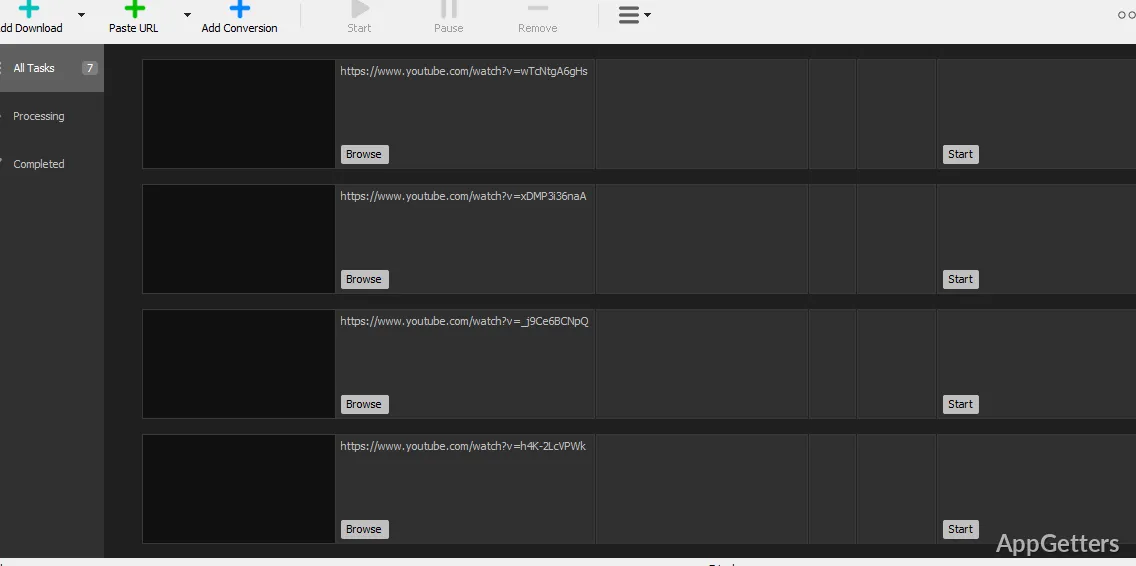
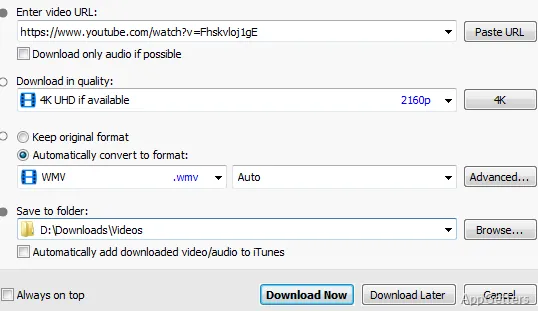
Microsoft-based 4K Downloader is incredibly intuitive and uncomplicated in its essence. First thing is that the users should copy the address of a video and paste it into the tool where it is inspected. Finally, the available download options are shown. These are usually different resolutions, video formats, and sometimes even audio-only ones.

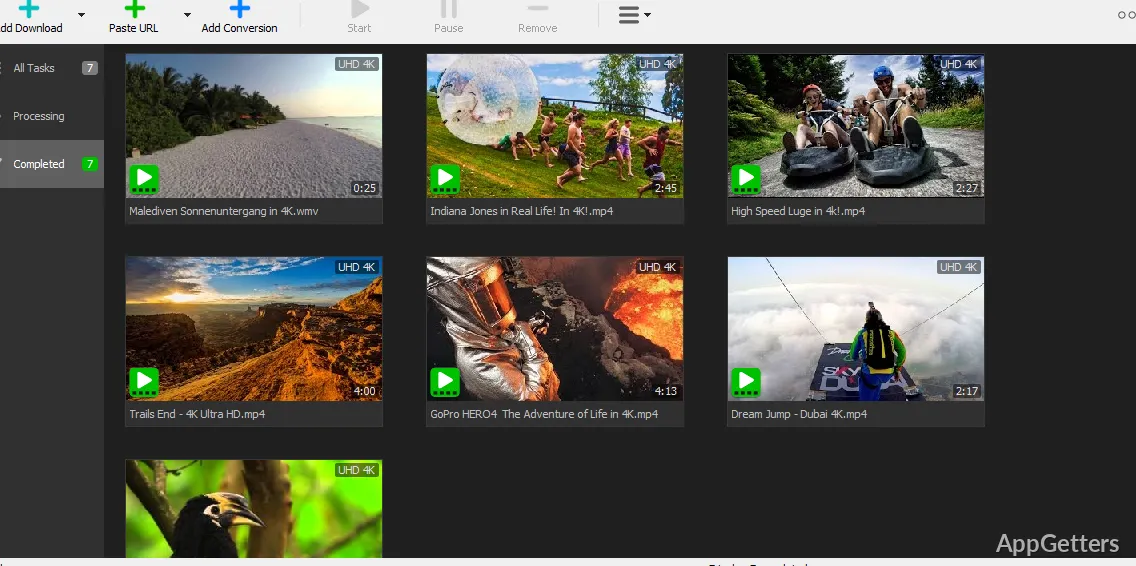
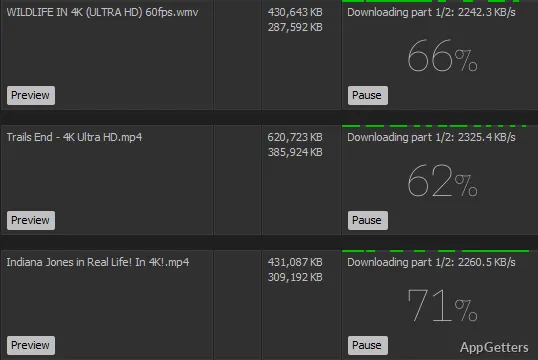
So, if taken from a practical perspective, that means this method has become a true blessing. It eliminates the small inconveniences of browser tools that users face daily. The program is able to deal with parsing the link internally without involving the web browser. This means that there will be significantly fewer interruptions caused by browser incompatibility or extension conflicts. When videos are added to the download queue, the download process takes place in the background without bothering the user.

Those using tutorials, presentations, or lecture recordings as their source for the learning process will definitely find this a very simple and time-saving solution. Most of the time, users do not need to worry about advanced configuration as there is none. All start downloading close to the time of the initial launch of the program.

Managing Quality, Formats, and Playable Files

This is another aspect of this software. One could call it the practical availability and management of quality and format options that are built in. There is a wide variety of resolution choices a video may be available in nowadays. These include HD or even 4K. Generally, 4K Downloader quite accurately identifies these and gives users the freedom of choice as per their requirements.

This feature might come in handy for those who have to deal with restrictions in terms of storage space. It may also help those who are most likely to experience slow connections on the internet. A student downloading several lectures may wish to download the files in smaller formats. The person interested in keeping the visual tutorials on the computer may go for high-quality, large-size movie files. These are just some examples. One thing that is clear is that the application shows quite a few choices to the user, and no technical knowledge is required at all for usage.

If you keep the files in the ordinary format, then chances are they will be compatible with the most popular players on your PC. In such a scenario, the workflow becomes much more like that of the direct download of a media file. It becomes less like “capture” or workaround through some complex multi-step method.

Stability Compared With Browser-Based Alternatives

One of many advantages of an independent PC program is the consistency it provides. A commonly experienced problem with browser extensions or online downloaders is that they cease functioning properly. This happens as soon as websites make changes to their layout or add new restrictions. Dedicated software like 4K Downloader usually manages to do so through updates.

Practically speaking, this can be advantageous to those who use the tool regularly. In the situation when some of the extensions break or otherwise become unavailable, users often hunt for a new one. Instead, the application will be there to provide the same functions but in an updated manner.

Of course, the tool depends on technical changes and policies of the platforms it supports. When they change their workings, some brief interruptions may be expected. However, such is the case with any software interacting with streaming websites.

Where 4K Downloader Fits in a Windows Workflow

If used properly, 4K Downloader can be an excellent addition to a Windows user’s toolkit. This applies to users who want to download online videos for later use regularly. Its strongest suit is that it ‘fits’ effortlessly into a variety of users’ lifestyles. These include students who are compiling a collection of recorded lectures, teachers who keep a library of instructional videos, or home entertainment fans who prefer to have offline copies of tutorials and documentaries.

Software Details of 4K Downloader 5.11.6

License
Free
Version
5.11.6
File Size
47.45 MB
Downloads
0
Languages
English English, Afrikaans, Amharic, Arabic, Armenian, Belarusian, Bulgarian, Catalan, Chinese, Croatian, Czech, Danish, Dutch, Estonian, Farsi, Finnish, French, German, Greek, Hebrew, Hindi, Hungarian, Icelandic, Indonesian, Italian, Japanese, Kazakh, Korean, Latvian, Lithuanian, Malay, Norwegian, Polish, Portuguese, Romanian, Russian, Serbian, Slovak, Slovenian, Spanish, Swahili, Swedish, Tagalog, Thai, Turkish, Ukrainian, Vietnamese, Zulu
Op. System
Windows
Developer
Last Updated
September 2, 2024

Version History

1 version
5.11.6
Latest
47.45 MB
September 2, 2024

Leave a Comment

Your email address will not be published. Required fields are marked *

Software Icon
Security Report

Loading scan data...

Scroll to Top