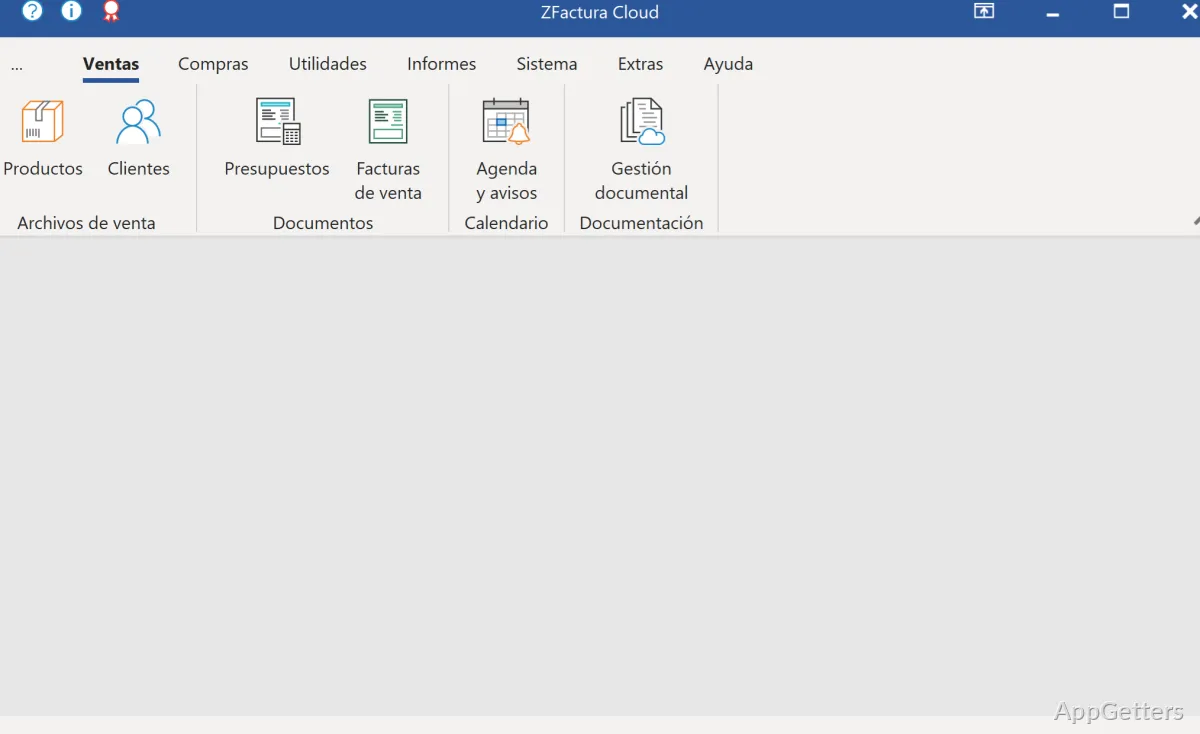
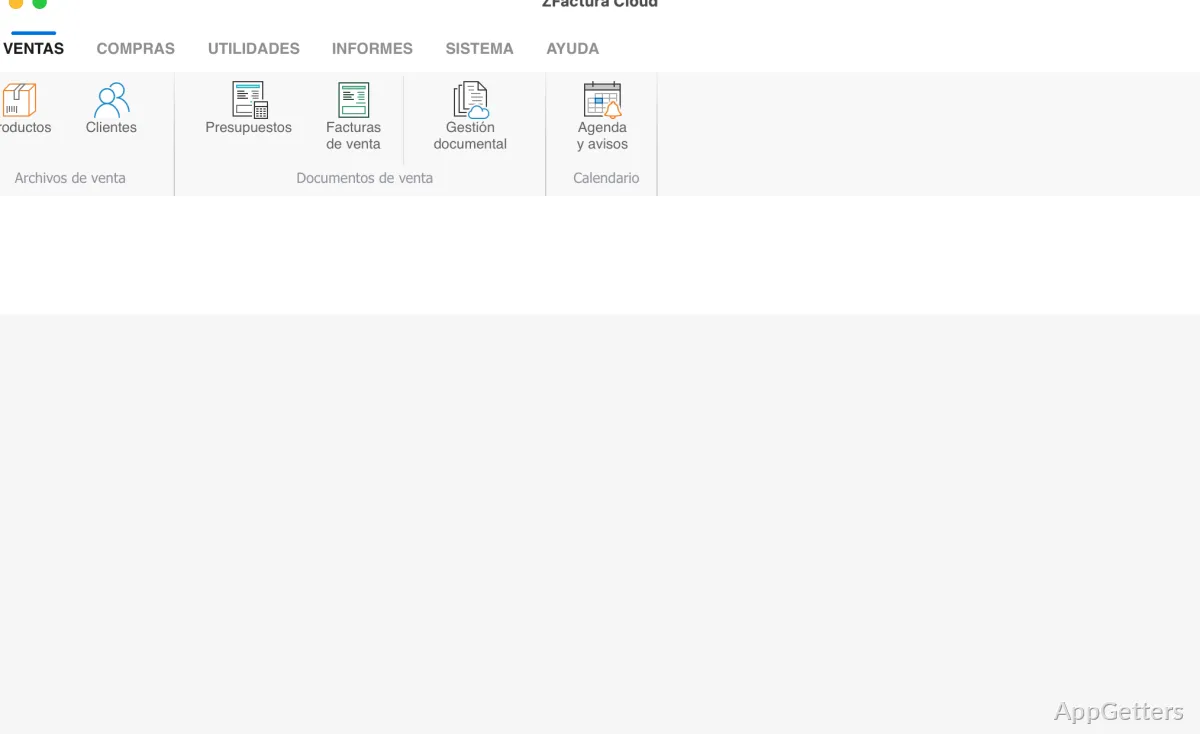
Sometimes, a small company’s administration, particularly invoicing and related business documents, may genuinely get out of control. Usually, one begins with several spreadsheets, handwritten notes, or other office software that is, after all, very generic. Only later do they realize how keeping track of invoices, taxes, payments, and customer data takes more and more time. As the workload increases, one faces issues like billing errors, misplacement of records, and different document formats. These result in even more work for the administration. ZFactura for Windows has been created to help users master their challenges. It makes available a dedicated environment for creating and managing invoices and, at the same time, other related business documents from one single application.
A Practical Approach to Invoice Management
The very first thing that a person sees is that the program focuses on the normal routine management of the company, not on very complicated enterprise workflows. It revolves around invoicing, the keeping of customer records, and document management. But it still manages to remain very friendly and comprehensible to smaller organizations. One can generate invoices of a professional level without having a solid background in accounting. Therefore, the users can adapt to this program quite quickly.
And the truth is that this is the way ZFactura real-time can help. For instance, it may be a better option than producing invoices manually in Microsoft Excel and Word. All customer-related information, including product details and the billing of regularly recurring items, can be stored inside the application. This way, a lot of time-consuming, repetitive retyping of data is avoided. In case there are lots of orders for invoicing, this will improve the flow of work. At the same time, the mistakes that come with the involvement of the human factor in administrative tasks are going to be minimized.
Designed for Small Businesses and Independent Professionals
Actually, ZFactura may be an excellent choice for freelancers, consultants, locational service providers, and small businesses as well. They want to keep the payment ledger in a structured way without having to get a costly and complicated ERP system. These kinds of users, in most cases, are after dependable billing systems. But at the same time, they do not expect to have multifaceted financial modules as the large business platforms have.
The program has a sufficient degree of systematization, and it is also able to support the development of the business. But it retains the focus on the main task. People whose main needs include customer management, invoice production, and document control will most probably find the range adequate. However, highly complicated accounting tasks may lead bigger companies to additionally purchase specialist financial software other than their invoicing software solution.
Workflow Benefits and Day-to-Day Reliability
The great thing about a software package geared towards invoicing is its capacity to enable producing the same results consistently. This is something ZFactura might bring to users in terms of everyday work efficiency. Combining customer data, invoices, and business documents behind a single system results in easier file retrieval and less dependence on multiple storage locations. This comes in especially handy when returning to a previous deal or a customer complaint.
Because of its desktop-based nature, the Windows version may be favored by some people at the same time. They still choose local software and do not run cloud services. It is through the locally installed application that one keeps having access to the document. However, those who want to have a good deal of the online cooperative features, as well as intensive use of cloud, could find the program to be something of a traditional face to them.
Where ZFactura Fits Best
ZFactura is a useful tool when it comes to invoicing and business document management for those users who want to have a well-organized structure that far exceeds the capabilities of simple spreadsheets. Its main virtues become clear when invoicing, maintaining customer records, and document filing are the regular tasks at that particular workplace.
Independent professionals, owners of small businesses, as well as freelancers, will benefit the most from this software’s simplified work setting. This, in turn, assists in improving the almost inevitable administrative chores that often distract the office staff. So, although it cannot be used as a substitute for first-class accounting software by big enterprises, it does represent a sturdy platform for handling invoicing procedures and organizing business records on the Windows operating system.
What is ZFactura used for?
It is used to create invoices, organize customer records, and manage business documents.
Can I use ZFactura to keep customer information with my billing work?
Yes. Customer record organization is one of its stated purposes.