Gradually, a Windows PC accumulates many unnecessary entries in the registry, such as pieces left from uninstalled programs, broken references, and some old configurations. The vast majority of users won’t notice that their system is getting less efficient due to such problems until their PC starts behaving very slowly. They may also experience repeated crashes. Of course, Windows does update the registry quietly without the user’s knowledge, but it doesn’t do any cleaning of it. That is why programs like Wise Registry Cleaner are needed. They find and remove the useless entries so as to give the user’s PC an uplift without asking for deep knowledge of the system’s interior workings.
Precise Registry Cleaning Only
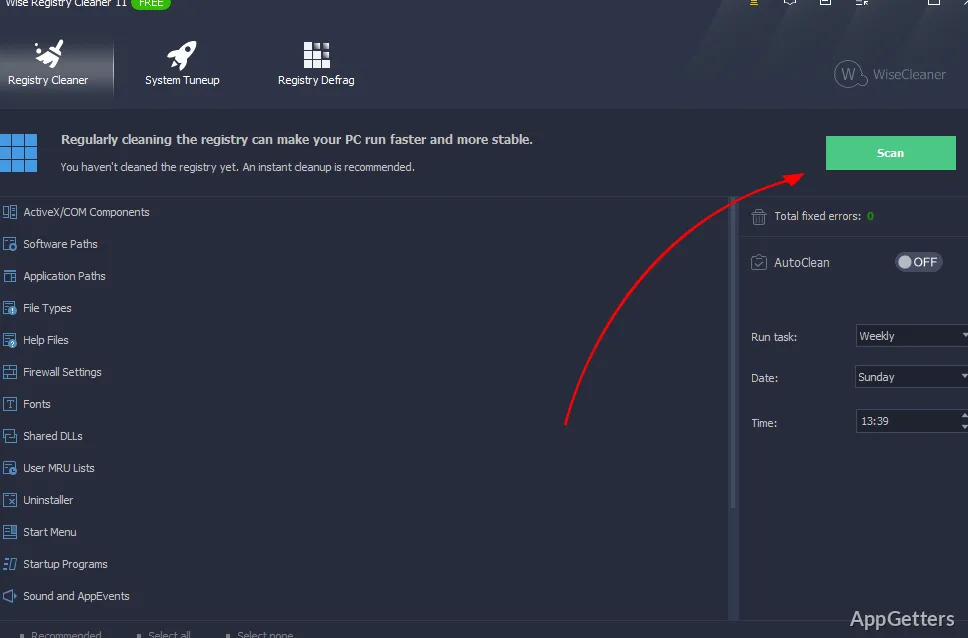
This software is intentionally designed not to cover a wide range of functions and to leave quite a few things not done, which is a plus for it. We would say that it is very simple and easy to use for non-techies, not only because it only “cleans” the Windows registry, but also because it does so with hardly any risks for the system. Thus, this means that the interface is more understandable. It is especially understandable for those who hardly know what a registry is. Typically, scanning is easy and fast, even on old computers.
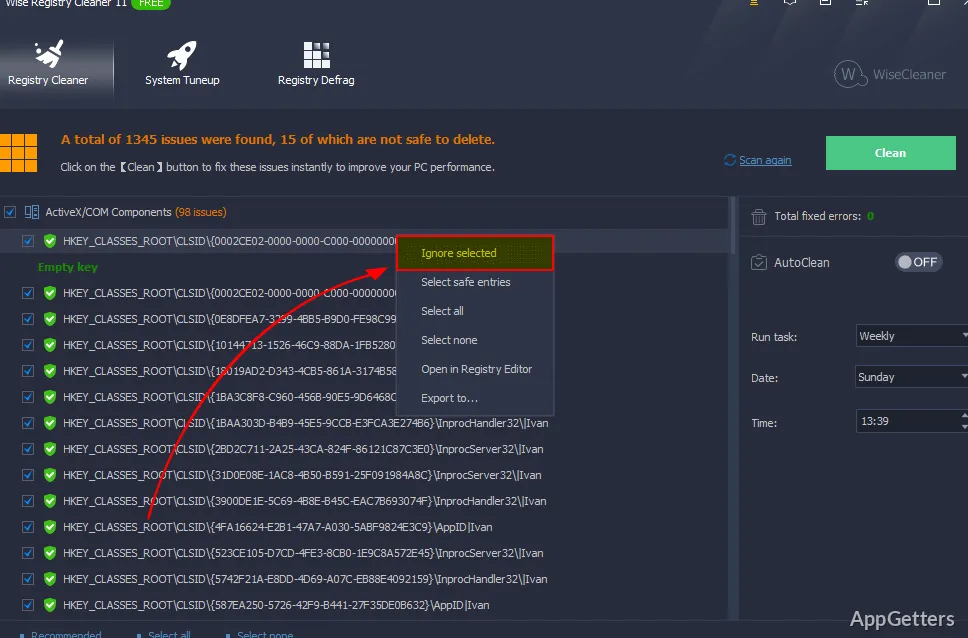
The findings are separated into different classes of danger so that users always know what is going on. This is opposed to feeling confused and helpless. Most home users will find the default settings enough. After fixing the issues, they will feel more relaxed, since that is what they expect from the fixes of deficiencies that have been unknown to them before.
Little Practical Possibility of Increasing Speed
Although the effects one gets from cleaning the registry in general are barely noticeable in terms of acceleration of the system, Wise Registry Cleaner is fully consistent with that. It does not advertise an impressive performance rise, so the results can hardly be seen by the human eye. Long-term, thoroughly used systems with numerous software installs and uninstall procedures may demonstrate a little increase in speed. They may also show a drop in system errors.
Besides, the great contribution of the instrument is in offering the user regularity and stability instead of pure speed. So, by scheduling it to continually run, one will definitely be making the minor bug problems so negligible.The user is left only with a system that, at most times, is operating very well without any sort of reason for complaints.
Safe Backup and a Very Reasonable Level of Default
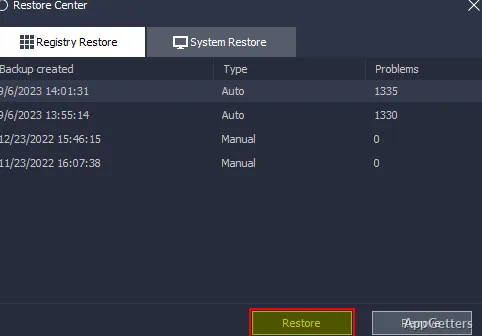
To begin with, the program’s initiators designed a very lenient attitude towards the users by protecting them from making hasty and thoughtless errors. They do this by automatically backing up the previous states of the computer. This means that a user, should things go wrong, has the possibility to restore the system to its original state. It is the presence of this security backup that allows even a novice PC user to feel stable using the tool for the first time. The user can do the task and clean up the registry without worry. The process will not enter a state that cannot be reversed.
At the same time, more experienced users can go for deeper scanning. However, this comes with the risk of being exposed to a higher degree of unwanted consequences. The division of attention between the two opposite interests is admirably balanced.
Targeted at the Average Windows Users for Perpetual Maintenance Only
Wise Registry Cleaner is best considered as a light assistant. It is constantly run by those who care about their personal computer. They do not need it for work or complex operations, and it is not a total system tuning toolset. It can be well appreciated by students, home users, and variously skilled personal PC users. They prefer simple, straightforward tools instead of complex ones. Its great advantage is the possibility of doing a single task very well and very consistently. It is not built as a substitute for the big system utility programs. Rather, it is a complement to them. It focuses on a little-known area to the user and is largely unmanaged by Windows.
Usually, it becomes a habit. This means running it once in a while, considering the results, and then forgetting about it for a while. For users not willing to get into technical stuff but still wanting to keep their system clean, Wise Registry Cleaner is a uniform and low-risk method. It helps monitor registry issues as a component of their regular use of a computer.