EXE
Home » Maintenance » Wise Disk Cleaner Portable for Windows
Wise Disk Cleaner Portable for Windows

Wise Disk Cleaner Portable for Windows

  • By Wise Cleaner
  • Free
  • Version: 4.1
  • 17.28 MB
  • Security Report:

Windows systems are often full of temporary files, cached data, and remnants from their use after a while. These files may not be a direct threat to your system, but they will occupy space. They might lead to the system becoming less responsive in the long run. There are some cleanup utilities that come with your system, but in most cases, users feel they are quite limited. They can’t be relied on to remove deep-seated files everywhere in a system. Wise Disk Cleaner Portable is a neat little program that requires very little seriousness in terms of system resources. One remarkable feature brought to the table is that it can be used without going through the hassle of installing it.

WiseCleaner is the developer company behind the program, and releasing a portable edition has allowed users to perform clean-ups very swiftly on multiple devices. A perfect candidate for people who want to free up disk space very quickly without having a system utility installed permanently.

How It Fits Into Everyday Cleanup Tasks

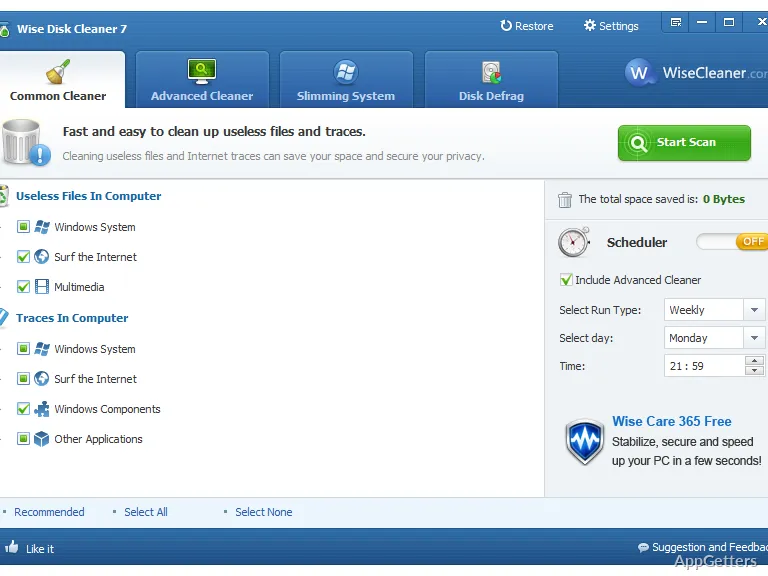
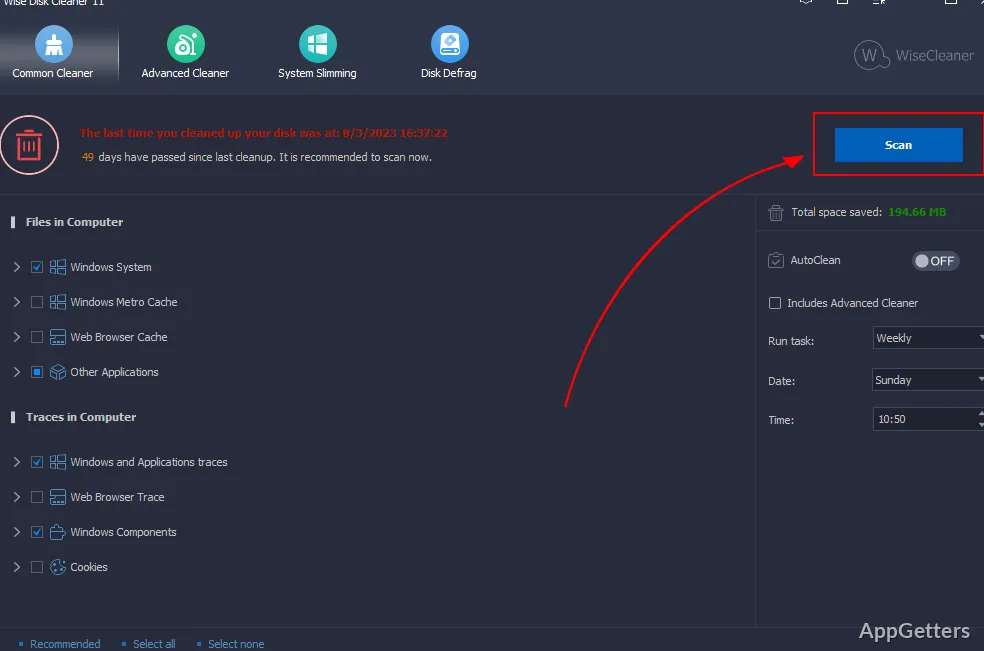
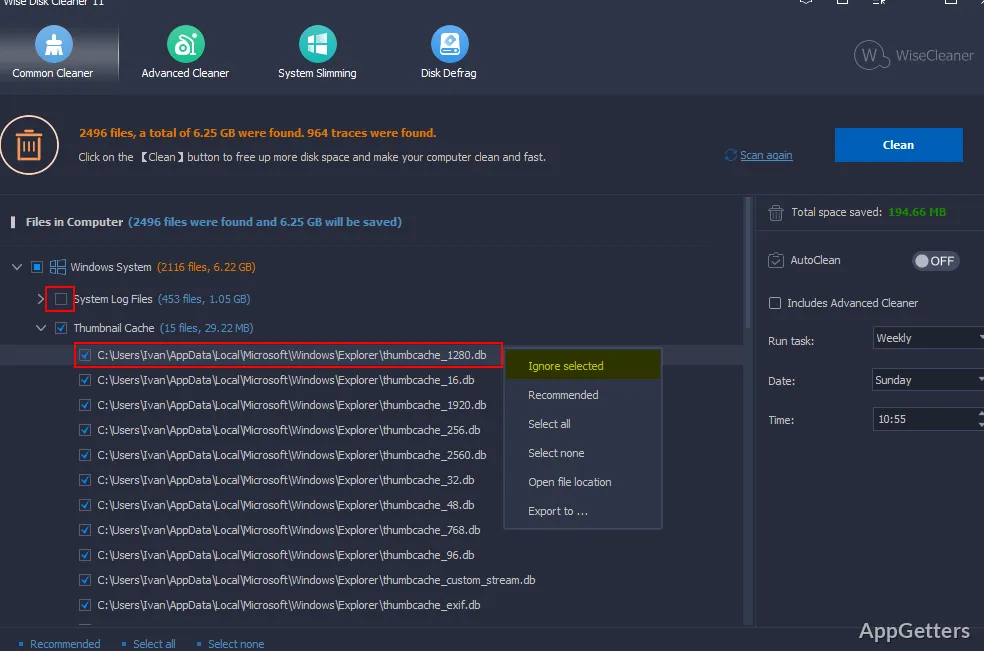
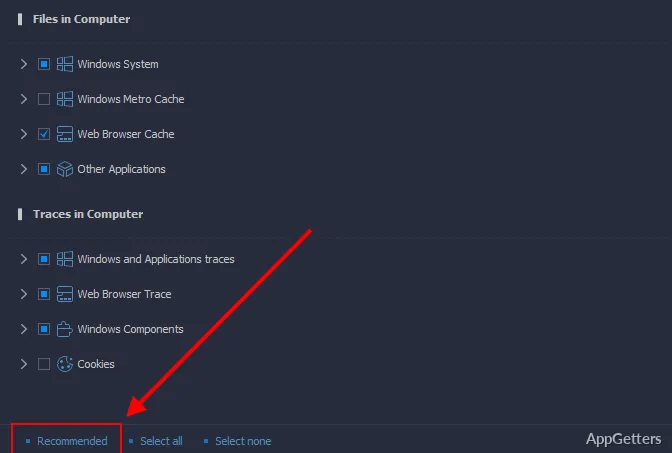
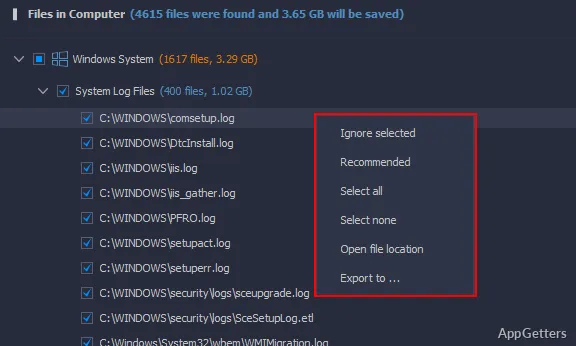
Wise Disk Cleaner Portable works by cleaning up temporary files, browser cache, and other system files that are built up during typical user activities. The program provides a clear interface that leads the user through scanning and cleaning processes naturally. It does so without needing knowledge of computer systems.

The less tech-savvy people, such as students or mom and dad, will appreciate this. Even a quick scan will show you a large amount of data that you can clean up. This is especially true if it has been a while since the last cleaning. It is not a heavy process, and the real result is the extra free disk space.

Portable Design and Everyday Convenience

One of the features that makes this tool very useful and appealing is its portability. It can be executed right from a USB or external storage device. This turns out to be helpful for those who, for instance, operate several PCs or simply want to avoid installing new software. Such a situation is especially relevant in the production or school environment. In these environments, you might not be provided with permission for installations.

Having this sort of flexibility has allowed for cleaning with only a short break, without leaving traces on the system. People carrying out the clean-up can at once decide to close the app and, thereby, avoid having any services running in the background.

Lack of installation also means that there are not so many options for automated cleaning. Compared to the feature-rich utilities, the portable app lacks deeper system integration and scheduled cleanup options. Different sets of users may judge these trade-offs differently.

Reliability and Pragmatic Limitations

Wise Disk Cleaner Portable continues to work efficiently and dependably when working within its area of focus. It is quite accurate when it comes to identifying the common causes of disk clutter and removing them safely. For a user doing regular cleanup, this level of stability is the highest-priority feature over other functions.

It will not be used for serious operating system maintenance, including repairs or performance improvement. So one should not expect it to replace the full-fledged maintenance utility suites. Neither will it tackle the root causes of the problems, like drive fragmentation or software conflicts. Cleaning up unnecessary files is the only function that this utility has.

As with the rest of the world, here the results will be a function of usage patterns as well. Computers that are mostly used for browsing and installing different kinds of software can be considered to benefit the most. Conversely, the ones used very scarcely and for the simplest tasks may not bring about many results.

Where Wise Disk Cleaner Portable Fits in Regular Windows Use

The users who want a fast and effortless method to cope with disk space without installing a new program are the ones for whom Wise Disk Cleaner Portable will be most effective. It is a really nice candidate for routine cleaning of shared or secondary computers. In these cases, in addition to the simplicity, portability also matters.

A wonderful way to keep an eye on storage consumption is provided by the program for home users and students who are not very familiar with the technical aspects. On the other hand, it can be used as a complementary tool to Windows built-in features. It provides a bit more cleaning power when necessary.

Being a lightweight tool that can be called upon to run only when needed, it is a device that can find its spot in a maintenance schedule. The program does not intend to bring about a huge change in the system’s operations, but it will still aid in keeping things orderly. It does so by making sure unnecessary junk does not pile up.

Software Details of Wise Disk Cleaner Portable 4.1

License
Free
Version
4.1
File Size
17.28 MB
Downloads
0
Languages
English English, Arabic, Dutch, French, German, Greek, Italian, Japanese, Korean, Norwegian, Polish, Portuguese, Russian, Spanish, Swedish, Turkish
Category
Op. System
Windows
Developer
Last Updated
January 30, 2026

Version History

5 versions
4.1
Latest
17.28 MB
January 30, 2026
11.3.1.851
16.78 MB
December 29, 2025
11.2.8.848
7.3 MB
November 11, 2025
11.2.7.847
7.3 MB
September 29, 2025
11.2.3.843
7.27 MB
May 9, 2025

Leave a Comment

Your email address will not be published. Required fields are marked *

Software Icon
Security Report

Loading scan data...

Scroll to Top