Want to clear browser traces, trim startup programs, and tidy Windows registry entries from one utility? Wise Care 365 combines those jobs with privacy tools and screens for checking running processes and hardware.
Wise Care 365 scans browser traces and registry entries
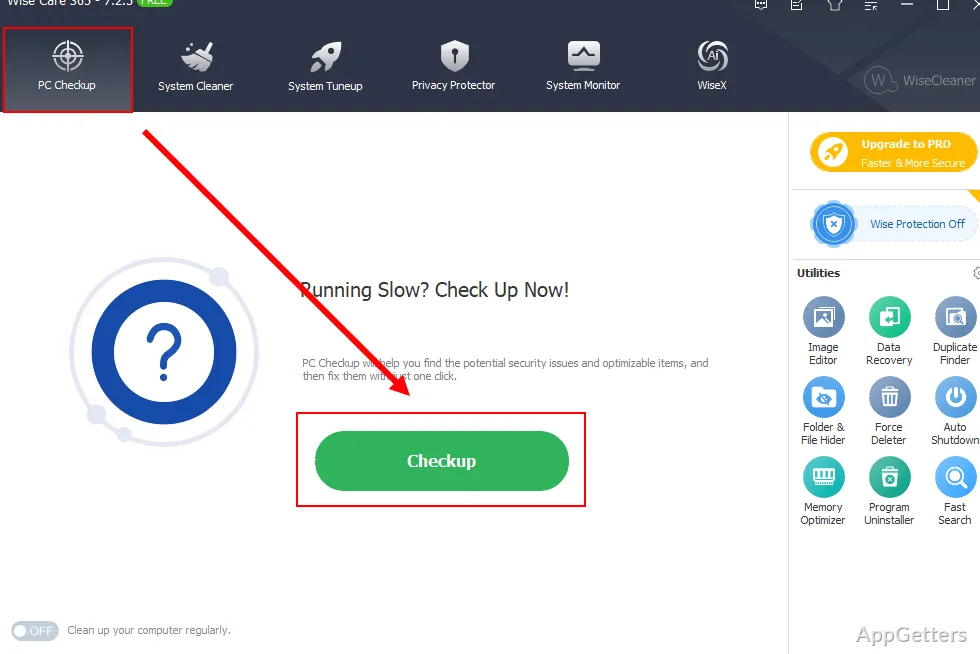
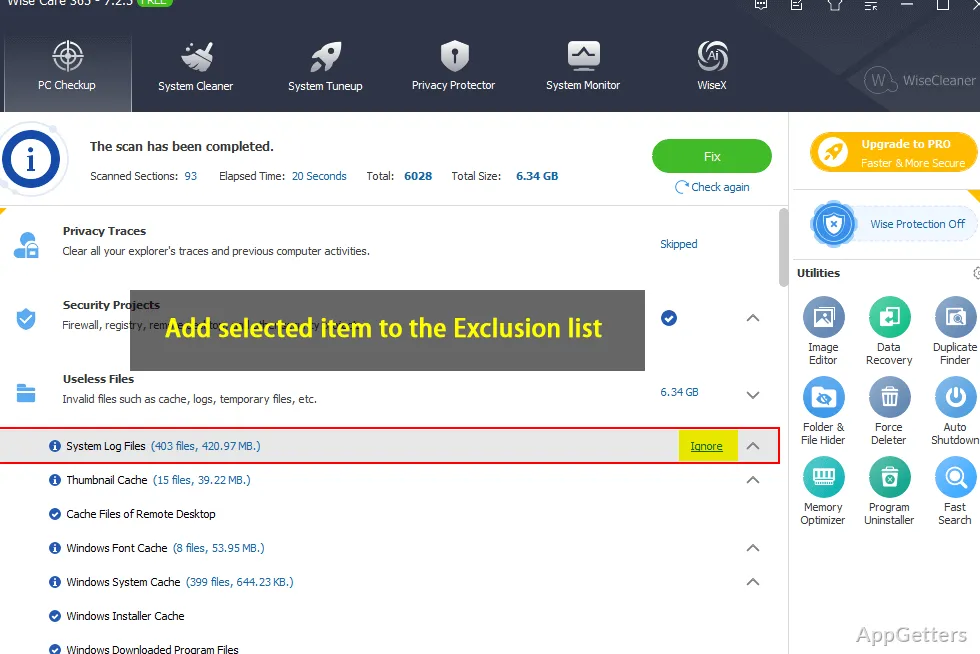
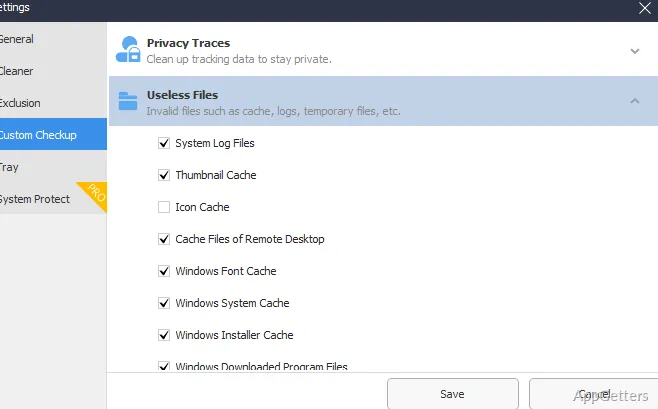
The PC checkup brings several cleanup tasks together. It can find Windows temporary files, application-created junk, invalid shortcuts, and browser data such as caches, cookies, download history, and browsing history. Users can also remove saved passwords and other activity traces.
Registry tools scan for invalid entries and support registry backup and restoration. Wise Care 365 can also scan local drives for files with chosen extensions, giving users a way to locate specific types of files for cleanup.
Startup tools target programs that launch with Windows
Startup management lets users disable programs and services they do not want launching automatically. The optimization tools also include disk and registry defragmentation, along with options for changing Windows system settings.
Real-time system protection watches for attempts to change registry settings, add startup items, alter the default browser, or modify the Internet Explorer homepage. It can block those changes. This protection feature is distinct from real-time system monitoring.
Privacy tools erase traces and monitor activity
Privacy Eraser clears records such as browsing history and recently accessed files. File Shredder permanently deletes selected files, while Disk Eraser is designed to prevent deleted disk data from being recovered. A separate setting lets users allow or block websites from sending browser notifications.
System Monitor shows computer information and a list of active processes, including system and user-started processes. Users can end processes from that view. Hardware Overview provides summary and detailed component information, while an operating-system view displays Windows system details.
Pros
- Combines temporary-file, browser-trace, and registry cleanup in one checkup
- Can back up and restore the Windows registry
- Includes startup management, process monitoring, and hardware details
- Offers separate tools for erasing disk data and shredding files
Can Wise Care 365 back up the Windows registry?
Yes. Its registry tools include options to back up and restore the registry.
What is the difference between File Shredder and Disk Eraser?
File Shredder permanently deletes selected files. Disk Eraser is intended to prevent recovery of deleted data on a disk.
Can it show which processes are running?
Yes. Process Monitor lists active user-initiated and system-initiated processes, and lets users end processes.