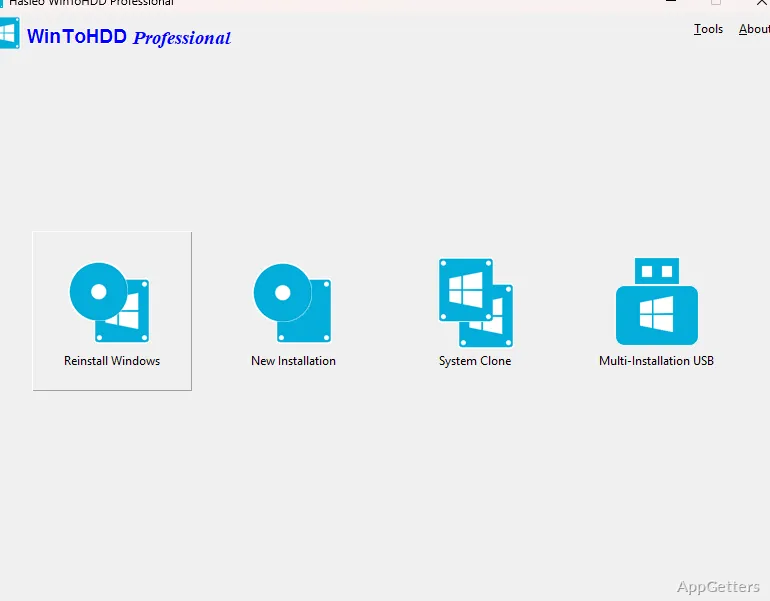
Want to reinstall Windows without making a bootable USB stick first? WinToHDD starts a fresh install from an ISO or other image file while the current Windows is still running, and it also includes separate workflows for installing Windows to another disk and copying an existing system to a new drive.
Image-based reinstall
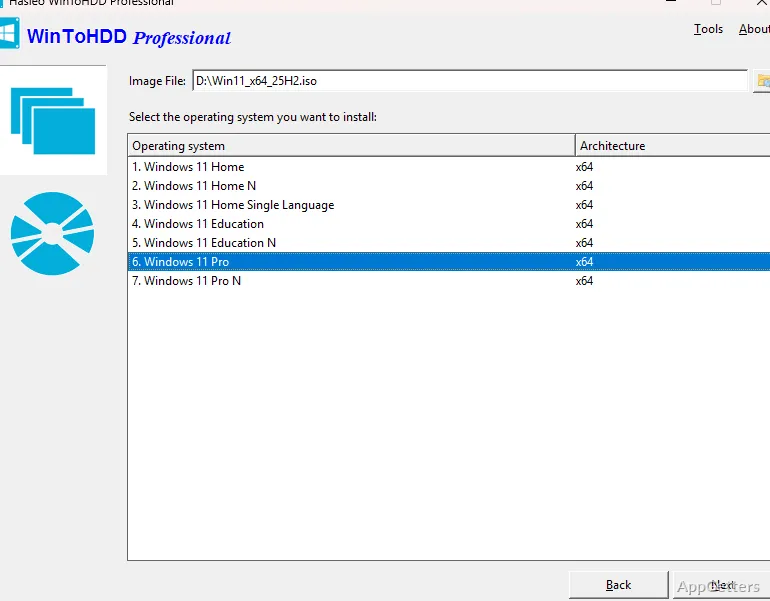
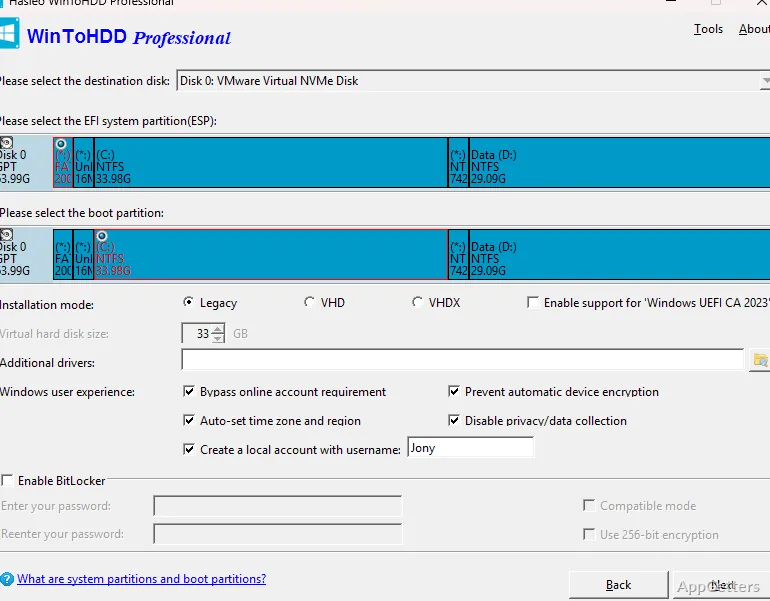
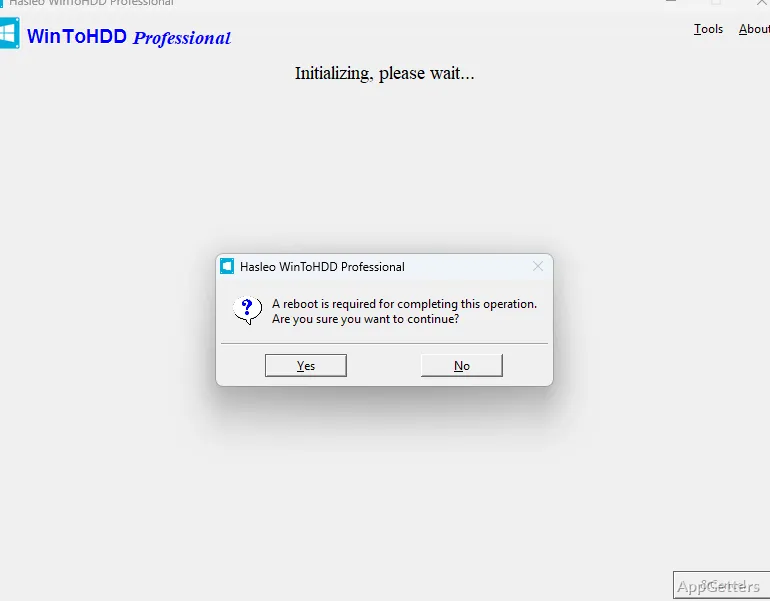
Choose a Windows image and edition in the reinstall workflow, then confirm the target disk and partitions. WinToHDD prepares a Windows PE environment and restarts the computer to continue the installation. Supported image sources include ISO, WIM, ESD, SWM, VHD, and VHDX files, so an optical disc or USB installer is not required for this workflow.
The install workflow uses a similar image-file process to place Windows on a disk other than the one running the current system. During setup, WinToHDD identifies the destination disk and its partitions. The program also includes an option to bypass certain Windows 11 hardware and setup checks, including TPM, RAM, and internet-connection requirements.
System Clone
System Clone copies an existing Windows installation to another disk, including an HDD or SSD. This carries the installed system to the destination drive without reinstalling Windows and its applications. It is the program’s migration path for replacing a disk or moving a system to different storage.
- Select the existing Windows installation and destination disk.
- Use the clone workflow to transfer the system to the new drive.
- BitLocker encryption is available during cloning in editions that include the feature.
Multi-installation USB
WinToHDD can build a bootable USB drive containing Windows installation files. One drive can hold installation images for different Windows editions, and the resulting USB also includes the system-clone feature. It supports booting the drive on BIOS and UEFI computers, making this workflow distinct from installing or reinstalling directly from the running system.
Pros
- Reinstall Windows straight from an ISO, VHD or WIM-type image
- Clone an existing Windows installation to an HDD or SSD
- Create a multi-installation USB for Windows setup and system cloning
System requirements: Windows 7, Windows 8, Windows 8.1, Windows 10, Windows 11 · 32-bit and 64-bit · Intel Pentium or compatible processor at 1 GHz or above · 1 GB RAM; 2 GB recommended · At least 1024 MB of free disk space
Can WinToHDD reinstall Windows without a USB drive?
Yes. Select a supported Windows image file and edition, confirm the target disk and partitions, and let the program prepare Windows PE before restarting.
Can WinToHDD move an existing installation to an SSD?
Yes. System Clone copies an existing Windows installation to another disk, including an SSD.
What is the multi-installation USB for?
It creates a bootable USB with Windows installation images and a system-clone feature for use on BIOS or UEFI computers.